Enter the long and short names for the inputs and outputs
HyperDeck Settings
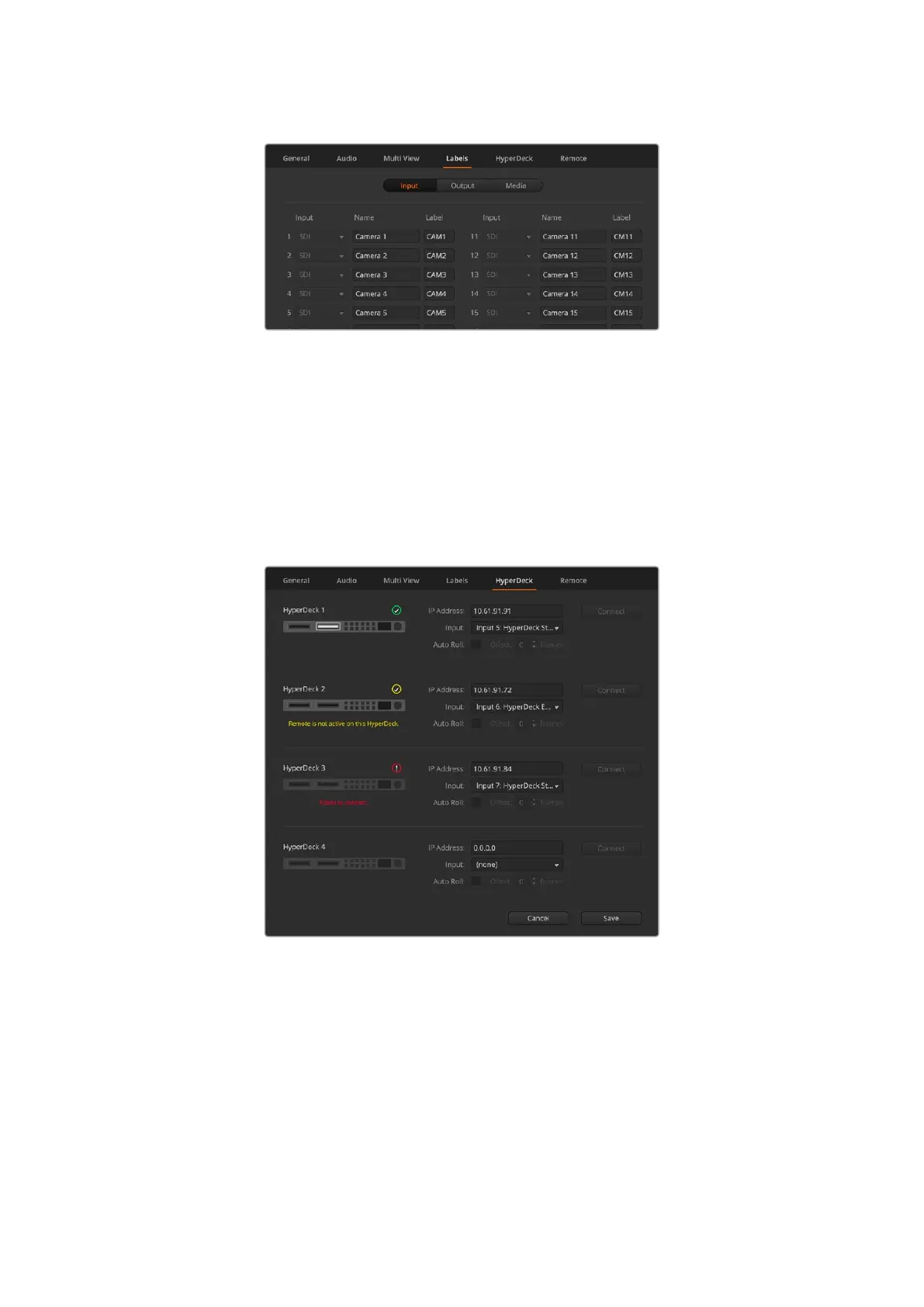
Connect up to 4 Blackmagic HyperDeck Studio disk recorders and control them using ATEM
Software Control. When connecting HyperDecks, use these settings to configure the IP
Address, select the inputs your HyperDecks are connected to, turn the auto roll feature for each
deck on or off and set their frame offset settings so they can switch cleanly.
Status indicators appear above and below each deck so you can see if they are successfully
connected and if their remote buttons are active.
Add up to 4 HyperDecks
Customizing the labels for your HyperDeck inputs can make it easier to pick from the list.
For detailed information on setting up Blackmagic HyperDecks with your ATEM switcher and
setting the ‘HyperDeck’ configuration settings, refer to the ‘HyperDeck control’ section of
this manual.
27ATEM Software Control



 To Next Page