clip and gain values, pre-multiplied, and mask settings. Each ATEM Constellation HD switcher
has a different number of downstream keyers available.
Model
Downstream
Keyers
ATEM 4 M/E Constellation HD 4
ATEM 2 M/E Constellation HD 2
ATEM 1 M/E Constellation HD 1
Fade to Black
The Fade to Black palette is where you can set the fade to black transition rate. An ‘audio follow
video’ checkbox is also provided as a shortcut for the audio mixer’s master fader AFV button.
Selecting this feature lets you fade your audio with your fade to black.
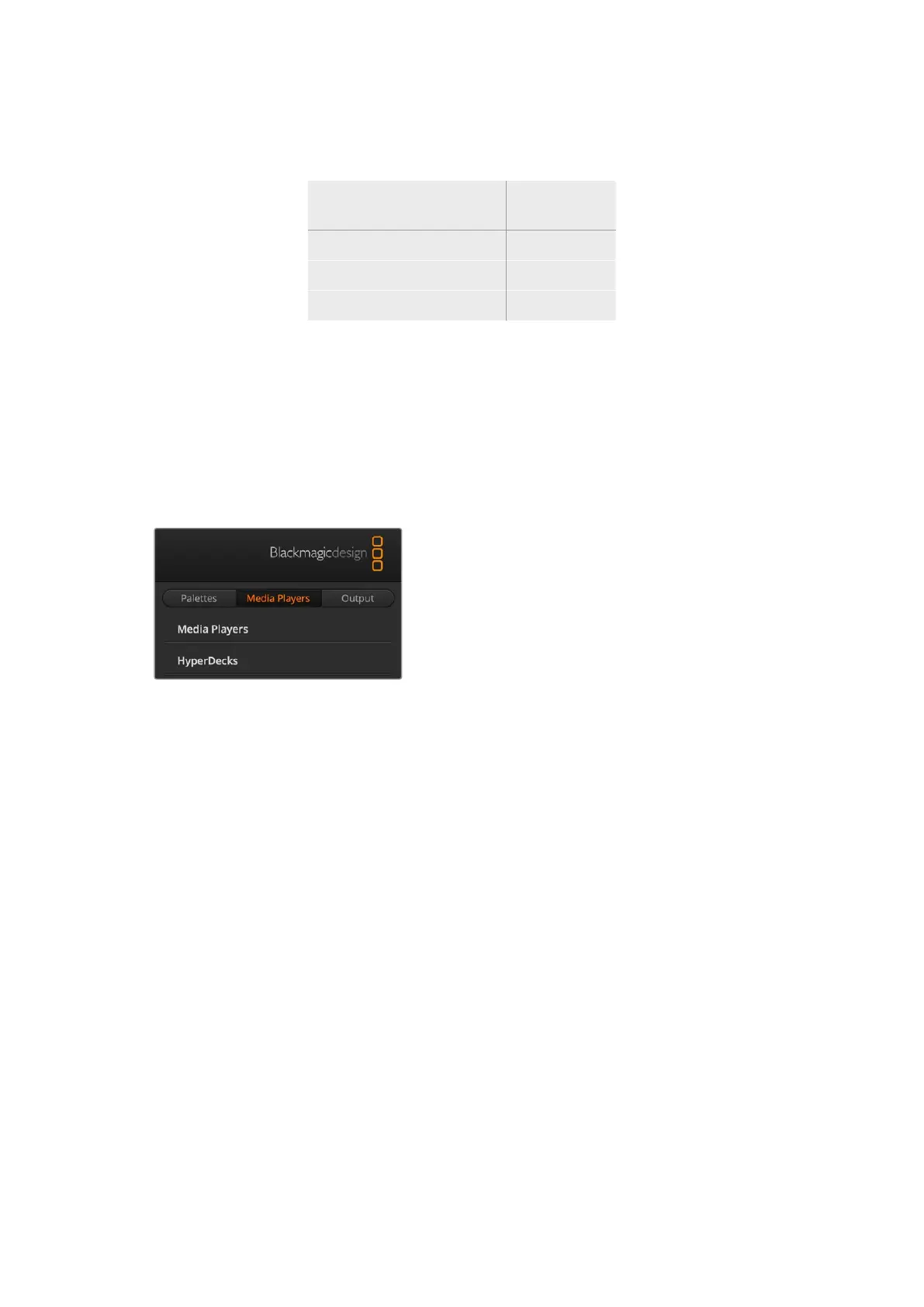
Media Players Tab
The Media Players tab contains controls for your ATEM Switcher’s media players and connected
HyperDecks.
Media Players
Your ATEM switcher has media players which play
back the clips and stills that are stored in the media
pool memory built into the switcher. The drop down
list is used to select the still or clip that will be played
or made available on the media player input to the
switcher. When a clip is selected, the transport
controls in the media player can be used to play,
pause and loop the clip. Controls are also provided to step forward and backward through
frames of the clip. ATEM 1 M/E and 2 M/E Constellation HD switchers have 2 media player,
ATEM 4 M/E Constellation HD has 4 media players.
HyperDecks
You can connect up to 4 Blackmagic HyperDeck Studio model disk recorders and control
them using ATEM Software Control’s HyperDecks palette. For more information refer to the
‘HyperDeck control’ section of this manual.
Output Tab
Use the output tab to adjust the timecode and counter settings as well as to capture stills.
Computers with Desktop Video, such as Decklink cards or UltraStudio can also be controlled
for capture.
Capture Video
When using Blackmagic Desktop Video products, you can record your program output from
your ATEM Constellation switcher using capture video. Connect your SDI output on the switcher
to the input on your desktop video device, for example UltraStudio HD Mini.
To capture:
1 Press the capture settings tab.
35ATEM Software Control


 To Next Page
 Loading...
