You can also capture a still from your broadcast using the capture still button in the lower right
hand side of the media pool. Click the button and the still will populate into the next available
image slot on your media pool.
Using the Audio Mixer
The audio tab is used to mix audio sources connected to the ATEM switcher via SDI, analog
audio and also from the built-in media players. On ATEM 4 M/E Constellation HD switchers you
can also mix the MADI audio.
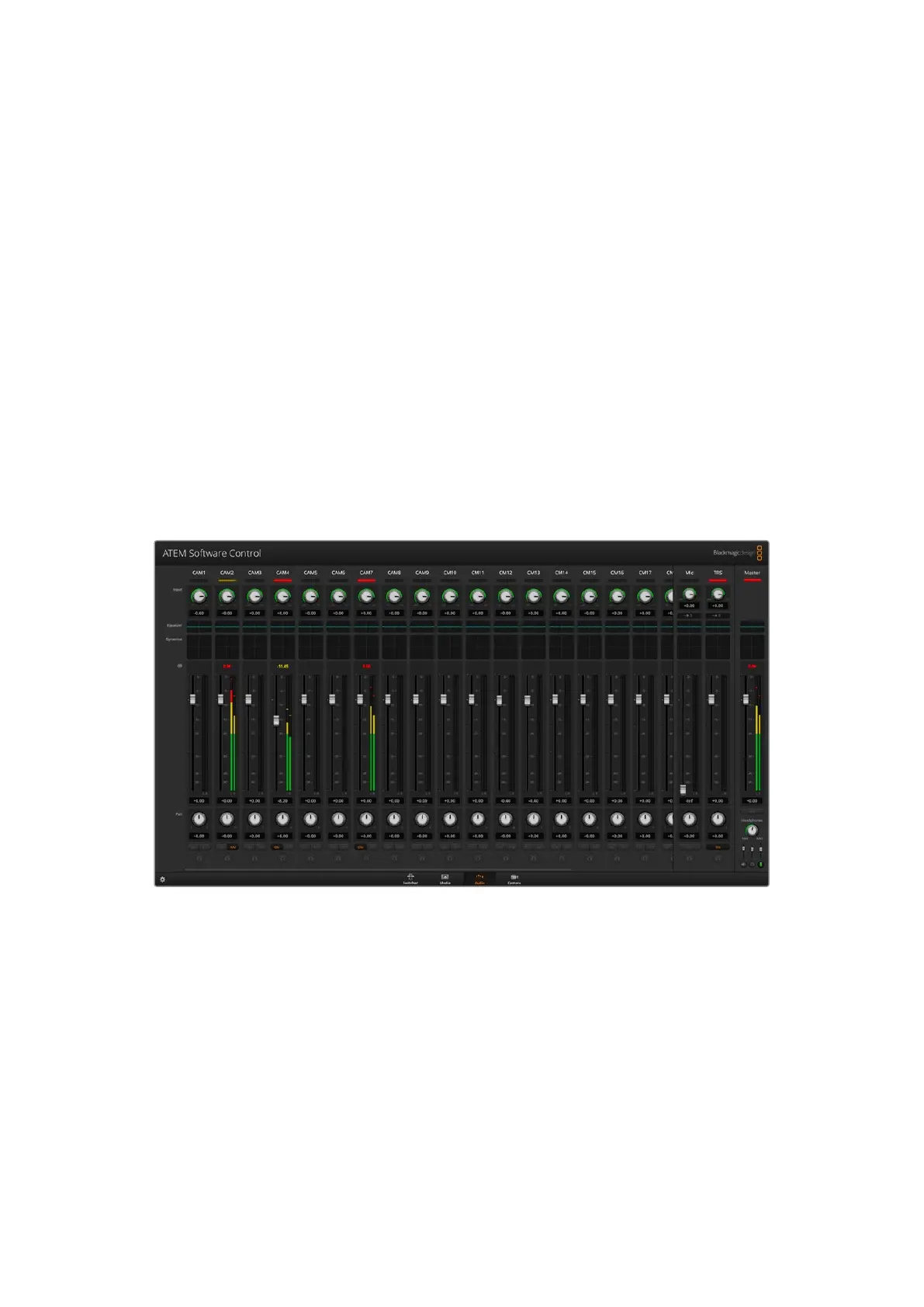
Cameras, media players and external audio sources are listed along the top of the audio mixer
along with the master audio output for the program outputs of the switcher.
Below each audio source is an audio level meter, a fader for setting the maximum audio level,
and a knob for setting the left/right audio channel balance. The master fader on the right side of
the audio mixer is used to set the gain on the audio level on the SDI program outputs and has
its own audio level meter. The monitor fader and buttons appear below the master fader and
set independent audio levels and also allow solo monitoring on the audio outputs.
The buttons below each audio level meter determine whether audio is always available for
mixing or only when the source is on air. The solo, or headphones, button determines whether
the audio source should be used for solo audio monitoring.
The audio mixer displays tally lights for any audio sources that are currently on air or when AFV is selected, as
well as audio level, audio balance and buttons for selecting which audio should be used.
Tally
Any source whose audio is on air is lit with a red tally light in the software. External audio is
on air by default so the EXT tally light is usually lit red. In the example on this page, Cam4 and
Cam7 are lit because their audio is set to be always on. The tally light will be illuminated dull
yellow when AFV is selected and the channel’s associated camera is off air. This also applies
to the master fader tally light when the master fader AFV button is selected. When FTB is
activated, the master fader tally light will blink red.
40ATEM Software Control


 To Next Page
 Loading...
