The master reset button on the bottom right corner of the color corrector panel lets you reset
lift, gamma and gain color wheels plus Contrast, Hue, Saturation and Lum Mix settings. You can
paste color correction settings to camera controllers individually, orall cameras at once for a
unified look. Iris, focus, coarse and pedestal settings are not affected by the Paste feature. When
applying Paste to all, a warning message will appear asking you to confirm your action. This is so
you don’t accidentally paste new settings to any unlocked cameras that are currently on air.
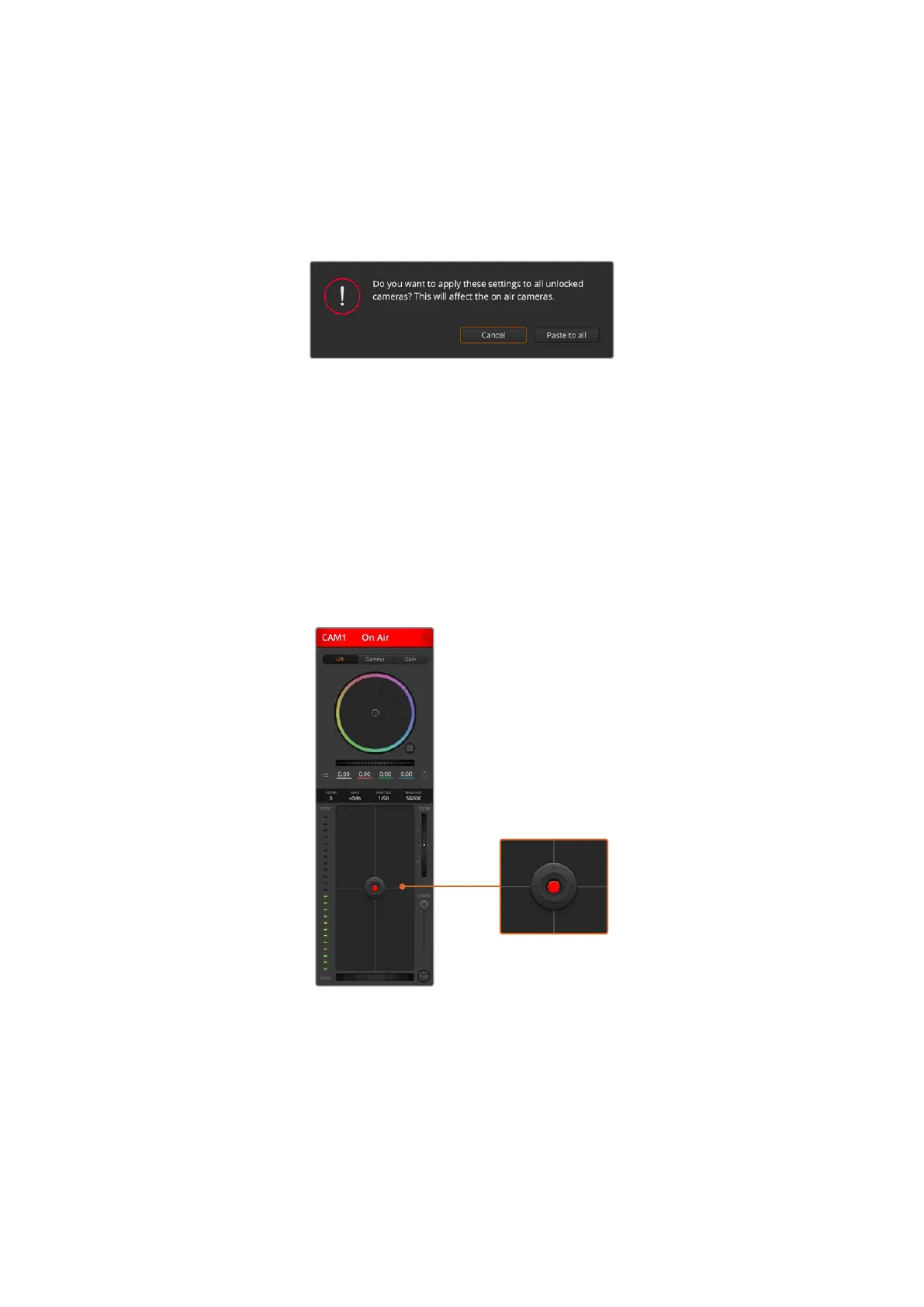
When applying ‘paste to all’, a warning message will appear
asking you to confirm your action. This is so you don’t
accidentally paste new settings to any unlocked cameras that
are currently on air.
Iris/Pedestal Control
The iris/pedestal control is located within the cross hairs of each camera controller. Thecontrol
illuminates red when its camera is on air.
To open or close the iris, drag the control up or down. Holding the shift key allows only iris
adjustments.
To darken or lift the pedestal, drag the control left or right. Holding the command key on a Mac,
or the Control key on Windows, allows only pedestal adjustments.
The iris/pedestal control illuminates red when its respective
camera is on air.
Zoom Control
When using compatible lenses with an electronic zoom feature, you can zoom your lens in
and out using the Zoom control. The controller works just like the zoom rocker on a lens, with
telephoto on one end and wide angle on the other. Click on the zoom control, located above
the Coarse slider and drag up to zoom in, or drag down to zoom out.
52Using Camera Control


 To Next Page
 Loading...
