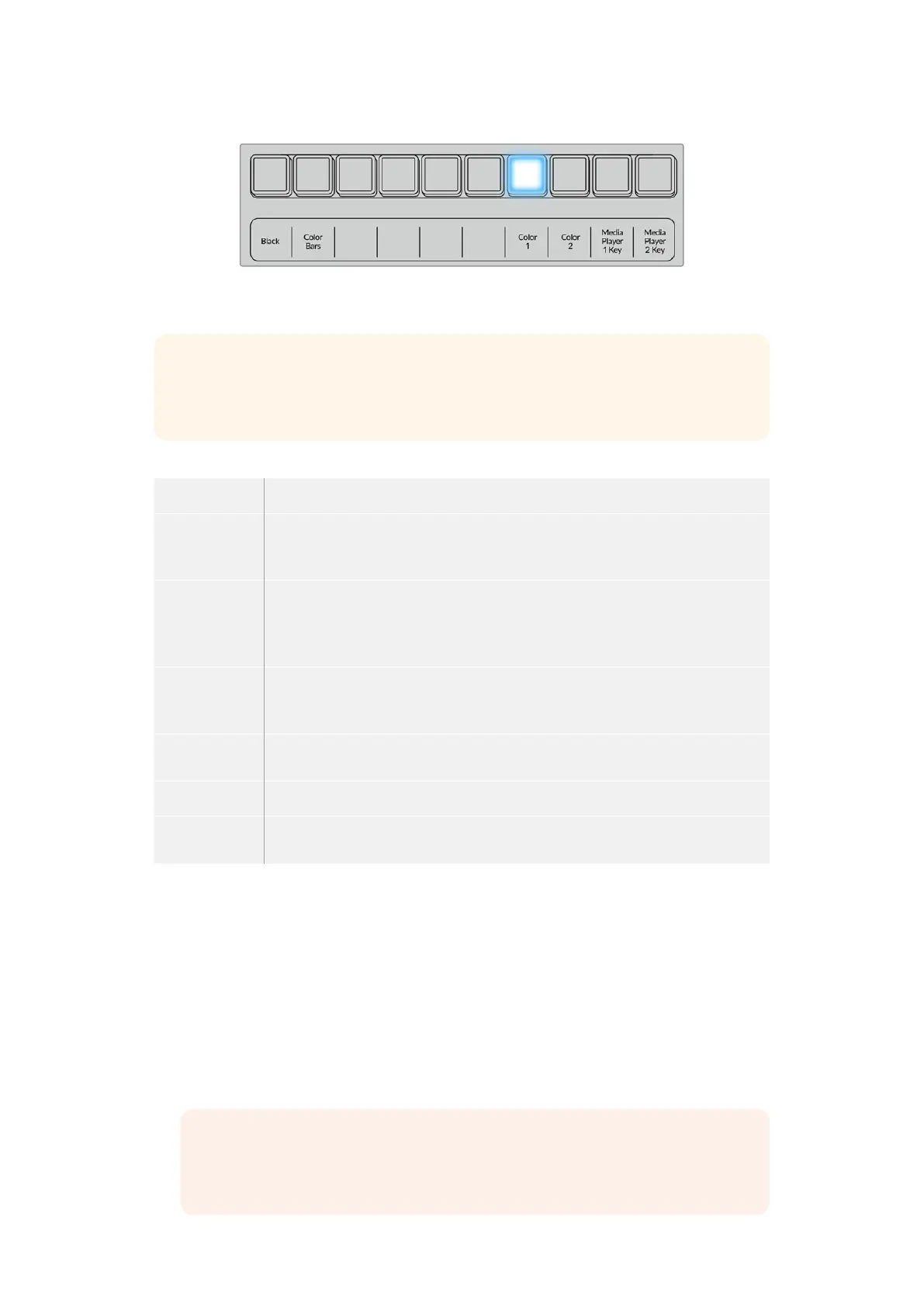
Hold the shift button down to select a shifted source, such as color bars or a color
generator.
TIP The border source used in a wipe transition can be any source in the switcher.
Forexample, a thick border with the media player as its source can be used for
sponsorship or branding.
Wipe transition parameters
Rate The length of the wipe transition in seconds and frames.
Symmetry Symmetry can be used to control the aspect ratio of the pattern. For example,
adjusting the symmetry will allow you to change a circle into an ellipse. On the
advanced panel symmetry can be adjusted using the z axis of the joystick.
Position If the wipe pattern has positioning then the joystick on the advanced panel or the x
position: and y position: boxes in the transition palette of the software control panel
can be used to move the center of the pattern. Moving the joystick dynamically
updates the x and y position display in the software control panel.
Reverse
Direction
Reverse changes the progression of closed patterns such as circles, diamonds and
boxes so that the pattern closes in from the edges of the screen toward the center.
When selected the text will illuminate orange.
Flip Flop When flip flop mode is toggled on, the transition changes between normal to
reverse every time the transition is executed.
Width Width of the border.
Softness The edges of the wipe pattern can be adjusted between sharp and fuzzy by
adjusting the softness parameter.
DVE Transitions
Your ATEM switcher includes a powerful digital video effects processor for DVE transitions.
A DVE transition displaces the image in various ways to transition from one picture to another.
For example, a DVE transition can be used to squeeze the current picture off screen revealing a
new video under it.
To perform a DVE transition on an ATEM advanced panel
1 On the preview bus, select the video source that you want on the program output.
2 Press the DVE transition type button to select the DVE transition. The DVE settings will
appear on the LCD menu.
NOTE If the DVE is already being used in an upstream key, the DVE transition type
will not be available for selection until the key is taken off air and off next transition.
Refer to ‘sharing DVE resources’ later in this section for moreinformation.
80Performing Transitions using ATEM Hardware Panels


 To Next Page
 Loading...
