Introduction 3
Specifications 3
Hardware Requirements 3
Hardware Installation 4
One Stage Installation 4
Two Stage Installation 4
Three Stage Installation 5
Step-by-Step Hardware Installation 6
Operation of the CS-104 7
Front Panel Selection 7
Keyboard Selection 7
Auto-Scan Mode 8
Previous/Next Mode 8
Direct Port Selection 8
LED Display 9
DIP Switch Settings 10
Foot Switch (Optional) 10
Troubleshooting 11
Preventing Radio & TV Interference 12
Limited Warranty 12
Packaging Checklist:
•
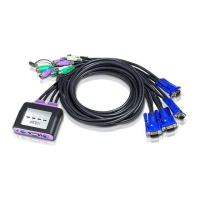
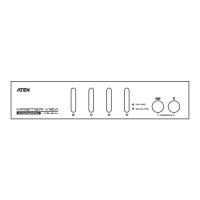
(1) Master View CPU Switch [CS-104]
•
(1) Power Adapter [DC 9V 250mA
(minimum)
]
•
(1) CPU Switch User’s Manual [This Book]
©Copyright 1996 ATEN® International Co., Ltd.
Manual Part No. PAPE-0126-200



 To Next Page
 Loading...