28 • Atheros Communications, Inc.
COMPANY CONFIDENTIAL
Copying Bluetooth Suite from the CD
1. Insert the CD containing the Bluetooth Suite into the CD drive.
2. Double Click on the Bluetooth Suite
setup.exe file.
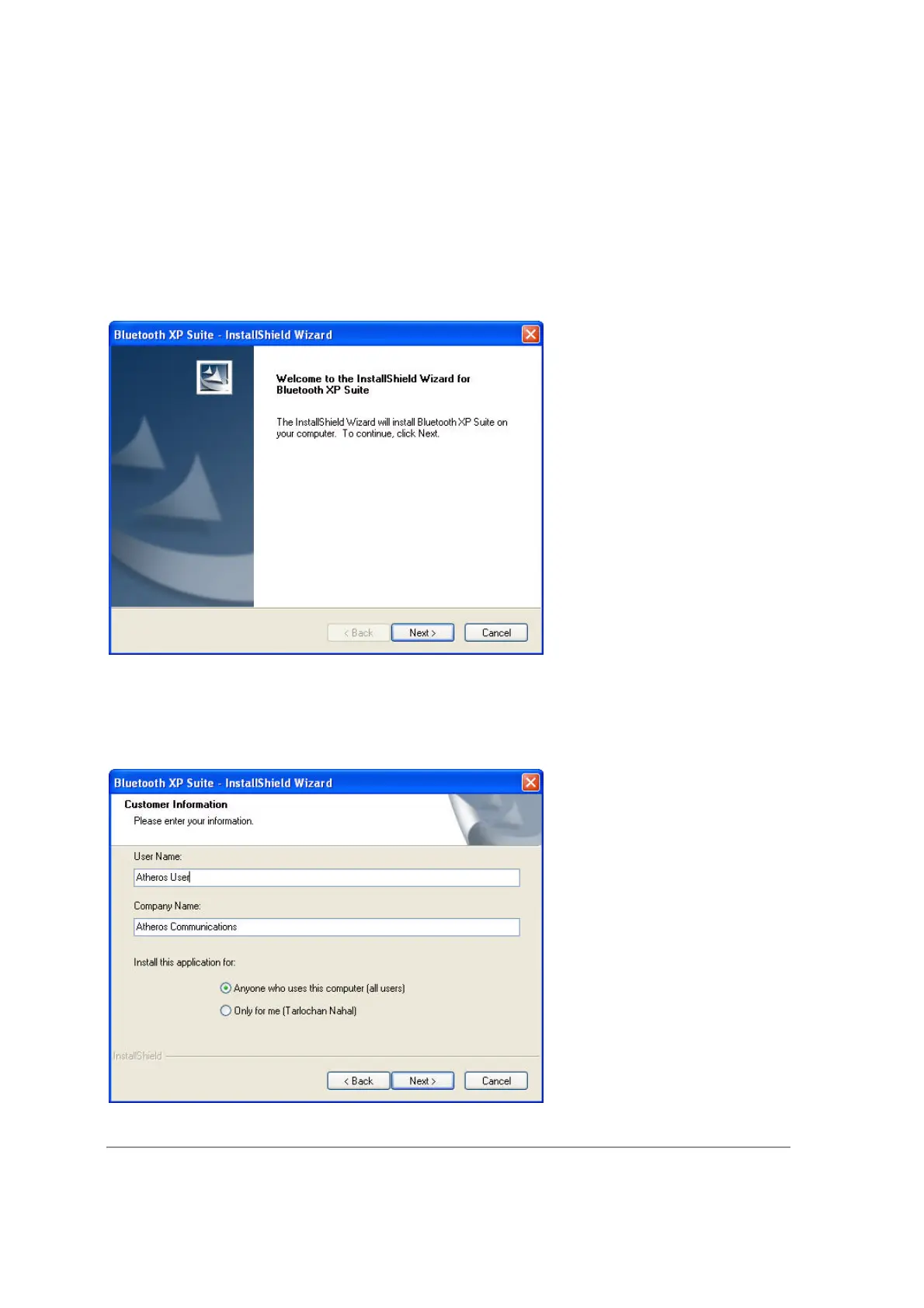
The InstallShield Wizard starts to prepare the package for installation. The Welcome to
InstallShield Wizard for Bluetooth Suite screen (see Figure 2-1) is displayed.
Figure 2-1. Bluetooth Suite - Welcome Screen
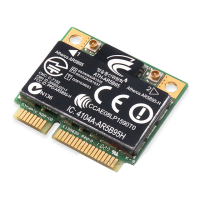
3. Click Next.
You will see the Customer Information screen. See Figure 2-2.


 To Next Page