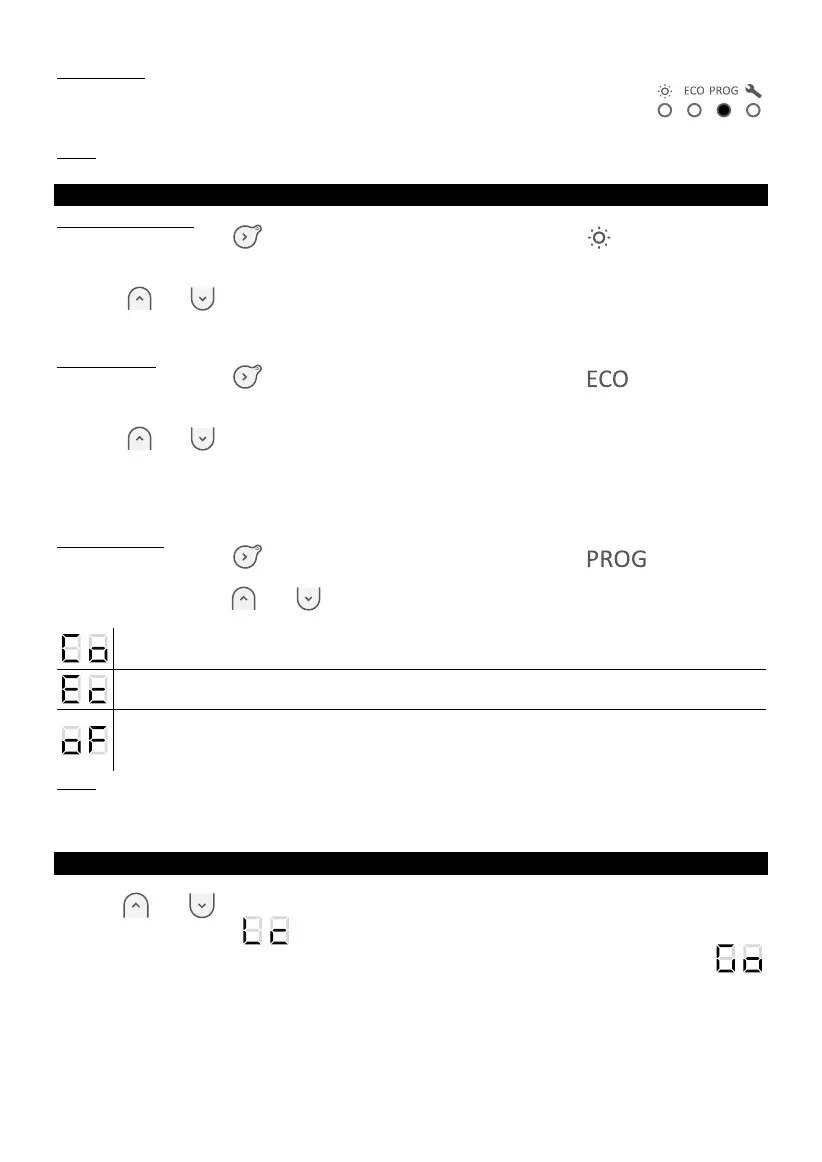
Prog mode
The appliance follows the preset programs for each day of the week.
You can change these programs and change time for the Comfort, Eco or
heating off phases.
Note: in Prog mode, the appliance automatically will ask to set the time
and day of the week, if it’s not set yet.
TEMPERATURE REGULATION
In Comfort mode
Press the button
until the indicator below the pictogram lights up.
The screen shows the last temperature setpoint in Comfort mode (19°C by default).
Temperature setpoint can be regulated from 12°C to 28°C with step 0,5°C using
buttons
and
.
In case of long-term absence, you can set temperature setpoint 7°C (frost protection
temperature).
In Eco mode
Press the button
until the indicator below the pictogram lights up.
The screen shows the last temperature setpoint in Eco mode (15,5°C by default).
Temperature setpoint can be regulated from 10°C to 19°C with step 0,5°C using
buttons
and
.
The maximum Eco temperature setpoint is limited (2°C below the Comfort
temperature).
In case of long-term absence, you can set temperature setpoint 7°C (frost protection
temperature).
In Prog mode
Press the button
until the indicator below the pictogram lights up.
It is not possible to change temperature setpoint in this mode
Use the buttons and to see the mode which appliance follows up. If screen
shows:
The appliance follows temperature setup in Comfort mode
The appliance follows temperature setup in Eco mode
Reminder: temperature setup in Eco mode, cannot be higher than 19°C.
The appliance does not heat (possible only in Prog mode).
Note: prefer to use Eco / Comfort transition, which is more energy efficient than
Off / Comfort transition.
Note:
- To change Comfort temperature, go to Comfort mode;
- To change Eco temperature, go to Eco mode;
- To change preset programs in Prog mode, go to appliance settings.
LOCK APPLIANCE CONTROL BOX
To avoid manipulations by children, you can lock appliance control box pressing
buttons and at the same time. Hold buttons around 3 seconds.
The screen shows . Appliance control box is locked.
Make same operation to unlock the appliance control box. The screen shows








 To Next Page