Overview Installation Use Maintenance Warranty
10. Start-up
10.1. Filling the water heater
Open the hot water taps.
Open the cold water tap on the safety unit (make sure that the unit drain valveisintheclosedposition).
Close the hot water taps after filling is completed. The water heater is now full of water.
Check the sealing of the tubing connections.
Check the correct functioning of the hydraulic components by opening the drain valve of the safety unit
several times, in order to get rid of any residues in the discharge valve.
❶
❷
❸
❹
❺
10.2. Appliance start up.
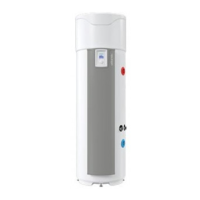
Turn on the water heater.
Make sure that no error is displayed on the screen.
When the power is turned on for the first time, instructions appear on the screen for setting the
parameters (Language, Date and Time, Air ducts, Installation, Photovoltaic, Operating ranges, Anti-
legionella).
When the parameters are set, check the operation of the water heater (see paragraph "Checking
operation").
❶
❷
❸
❹
If the water heater was tilted, wait at least one hour before starting it.
Refer to the "Installation Adjustments" or "Installation Settings" sections for returning to previous settings.
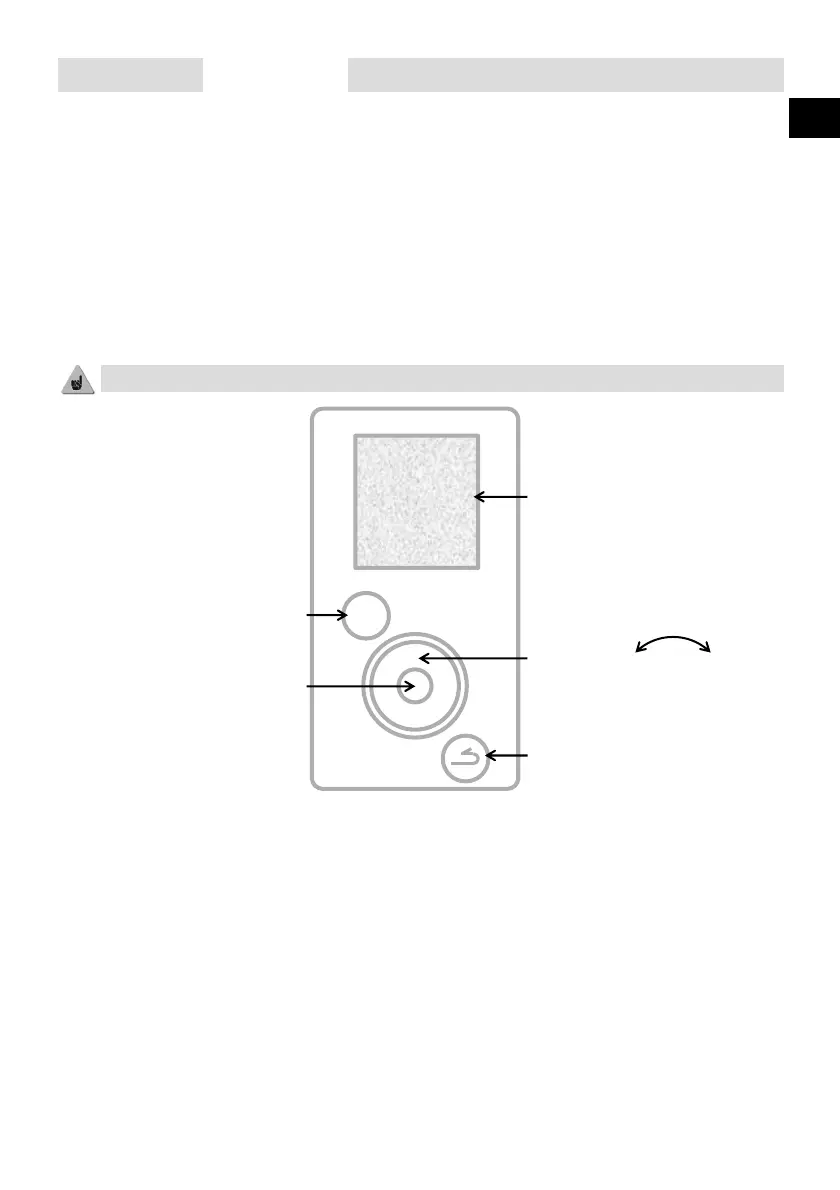
Review the information
Follow the instructions
Access the settings
Lock the settings
Navigate -+
Decrease/Increase the values
Return to the previous screen
Validate
MENU




 To Next Page