5
SOFTWARE OPERATION
Before running the software, please make sure the rotary switch is set to MODE 7.
1) Getting started
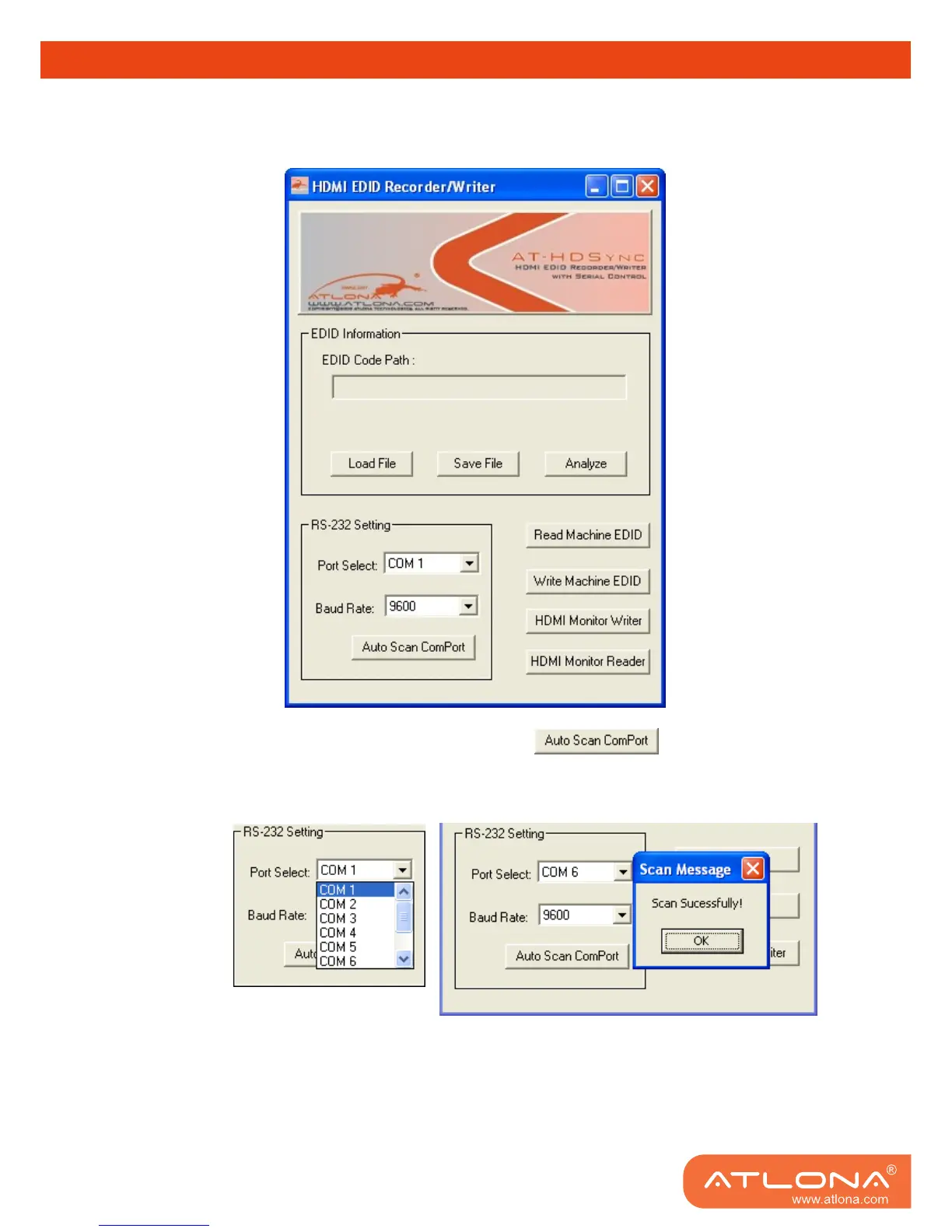
1. Firstly, make sure of the correct setup, and click on
If the installation is done successfully, the following pop-up message window will show up to
indicate the RS-232 serial port is automatically detected and successfully connected.
2. If the error message as shown below appears, inappropriate setup has occurred. Check
at the power supply and RS-232 serial port connection.



 To Next Page