6
2) Read EDID from AT-HDSync
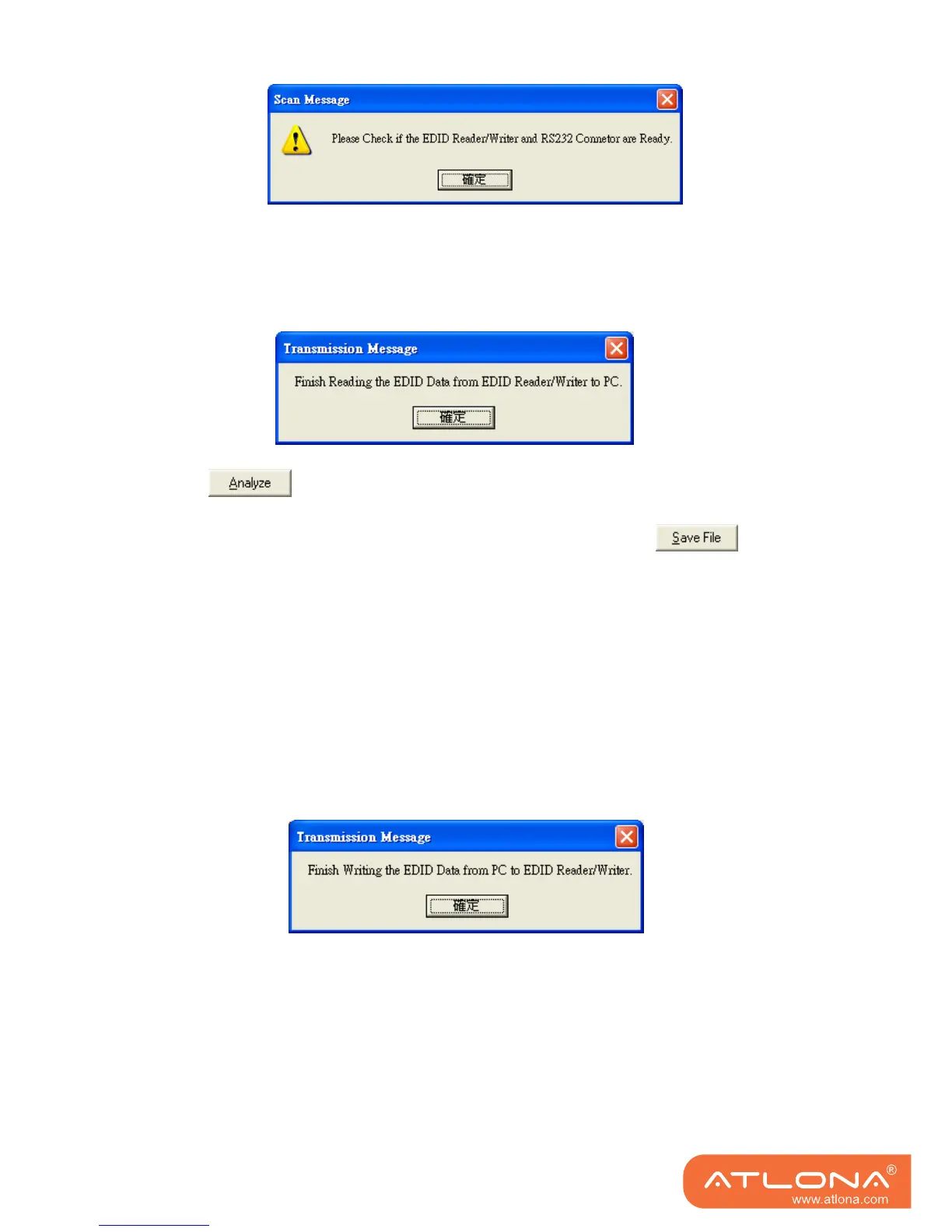
1. If users would like to read EDID info from the AT-HDSync, simply click ”Read Machine EDID.”
You can see the following message to inform you the correct reading of the EDID has been
done.
2. Click and make a quick analysis on the EDID information just read, which
users are capable of monitoring or modifying.
3. To save the EDID information for your future reference, please click .
The pop-up window will guide you to save the EDID information within the PC.
3) Write EDID into AT-HDSync
1. You can modify EDID content in the pop-up window after you click “Analyze”. You can also
load the previously saved EDID information in the analysis window by clicking “Load File”.
2. While you finish editing EDID content, you can click “Write Machine EDID” to write the EDID
profile to the AT-HDSync. After the writing action is completed, the following message
window will show up.



 To Next Page