2-5
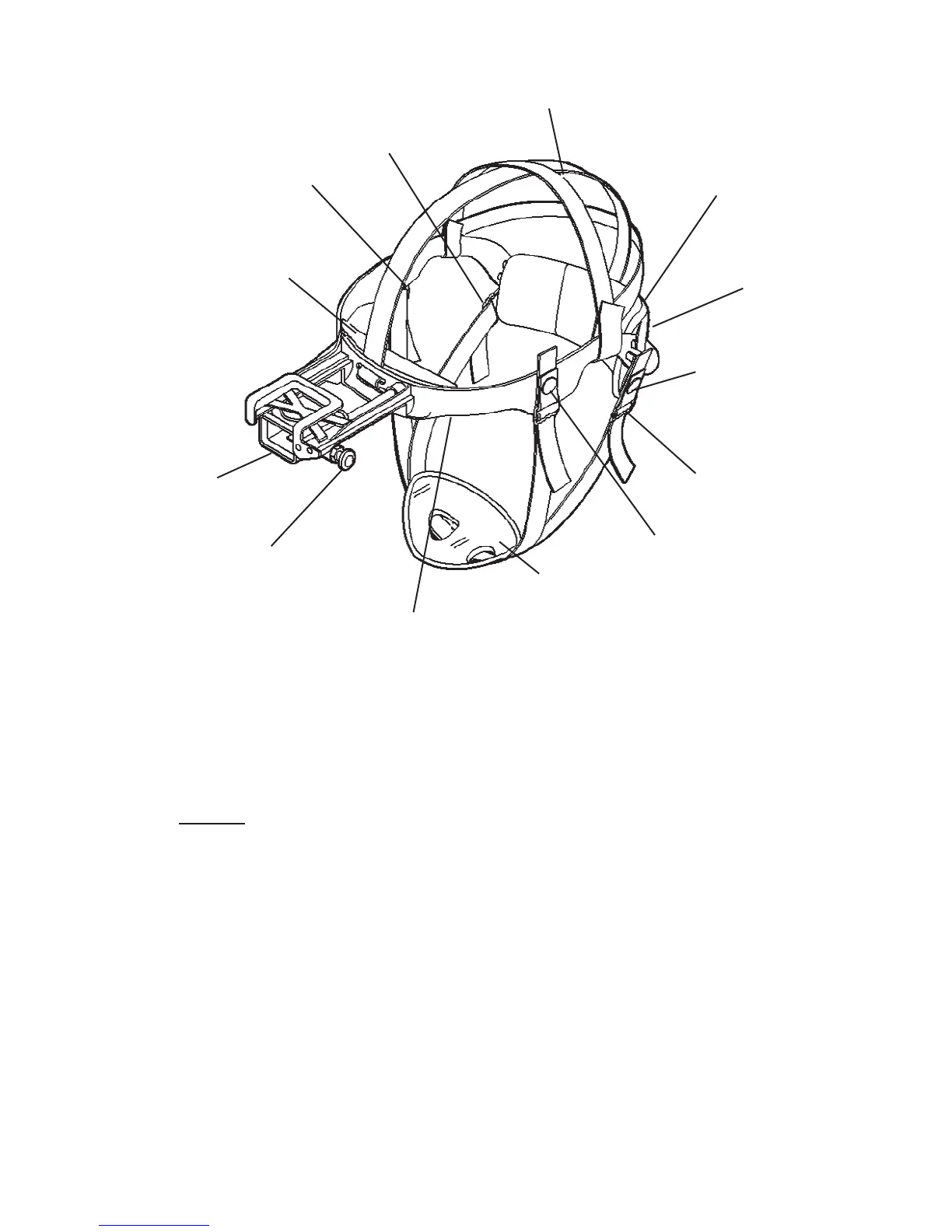
FIGURE 2.2. ODIN HEADMOUNT ADJUSTMENTS
(6) Ensure that the cross-strap is not twisted and remove slack by
adjusting the vertical adjustment at the neck pad.
(7) Adjust chinstrap and vertical adjustment until the chin cup and
headband are in a comfortable but firm position.
NOTE
After installing the monocular, minor strap adjustments may
be necessary to achieve comfort.
(8) Install the headmount/helmet mount adapter (refer to paragraph
2.1.5.).
(9) Refer to paragraph 3.2.5. for operating procedures.
2.1.5. INSTALLATION OF HEADMOUNT/HELMET
MOUNT ADAPTER
Install the headmount/helmet mount adapter (Figure 1.1.) into the
monocular by aligning thumbscrew to hole and tightening as shown
in Figure 2.3. There is an alignment boss on the headmount/helmet
VERTICAL
ADJUSTMENT
(HIDDEN)
NECK PAD
CHINSTRAP
ADJUSTMENT
AND SNAP
SLIDING BAR
BUCKLES
CHINSTRAP
ADJUSTMENT
AND SNAP
CHIN CUP
HEADBAND
EYE RELIEF
ADJUSTMENT
HEADMOUNT
SOCKET
BROWPAD
(THICK, MEDIUM
OR THIN)
CHINSTRAP
ADJUSTMENT
CHINSTRAP
ADJUSTMENT
CROSS-STRAP



 To Next Page