ESC/Radio Calibration:
1. Turn on the transmitter, set parameters on the throttle channel
like “D/R”, “EPA” and “ATL” to 100% (for transmitter without LCD,
please turn the knob to the maximum) and the throttle “TRIM” to 0
(for transmitter without LCD, please turn the corresponding knob
to the neutral position). For Futaba radio transmitter, the direction
of throttle channel shall be set to “REV”, while other radio systems
shall be set to “NOR”. Please ensure the “ABS braking function” of
your transmitter must be DISABLED.
2. Start with transmitter on
3. ESC turned off but connected to a battery.
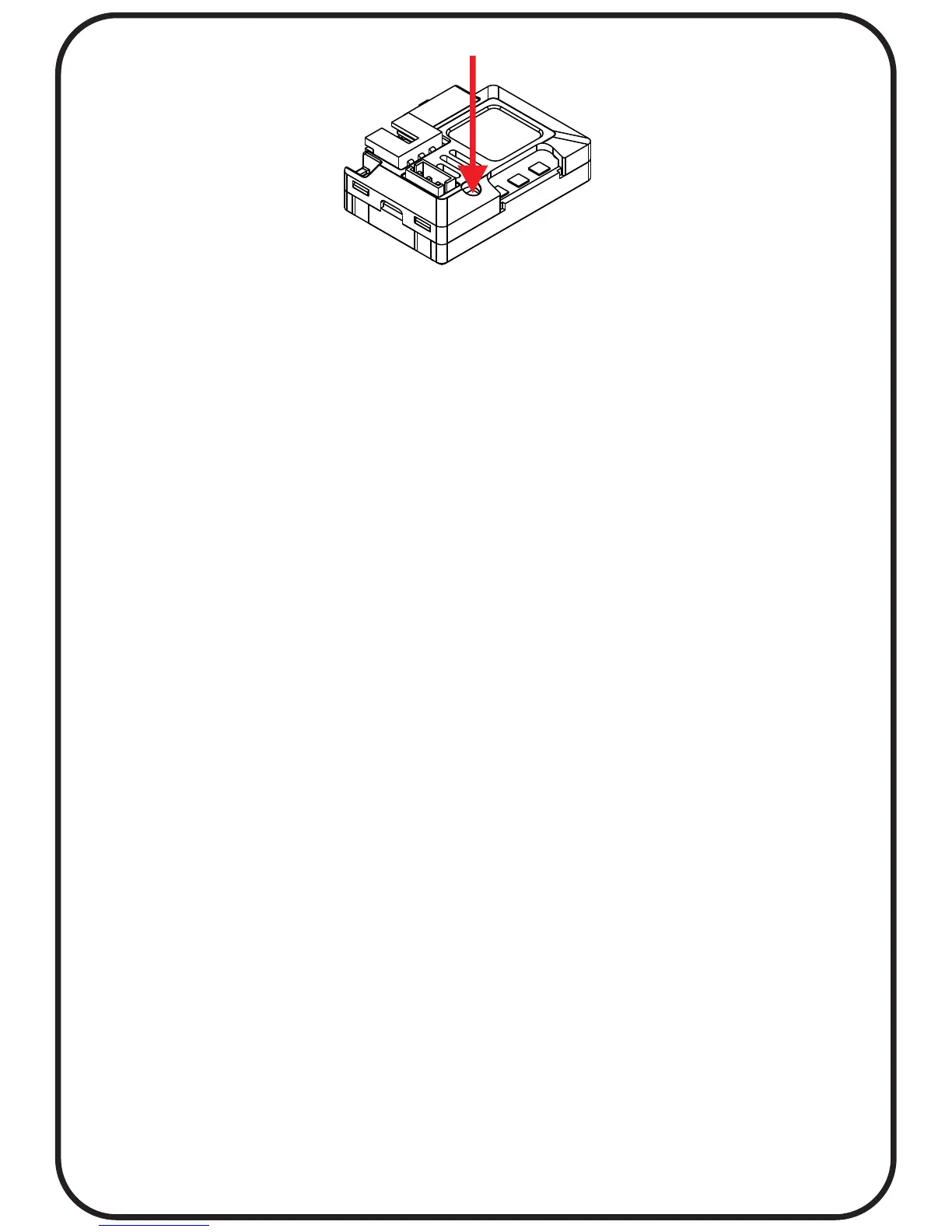
4. Holding the SET button and turn on the ESC, the RED LED on
the ESC starts to flash and then release the SET button
immediately.(it is now in setup mode)
3. Steps to Set the neutral point, the full throttle endpoint and the
full brake endpoint:
3.1 Leave the throttle trigger at the neutral position, press the SET
button, the RED LED dies out and the GREEN LED flashes 1 time.
3.2 Pull the throttle trigger to the full throttle position, press the
SET button, the GREEN LED blinks 2 times.
3.3 Push the throttle trigger to the full brake position, press the
SET button, the GREEN LED blinks 3 times.
3.4 The motor can be started 3 seconds after the ESC/Radio
calibration is complete.
P.11



 To Next Page