TPG Video Mode Indication
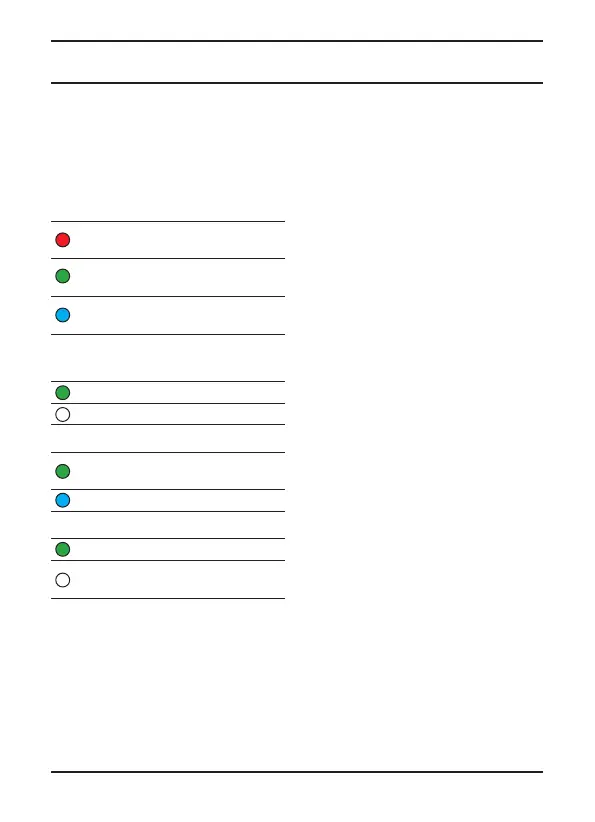
The TPG colour code indicators for the
TPG video modes are
M, PI, R and S.
These correspond to the following
video formats:
MODE – indicates video resolution
RED = under 1080 Resolution –
(486i59.94, 576i50, 720p59.94, 720p50)
GREEN = Standard 1920x1080 formats
(23.98p, 24p, 25p, 29.97p, i50, i59.94)
BLUE = 3G 1920x1080 formats
(p50, p59.94)
P/I – indicates Progressive or
Interlaced video formats
GREEN = Progressive
No Light = Interlaced
RATE – indicates video clock rate/region
GREEN = NTSC frame rates (23.98,
29.97, 59.94 Hz)
BLUE = PAL Frame Rates (24, 25, 50 Hz)
SCAN – indicates scan rates
GREEN = film scan rates (23.98, 24 Hz)
No Light = television rates
(29.97, 59.94, 25, 50 Hz)
NOTE: The TPG video mode indication
will last for 4 seconds before returning
to TPG Home page.
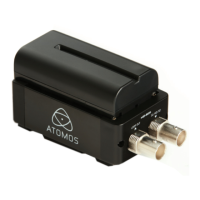
Connect-AC H2S outputs TPG on both
SDI outputs.
Connect-AC S2H outputs TPG on both the
HDMI and the LOOP OUT SDI.
Operation
Atomos Connect-AC User Manual V1.0 7



 To Next Page