EasyManua.ls Logo

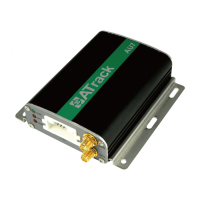
ATrack AU7 - Firmware Upgrade; Firmware Upgrade via RS232

ATrack AU7
15 pages
Print Icon
To Next Page IconTo Next Page
To Previous Page IconTo Previous Page
Loading...
Confidential Document
© ATrack Technology Inc. All Rights Reserved. Page 9 of 15
3
3
.
.
F
F
i
i
r
r
m
m
w
w
a
a
r
r
e
e
U
U
p
p
g
g
r
r
a
a
d
d
e
e
In this section, we are going to demonstrate how to do firmware upgrade on the AU7 via the serial connection.
Before doing the upgrade, connect the serial cable between the JST XHP-4 output connector and the serial
communication port (e.g. COM1 or COM2) on your PC. You may use a USB to serial port converter in case
your PC doesn’t have any COM port.
3
3
.
.
1
1
.
.
F
F
i
i
r
r
m
m
w
w
a
a
r
r
e
e
U
U
p
p
g
g
r
r
a
a
d
d
e
e
v
v
i
i
a
a
R
R
S
S
2
2
3
3
2
2
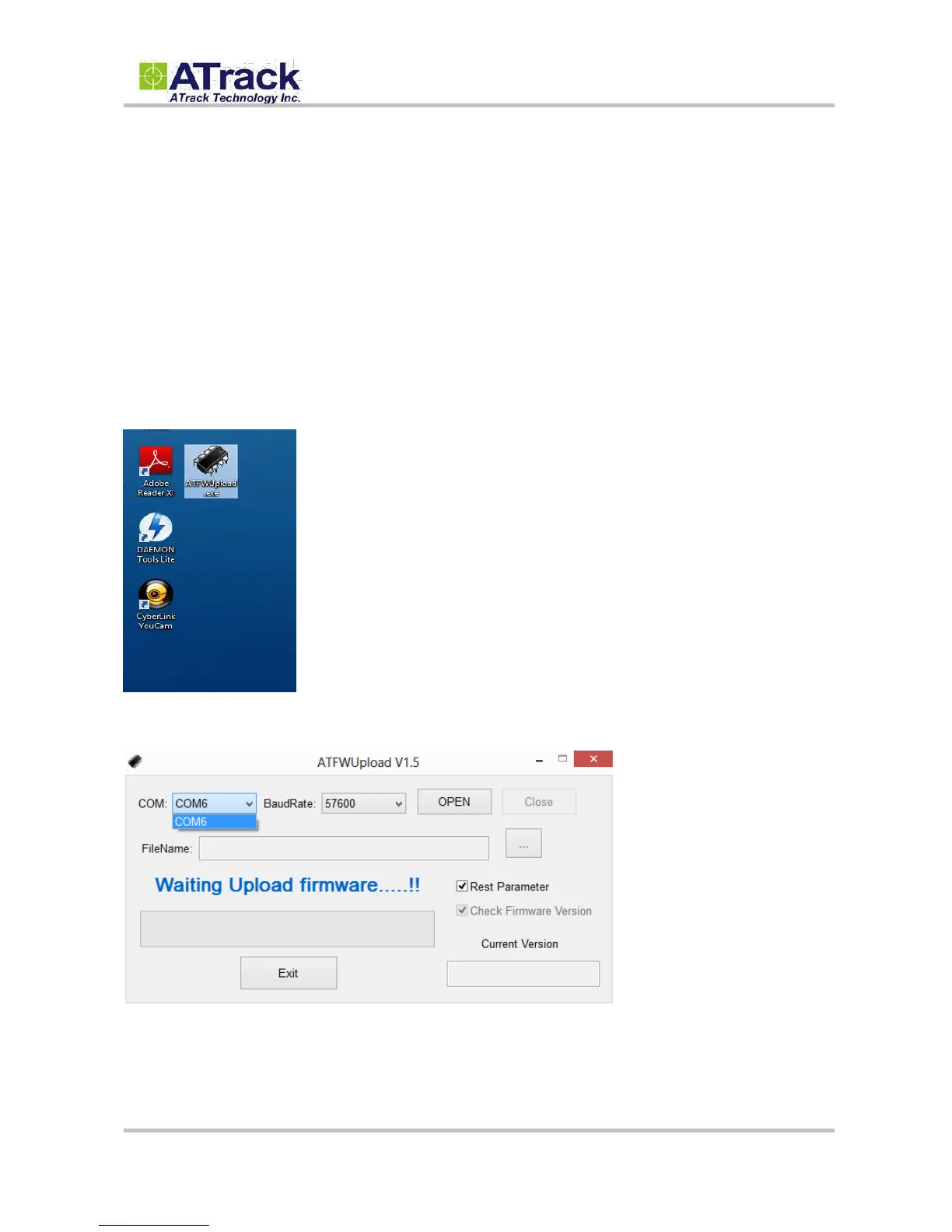
(1) Run the ATFWUpload program by double-clicking on it.
(2) Select the correct COM port.

Related product manuals