14
Gesture control (In GPS mode / In indoor mode)
Setting
1. Keep away 2m from drone and click the“ ” icon on the app interface to enter the
Gesture function.
2. activate take photo.
3. activate video /cancel video.
Tap to start setting up your drone.
Tap to calibrate the drone.
Tap to check the flight logs.
Tap to check the last recorded location of the drone.
.Point of interst function could not be activated when the drone battery
low power.
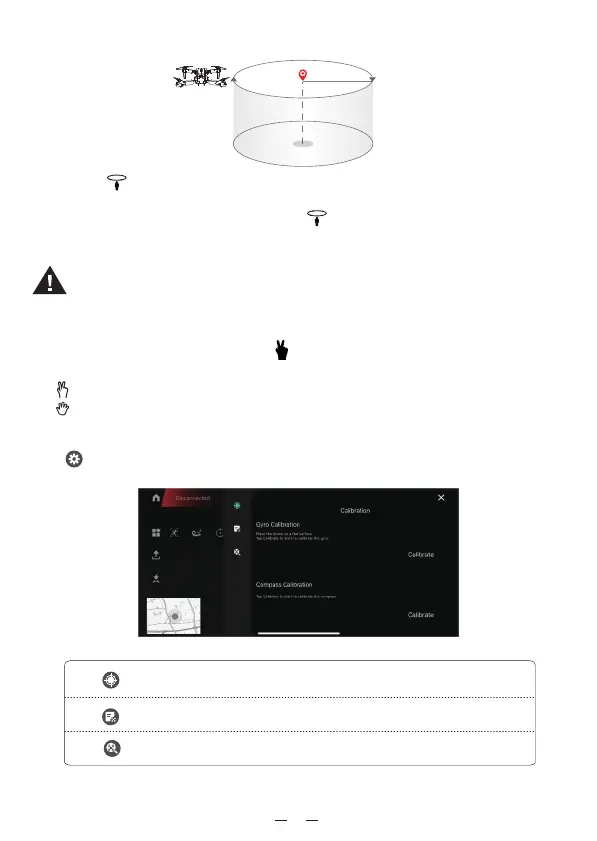
R 5m
Point of Interest (In GPS mode)
1. Click the“ ” icon on the app interface to enter the Point of Interest function.
2. The drone will flight around the point of ineresting point (Radius approx 5m) .
3. To exit Point of Interest mode, simply click the “ ” icon on the app interface again
or push right joystick to any direction.


 To Next Page