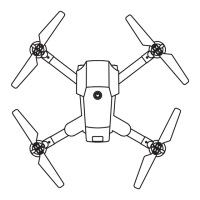
13
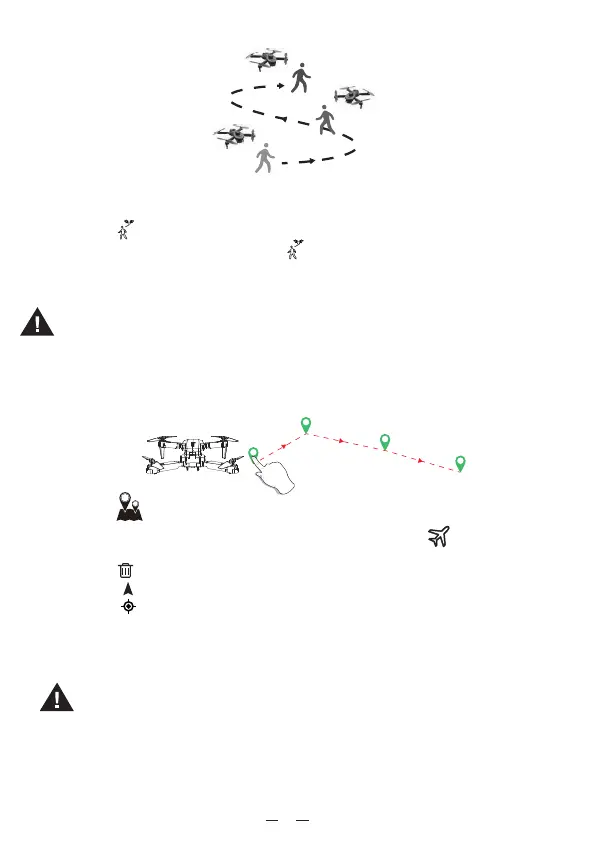
Follow Me (In GPS mode)
The follow me function could be activated when the distance range is 5m-20m between player
and drone.
1. Click the“ ” icon on the app interface to enter the Follow Me function.
2. To exit Follow Me Mode, simply click the “ ” icon on the app interface again or push right
joystick, the drone stops following then hovering.
3. The Home point could not be changed when cancel follow me function.
1
2
3
4
Waypoint Flight
1. Click the“ ” icon on the app interface to enter the Waypoint flight function.
2. Draw a line on the map to create a path (maximum 20 paths). Click “ ” icon, the drone
will now fly along the path according to the points connected on the map.
3. Click the “ ” icon to deduct all the path.
4. Click the “ ” icon to navigation.
5. Click the “ ” icon to drone location
6. The drone could not fly back to the starting point after executing flight path.
7. If the flight path fails, please delect all of path and try again.
Exit the Waypoint flight mode by clicking the live transmission image .
.Waypoint flight function could not be activated when the drone battery
lower power.
·DO NOT fly the drone towards people, animals, or small/ fine objects
(e.g. tree branches and power lines) or transparent objects (e.g. glass
or water).
·There may be some deviation between the expected and actual flight
path.
.Follow me function could not be activated when the drone battery low
power.
It is recommended to enlarge the map if you want to use Waypoint. flight.

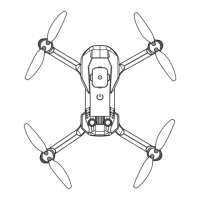

 To Next Page