TOUCH SCREENS
|
60
THIRD PAGE: GO TOUCH CONTROLS
To enable the Go Wake, Go Ski, or Go Surf system, navigate to the Go Touch
screen through the screen menu button. When you first navigate to this screen,
you will see 3 options above the word go. Select what you would like to do, and
then press go.
Go Wake/Go Ski
When Go Wake is enabled, the first choice you will need to make is Beginner,
Intermediate, or Pro. Your choice affects the initial speed and TAPS plate position.
Speeds and positions vary by model. Once a selection is made, the system will
automatically set your cruise control and TAPS plates. The Go Ski setting is very
similar to the Go Wake setting. Choose beginner, intermediate or pro and the
system will set your TAPS and cruise control appropriately.
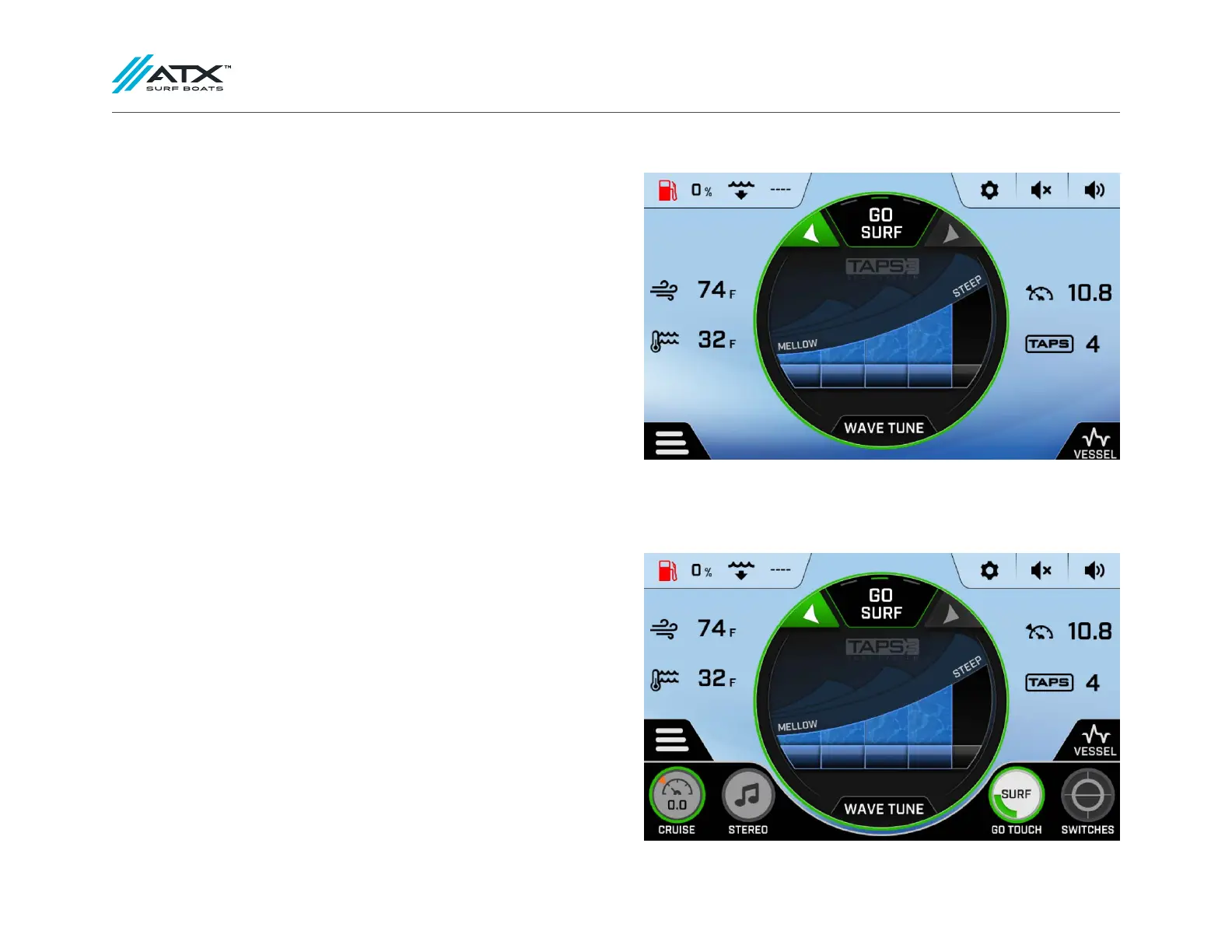
Go Surf
When Go Surf is enabled, the default is set up to surf the port side of the boat. To
switch sides, press the right arrow near the Go Surf indicator. The default values
for the Go Surf system will yield a steeper, larger wave. The height/length of the
wave can be adjusted using the Mellow-Steep keys or the Wave Tune button.
The Mellow-Steep keys alter the position of the outer TAPS 3 plates and Wave
Tune adjusts the position of the center TAPS plate. To adjust the center TAPS plate,
you can either use the rocker switch on the throttle or press “Wave Tune” and use
the +/- buttons. The Go System is set up to give a good starting point for each
watersport.
Depending on boat loading and personal preference, you may need to adjust
from the default settings provided. Cruise control can still be manually adjusted
on the cruise page.
To exit out of the Go System and regain manual control of the boat, press the
icon at the top of the circle that shows which Go System you are using. This will
bring you back to the initial Go Touch screen where you can then select off.



 To Next Page