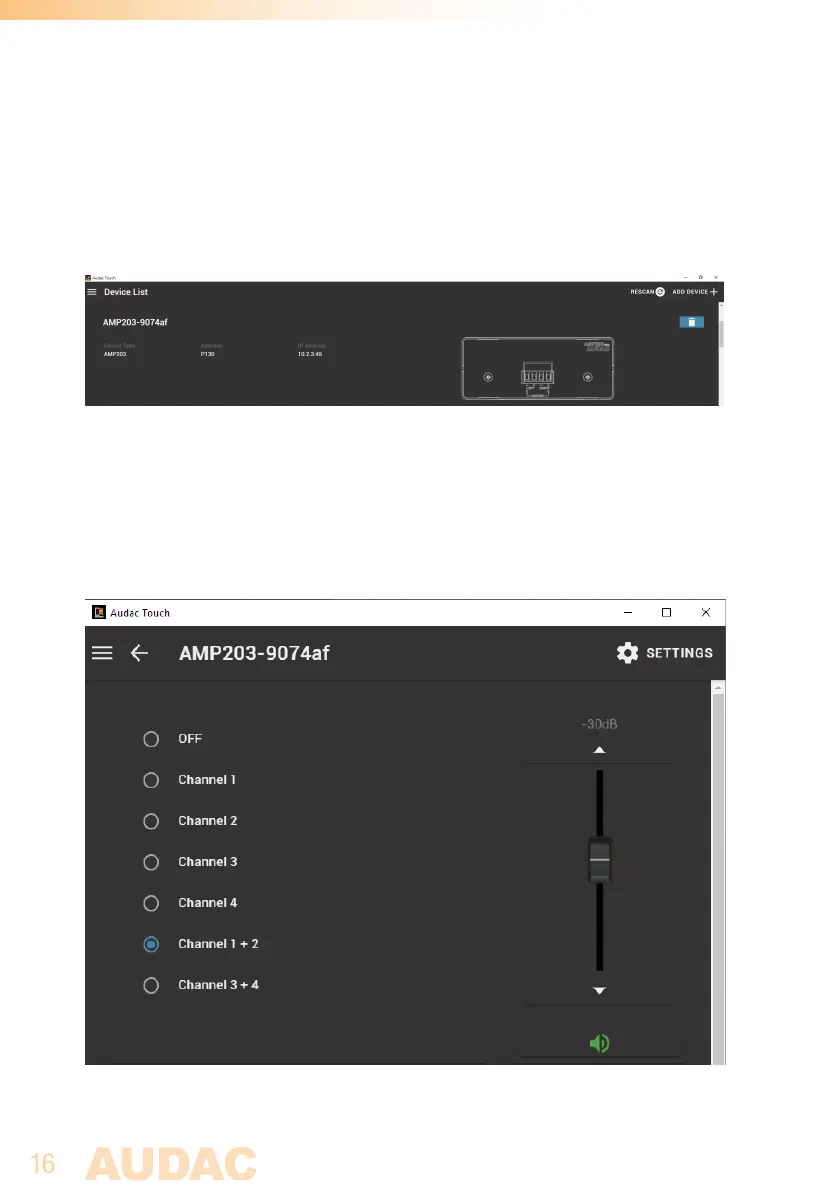
Device List
Click on the menu icon in the top left corner to let the menu appear. From the menu select
“device list”. The device list is an overview of all devices which have been discovered
since you created your account. Every time you start up the audac touch application, it
automatically scans your network and adds discovered devices to the list.
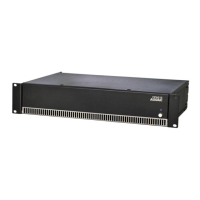
Click on one of the devices in the list to open the device’s page. The first time a device
is opened a password will be prompted. In the case of the AMP203, the factory default
administrator password is ‘AMP203’. After entering the correct password the device page
will be shown with all available controls. The channels shown in the input selection list
are corresponding with the linked inputs through the Dante controller, while the volume
slider allows adjusting the overall output volume of the amplifier.



 To Next Page