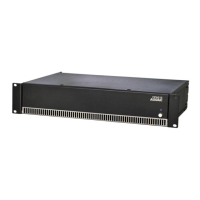
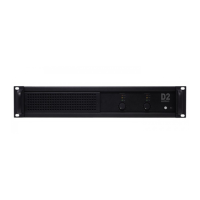
Overview front and rear panel
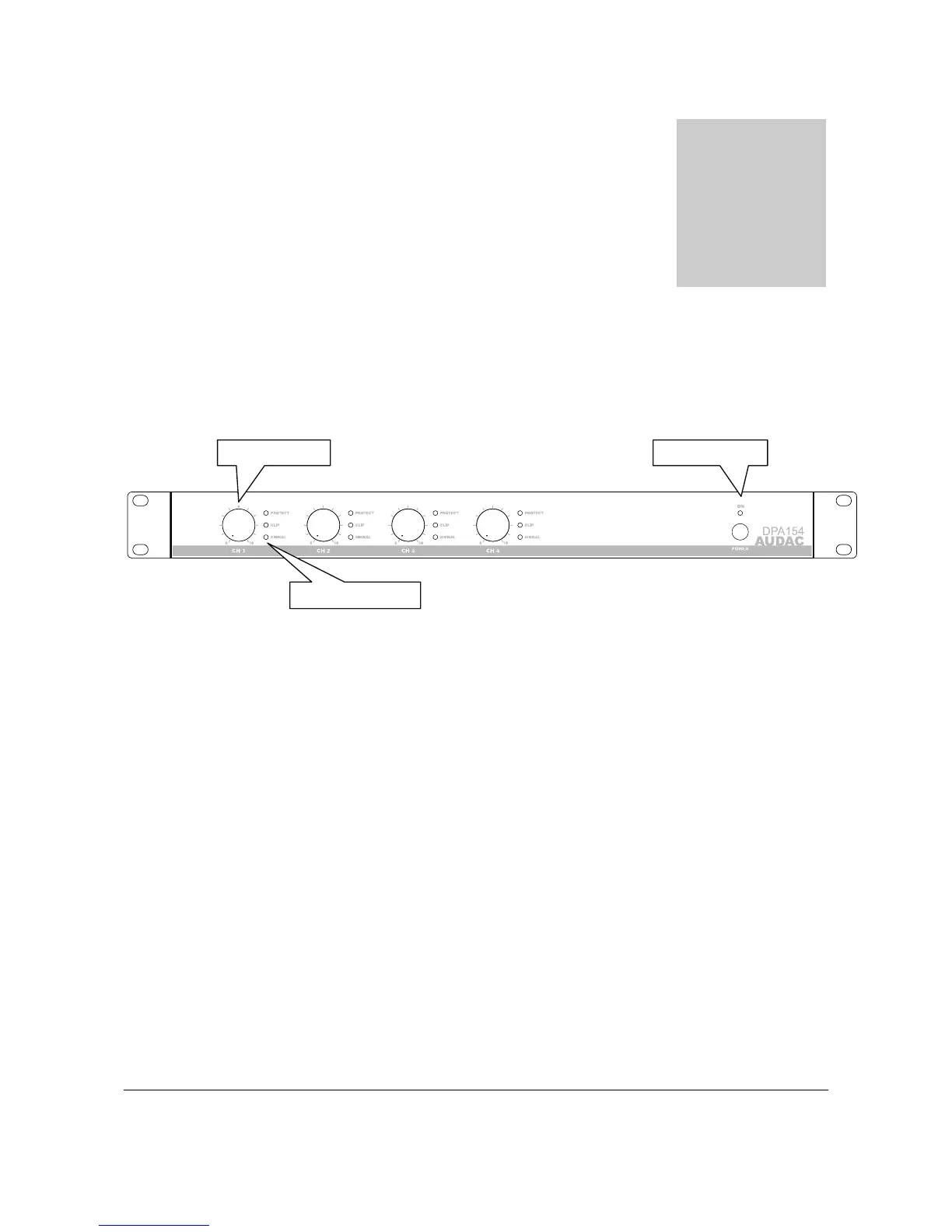
Front panel overview
Description
1. Power switch:
By means of the power switch, the amplifier can be turned ON and OFF. When the amplifier is
switched on, the blue LED located above the power button will illuminate.
2. Gain control knobs:
These rotary gain control knobs allow you to adjust the level for each individual channel.
3. Indicator LED’s:
These LED’s indicate the operation of the amplifier. There are three LED’s provided. A signal
indicator, a Clip indicator, and a Protect indicator. The green signal indicator LED’s will light up
when the input channel exceeds -20 dBu. The yellow clip LED’s will illuminate when the channel’s
output is being overdriven, and the two red protect indicators illuminate when the thermal
compression begins, or any fault is detected.
Chapte



 To Next Page