Chapter 2
Front & rear panel
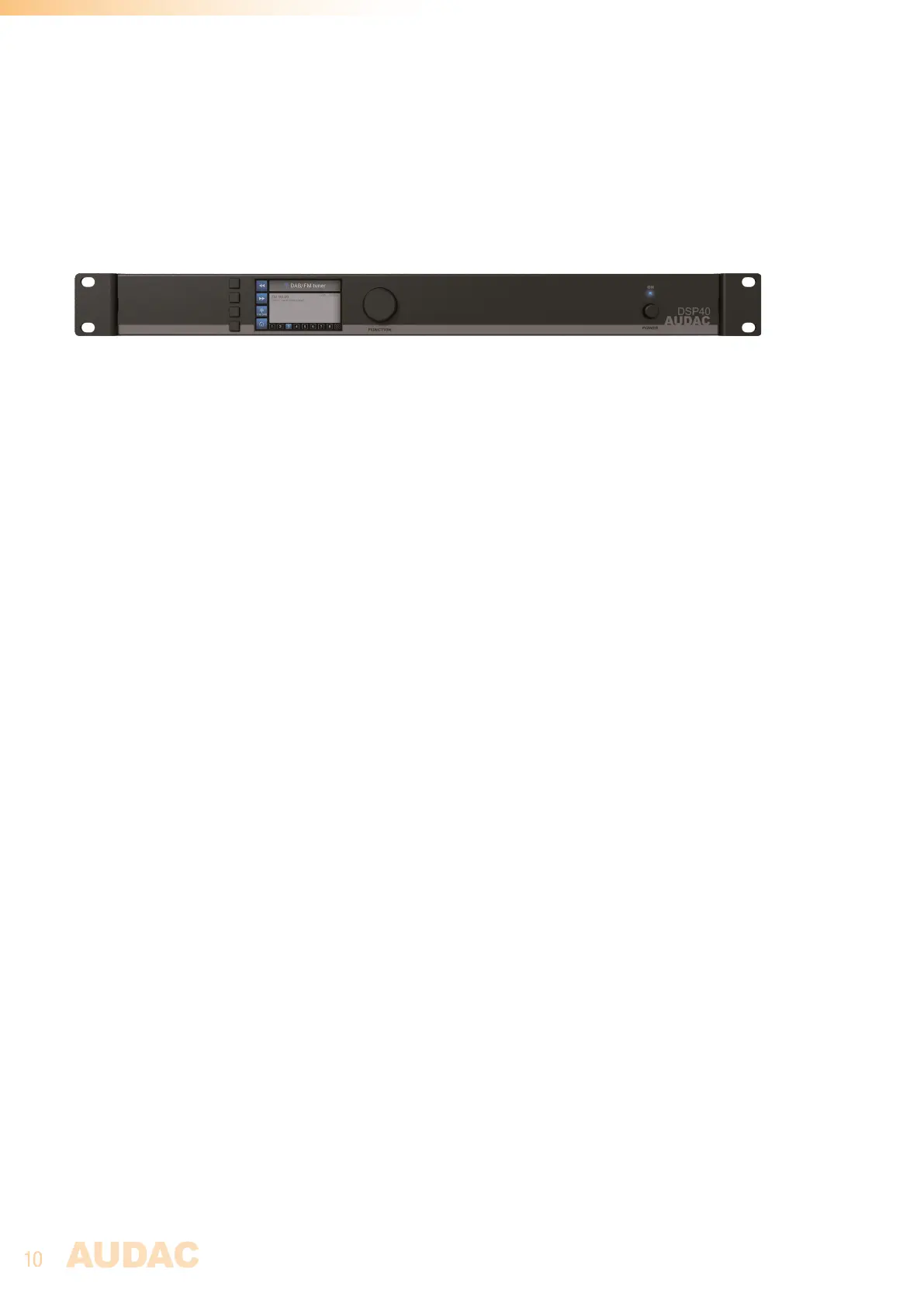
Front Panel overview
Front panel description
Graphical LCD display with tactile push buttons and rotary selection dial:
A clear system overview and intuitive user experience is offered using the 2.8” graphical LCD display
accompanied with four tactile selection buttons (left side) and a rotary selection dial (right side). The
true colour display offers a clear overview of the systems current operation mode with intuitive and user
friendly browsing through the menu structure.
The functionality of the four tactile push buttons on the left side depends on the current mode and position
in the menu structure. Icons on the left side of the display are indicating the current functionality linked
with the buttons.
Parameter adjustment and browsing is made easy using the rotary function dial. This multifunctional
dial allows easy one-hand operation throughout the entire menu structure. Browsing through the menu
is done by rotating it while actions are made by pressing it.
Power switch:
Allows to power the system ON and OFF. The blue indicator LED illuminates when switched on.



 To Next Page