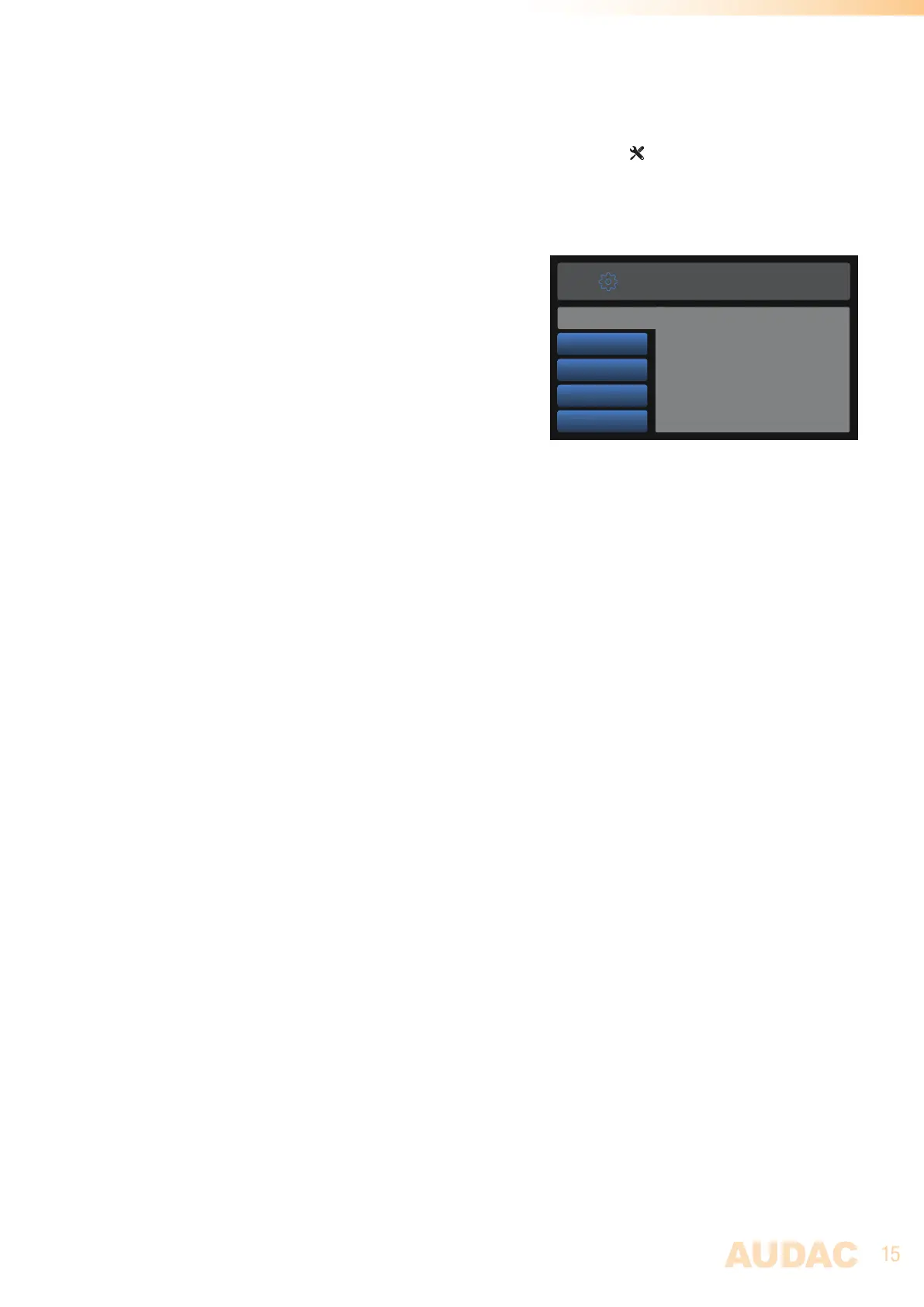
General settings
The general settings menu for DSP40 is loaded when pressing the (general settings) button. The
general settings menu allows to configure all the global settings for the DSP40 unit, keeping aside the
audio and frequency settings.
Lock:
When selecting ‘Lock’, the system will be locked and will
require a password to be entered before any further action
can be taken (if the password is enabled).
Info:
Info will give an overview of the software versions the
DSP40 is running.
LCD Settings:
Adjustments for the LCD settings can be made here. The
brightness can be adjusted within a range of 10% to 100% (standard is 80%). Adjusting of the LCD
brightness can be convenient when the device is placed in an environment with very low or very high
ambient light. Hereby the clarity of the LCD can be adjusted being clear but unobtrusive.
The backlight off time can be adjusted within an interval of 10 up to 120 minutes or never (always on),
making the backlight of the LCD automatically turn off after the set time.
Password:
Password protection can be enabled, avoiding unauthorized users to make any adjustment to the system.
The password is a four-digit code. In default, the password is set to ‘0000’ which gives full access to the
system without requiring any password to be entered. If the configured password is different from ‘0000’,
the user will be requested to enter the password before any access to the systems functions is provided.
The currently set password will be shown and the adjusting digit can be selected (turns red) and confirmed
by turning and pressing the rotary selection dial. Consecutive digits will increase when the maximum
value has been reached.
After the desired password has been selected it can be confirmed by pressing (turns red) and turning the
function dial clockwise to the entire right side where the ‘OK’ word will appear. After pressing again the
password is confirmed.
Back:
Returning to the main screen is done by selecting ‘Back’.
Lock
Info
LCD Settings
Password
Back
GENERAL SETTINGS
Lock device with password



 To Next Page