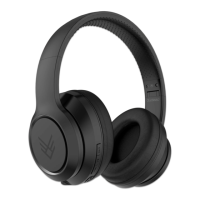
INDULGE WIRELESS HEADPHONES
7 Troubleshooting
TROUBLESHOOTING:
NO POWER
Recharge your Headphones using
the included micro USB cable.
MUSIC IS NOT PLAYING OVER
BLUETOOTH
Make sure your Bluetooth device
has A2DP profile. Check if both de-
vices are paired and connected over
Bluetooth. Restart the Headphones
to reconnect your Bluetooth device.
BLUETOOTH DEVICE WILL NOT
RECONNECT WITH THE HEAD-
PHONES
Navigate to your Bluetooth settings
menu on your Bluetooh device,
tap "audeeo Indulge" and select
"Forget". Now follow the steps to
pair your device again.


 To Next Page