BLUETOOTH
audeeo Indulge
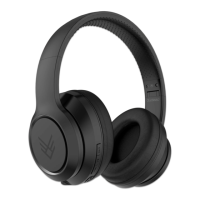
INDULGE WIRELESS HEADPHONES
3 Quick Start Guide
3.2 Bluetooth Pairing
NOTE: please refer to the diagram on 2.2
BLUETOOTH
audeeo Indulge
3
1
1
2
3
2
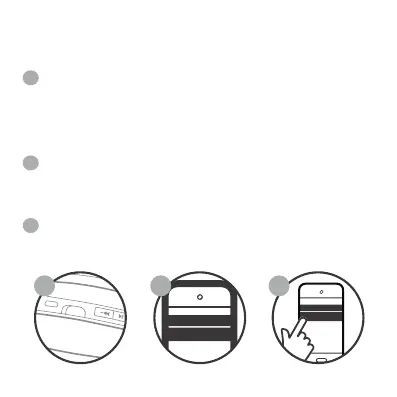
Ensure the Headphones are turned o, then slide the
power switch to turn the Headphones ON. The
Headphones will enter Bluetooth pairing mode
automatically and emit a tone as the LED indicator light (E)
will flash BLUE and RED. Make sure your device has
Bluetooth enabled
Ensure Bluetooth is enabled on your smartphone or music
device. Your device will start searching for wireless devices.
The Headphones will appear as “audeeo Indulge” in the list of
available Bluetooth devices. Select “audeeo Indulge” The
LED will begin to slowly blink blue, and the Headphones will
emit a tone to indicate that is has been successfully paired
with your device.


 To Next Page