Inputs connection
Please, make sure that the unit is turned off or unplugged from the main power supply before
making connections. If it is equipped with the rear options panel, your player gives access ti its
internal converter to 5 digital inputs.
Input Name Input type Specifications
DIGIT 1 Optic Toslink
DIGIT 2 Optic Toslink
DIGIT 3 AES/EBU Balanced, XLR plug, 110 Ω
DIGIT 4 S/PDIF coaxil Unbalanced, RCA plug, 75 Ω
DIGIT 5 USB USB-A/B cable
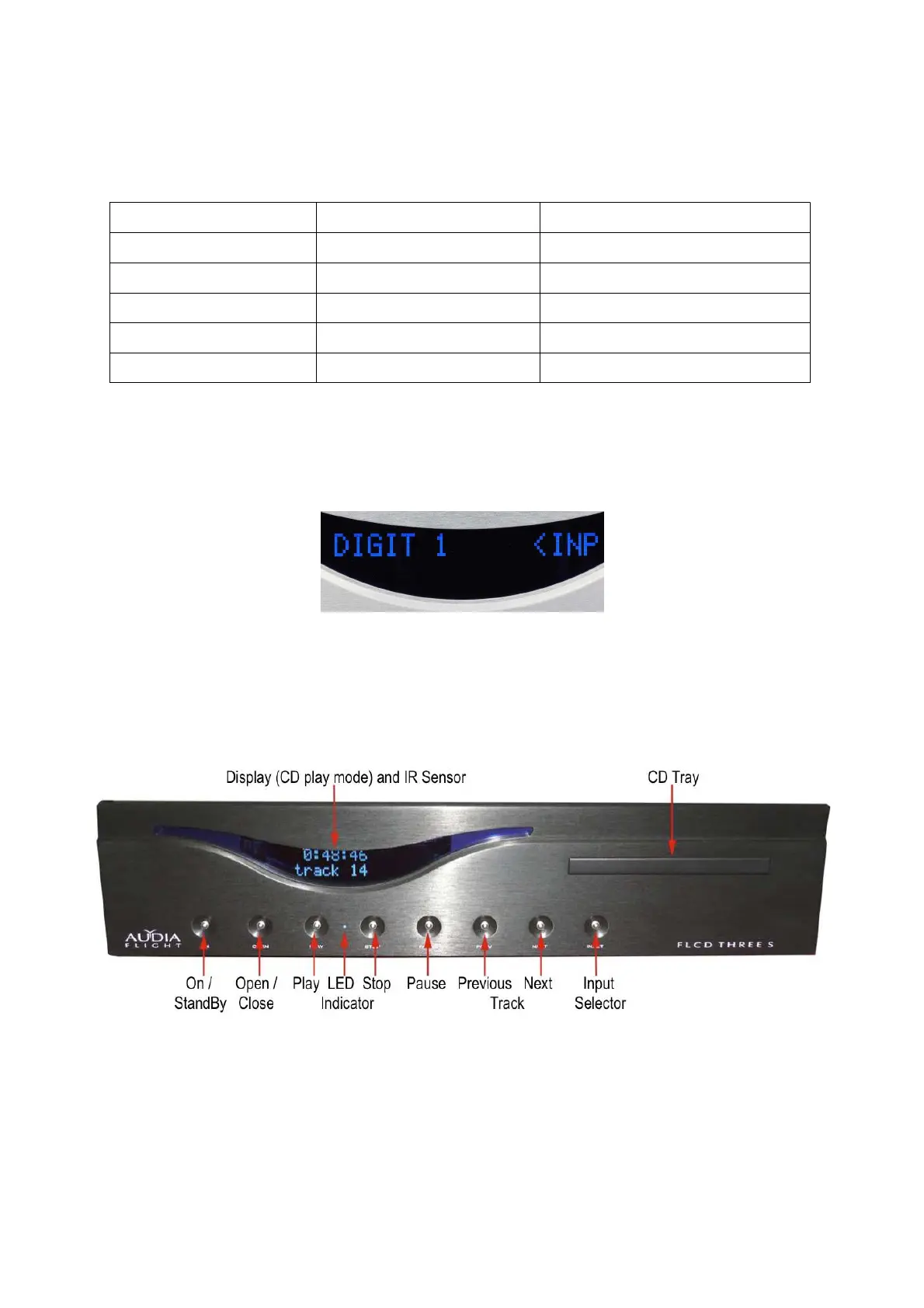
When the player is swichted on, it sets in the CD Player mode. To select one of these digital inputs,
the unit set in stop CD Player mode, simply press the INPUT button on the front panel one or more
times, or the IN button on the remote control and then on the + button to increase the order number
or the – button te decrease the order number of the input.
The display shows the name of the input on the first line and the type of the digital signal (PCM,
DSD...) and its sampling frequency on the second line.
AC Mains connection and CD playback
Please make sure that the mains voltage is right for which the unit is designed and printed on the
rear panel. Plug the power cord supplied on the rear socket of your FLCD3S and then switch the
mains switch of the socket in the « I » position The LED on the front panel lights in amber colour
and indicates the standby state. When pressing the «ON» button of the front panel or the «ST-BY»
button on the remote control, the LED lights in blue colour, the player will be ready for operating
and will display :


 To Next Page