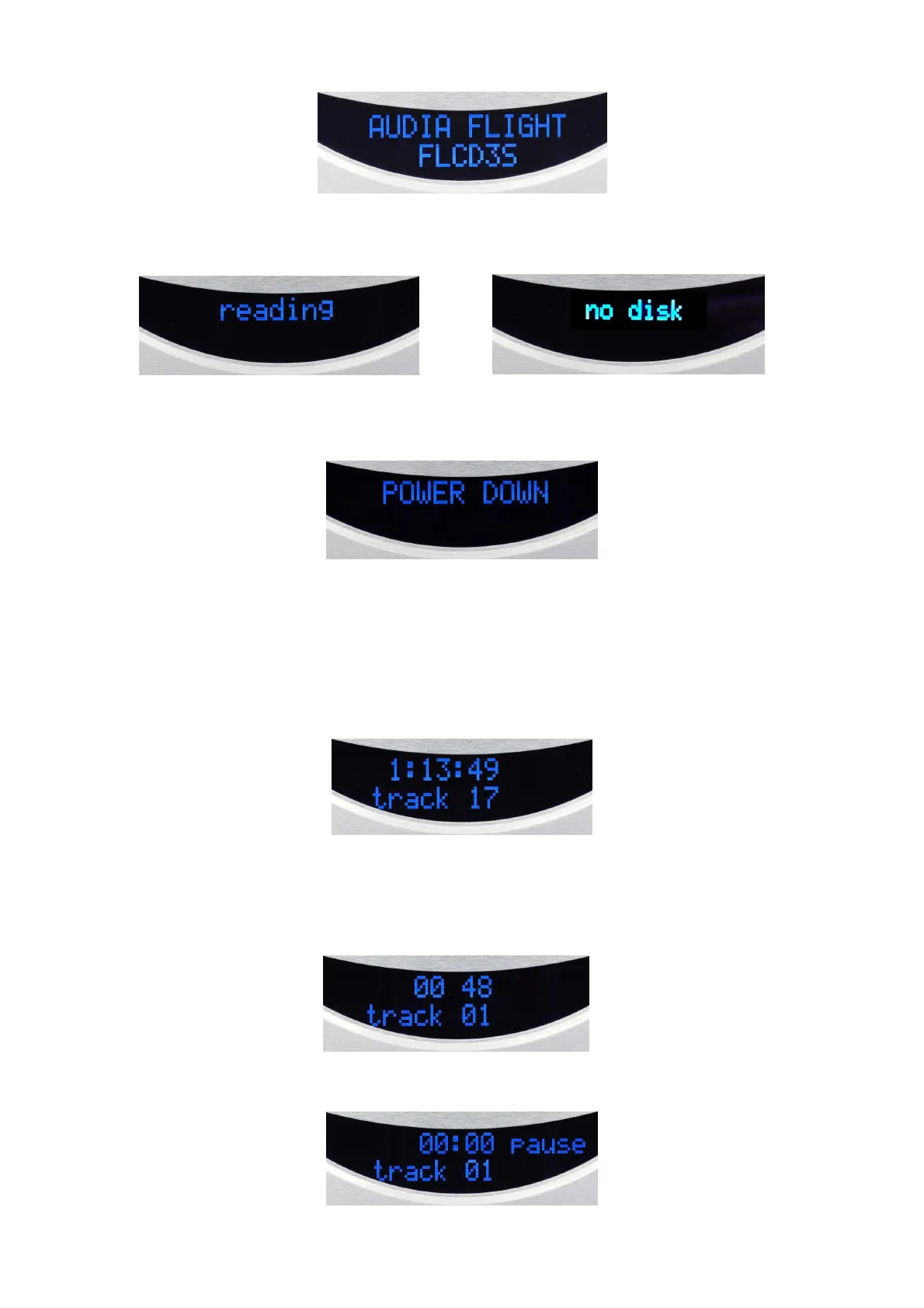
The player will try to read the TOC of the CD ….. ….and will inform if there is no disc:
When pressing again the «ON» key of the front panel or the «ST-BY» key on the remote control,
the LED light again in amber colour and the unit return in standby state indicated by :
Playing a CD
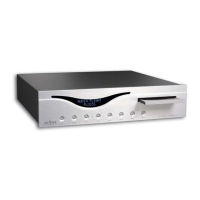
To play a CD, press the OPEN button on the front panel, place the CD with the label side up on the
tray and press again the OPEN to close the drawer. The reading of the TOC of the CD will appear
on the display : the total time (hour ; minutes ; seconds) in the first line and the total number of
tracks on the second line player
You can now listen to the CD by pressing on the PLAY key on the front panel or on the remote
control. The remote control gives the acess to any track of the CD by pressing its order number.
The display shows the elapsed time of the track playing in the first line and the number of this track
in the second line.
The dispaly also shows some function that concerns the CD playback :


 To Next Page