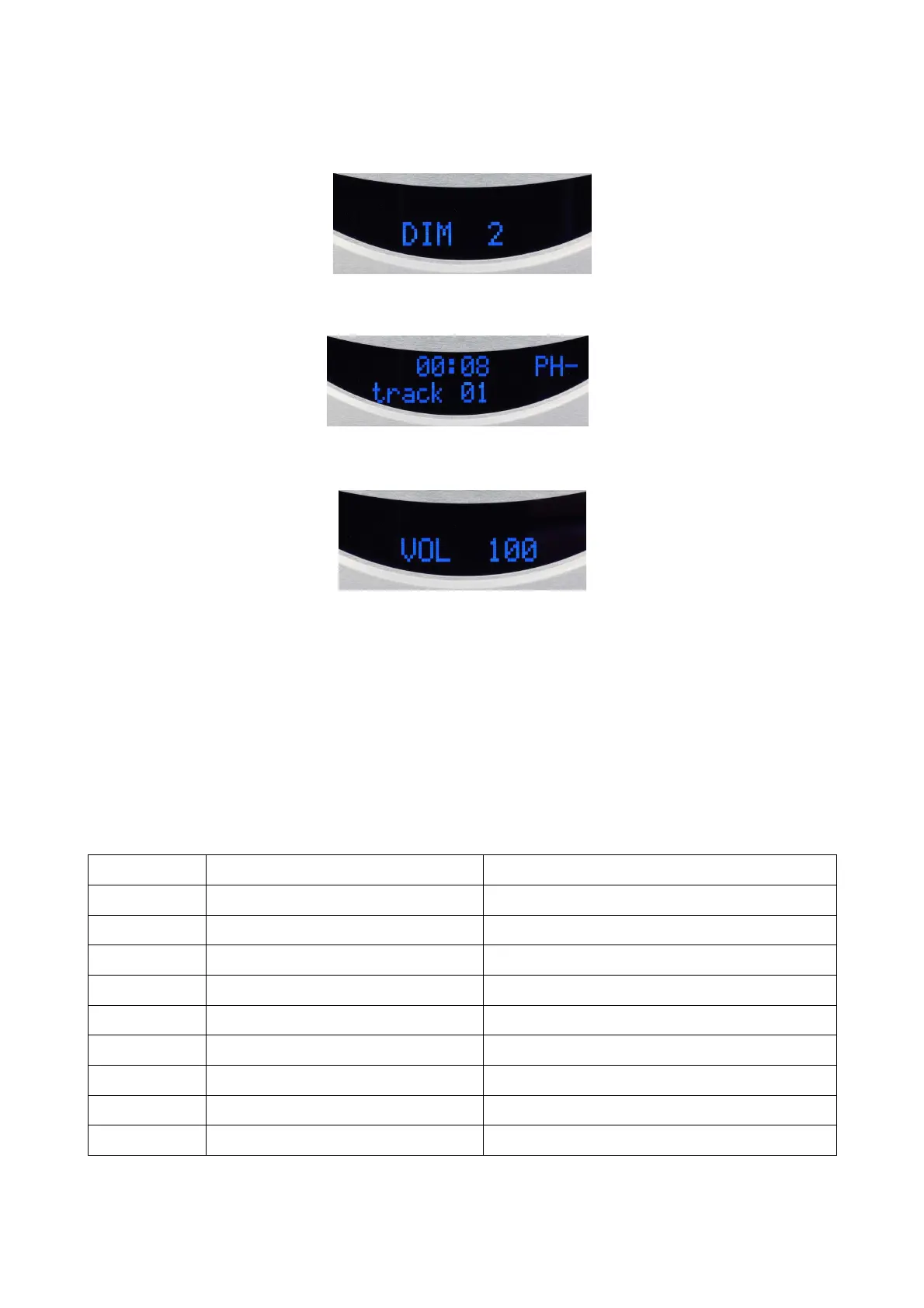
DIM (Dimmer) and + or – : to select one of the 3 screen brightness levels (« 2 » is maximum and
« 0 » is minimum, the screen is then off )
PH : press on this key to revese the phase of signal (PH–); a second press restores the phase (PH)
+ / – : if the possibility is left in the SET configuration (see below) these keys allow to directly
increase (+) or decrease (–) the output level in the digital domain on a scale from 0 (minimum) to
100 (maximum).
SET menu configurations
The configuration of the player and its integrated converter is only available with the remote control
and three of its keys : SET , + and –.
The SET key allows you to access each item, the + key allows you to scroll down the different
modes in the order of the chart below, the – key in the reverse order. The SET key is also used with
+ or – keys to scroll through sub-modes. The choices are indicated by flashing caracters on display
and scrolled through using + or –. Confirmation of the selection is effective after a few seconds
after end of flashing. The heading (or sub-heading) is displayed again to move on another one or
after few seconds the return to the initial screen.
All settings are stored.
Keys actions Display on screen Function
SET SET NAME INPUT Rename digital inputs
1 x (+) SET VOLUME ACTIV Activating, or not, the output level setting
2 x (+) SET PCM FILTER PCM digital filter setting
3 x (+) SET DSD FILTER DSD analogic filter setting
4 x (+) SET DSD DIRECT DSD mode on USB input setting
5 x (+) SET SRC BYPASS Sampling rate converter mode, or not
6 x (+) SET DITHER ACTIV PCM dithering activation or not
7 x (+) SET LOAD DEFAULT Reset of the configuration
8 x (+) SOFTWARE CD/DAC Software version of the CD/DAC


 To Next Page