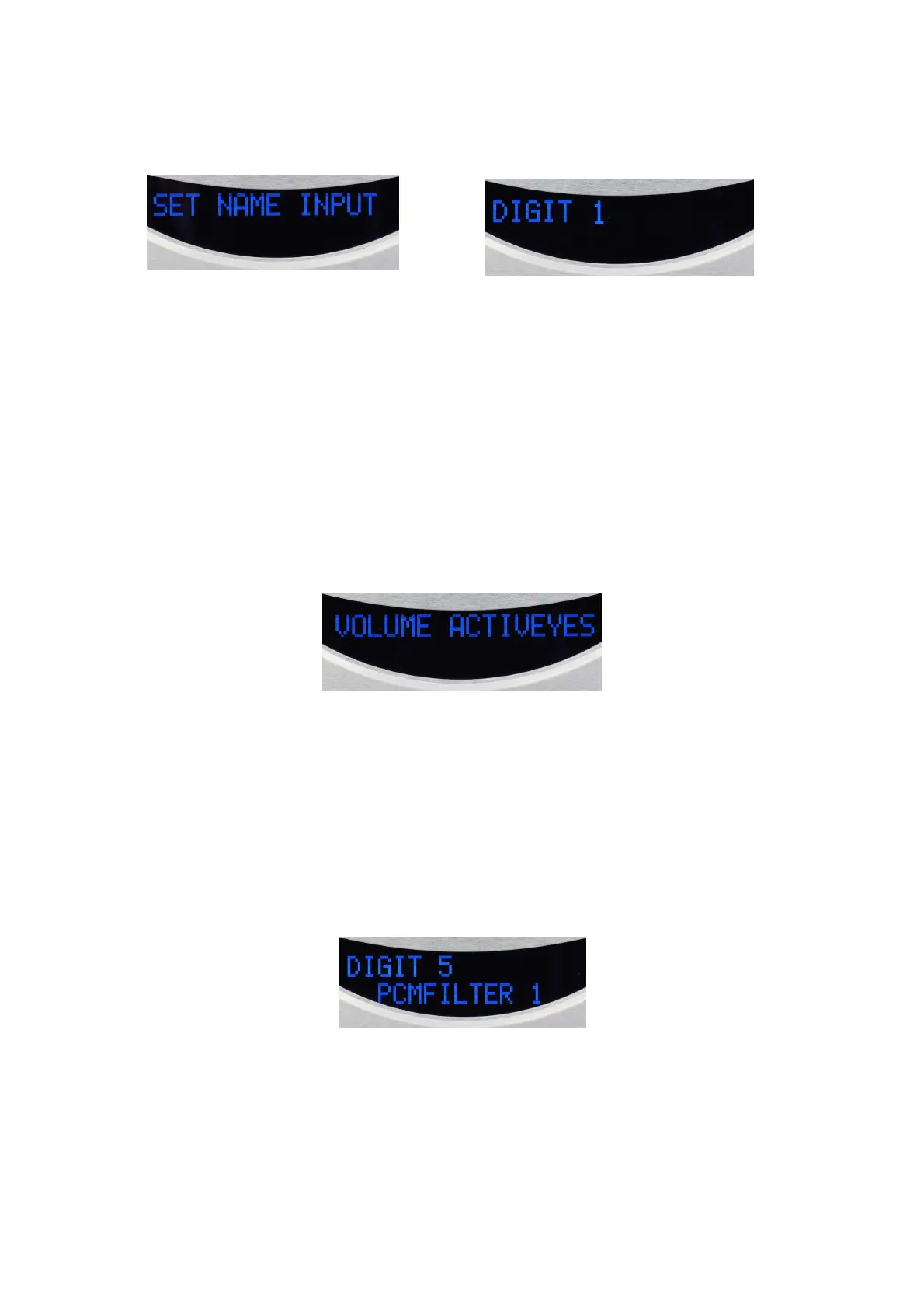
Mode SET NAME INPUT
By this first function of the menu, you can rename each of the 5 digital inputs, preset from DIGIT 1
to DIGIT 5, on up to 8 characters. CD player mode is named CD PLAYER et cannot be changed.
Upon entering this mode by pressing SET key, a digital input is showed. To set this entry press SET
otherwise press + key to select another input or – key to reverse.
The first character will then flash and you can scroll into the list of characters and choose the one
you want by pressing SET key. The next character will flash in wating your choice and validation
by SET key. Once the 8 characters or spaces are selected and validated, the display returns to entry
choice and in lack of instructions, the name will be validated.
By pressing + or – keys you can go to another input and repeat the same operations or after a few
seconds without instructions the dispaly shows the initial screen and the changes are stored.
Each character is selected from a list of 96, including upper and lower letters, numbers, signs and
special characters or space.
Mode SET VOLUME ACTIV
By this function you can activate or disactivate the output level setting.
Upon entering this mode (by pressing SET , + and once more SET keys) the display shows YES
(or NO) blinking at end of line. If you are satisfied with this flashing option, just wait for a few
seconds until the display stops flashing and validation will be effective. Otherwise, press + or –
keys to select the opposite option which will blink. Validation after few seconds without
instructions and back to the original mode screen.
Mode SET PCM FILTER
By this function you can choose the filter which is applied to the digital signal in PCM mode
including the one of the CD player. Each one of the 6 filters (FILTER 1 to FILTER 6) have its
roll-off frequency and slope that affect slightly the sound.
Upon entering this mode, the dispaly shows one of the 6 digital sources on the first line and the
filter's number in the second line. By pressing SET you confirm the input displayed, otherwise you
can choose another input by pressing + or – keys. The number of the filter will be flashing waiting
to be confirm by pressing SET key or to be changed by pressing + or – keys. Validation after few
seconds without instructions, the character stops flashing. By pressing + or – keys the same
operation can be done to another input. Otherwise, in lack of instructions the display returns in
original state and the setting is validated and stored.


 To Next Page
 Loading...