Metering
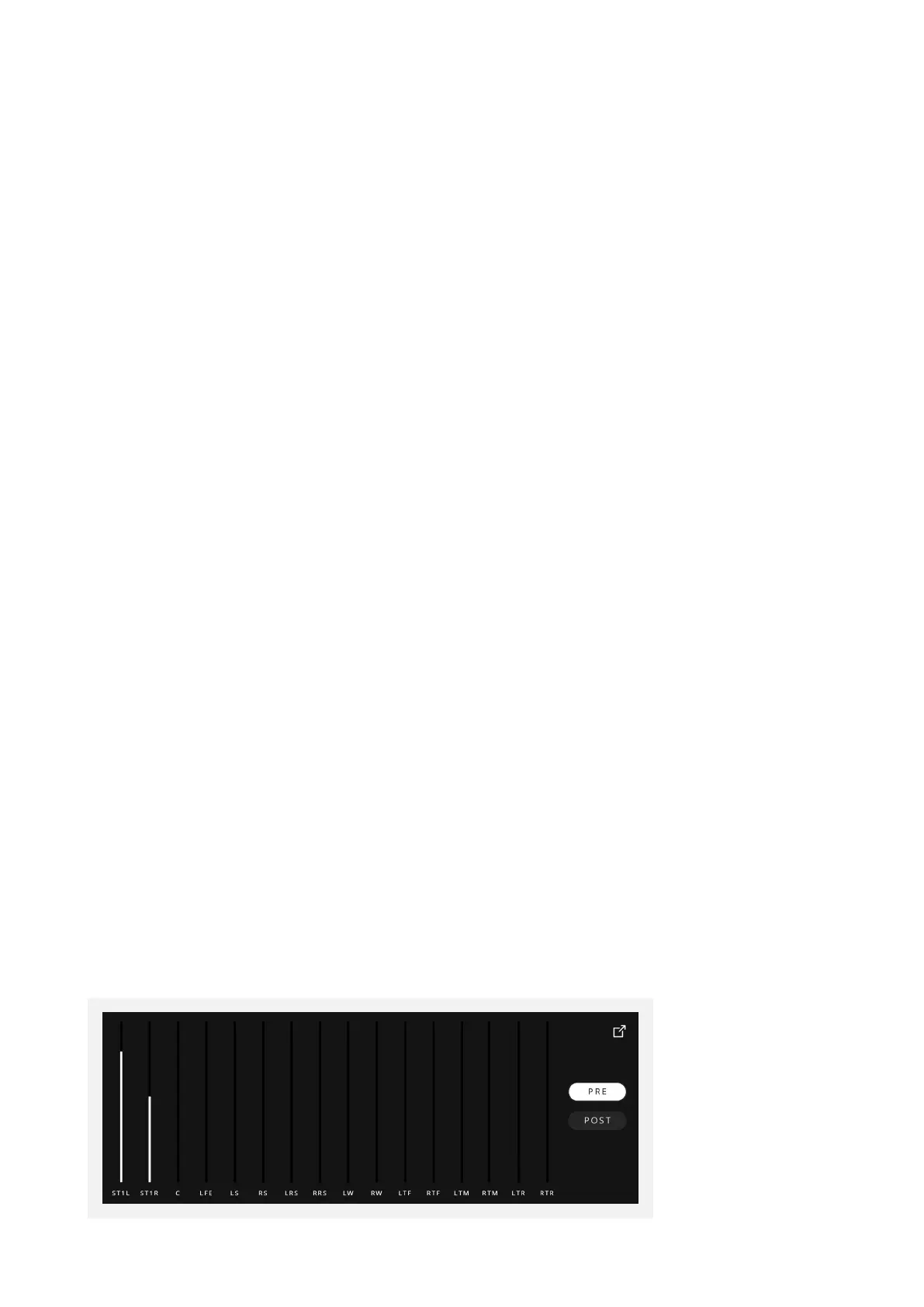
The ORIA Desktop App provides a straightforward metering solution to allow you
to quickly check your levels, output routing and the impact of ORIA’s digital signal
processing (DSP). Meter settings are entirely independent of your Profiles, so will not
change when moving between Profiles.
PRE
This shows the signals entering the ORIA Desktop App from your DAW outputs.
PRE is selected as the default.
POST
This shows the signals leaving the ORIA Desktop App after the output DSP and going to
your speakers. POST Metering mode will take the volume control into account.
LFE/SUB
When in PRE metering mode, the Meter for the LFE channel will only show the audio
being sent to it from your DAW on the LFE channel. When in POST Metering mode
however, the meter will also show the audio that is being assigned to the SUB channel
from the crossovers you have applied on each speaker channel in the ORIA Desktop
App.
The labelling of this channel will change from ‘LFE’ when in PRE mode to ‘SUB’ when in
POST mode to indicate this dierence.
Stereo Mode
When you are using a Profile that is playing stereo audio out of the dedicated stereo
outputs, Channels L & R will be renamed to STL and STR to indicate this.



 To Next Page