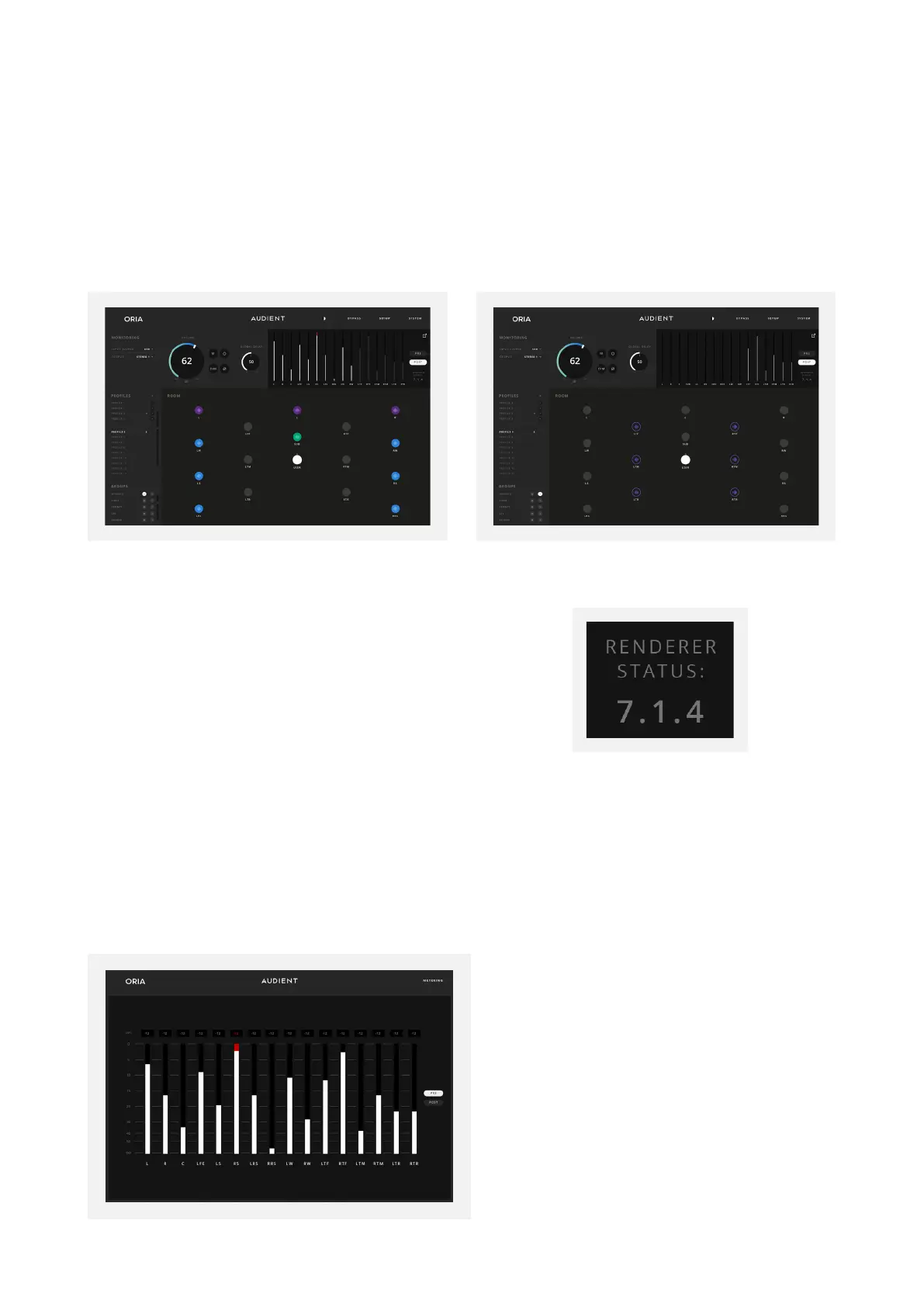
Muting/Soloing Channels
If a speaker channel is muted, then the meter for this channel will also be greyed out.
If a channel or channels are Solo’d, all other channels will be blacked out.
Expanded Metering Window
The Metering Panel can be expanded to its own window, allowing you to keep your meters
in the foreground whilst mixing. The Expanded Metering Window show more details such
as a dBFS scale and peak values.
Down Mix Status
If you have configured a renderer in the System
Panel then you can quickly check the current
Down Mix Status in the bottom right of the meters.
If no renderer has been selected then this will not
appear.
Muting Channels
Soloing Channels



 To Next Page