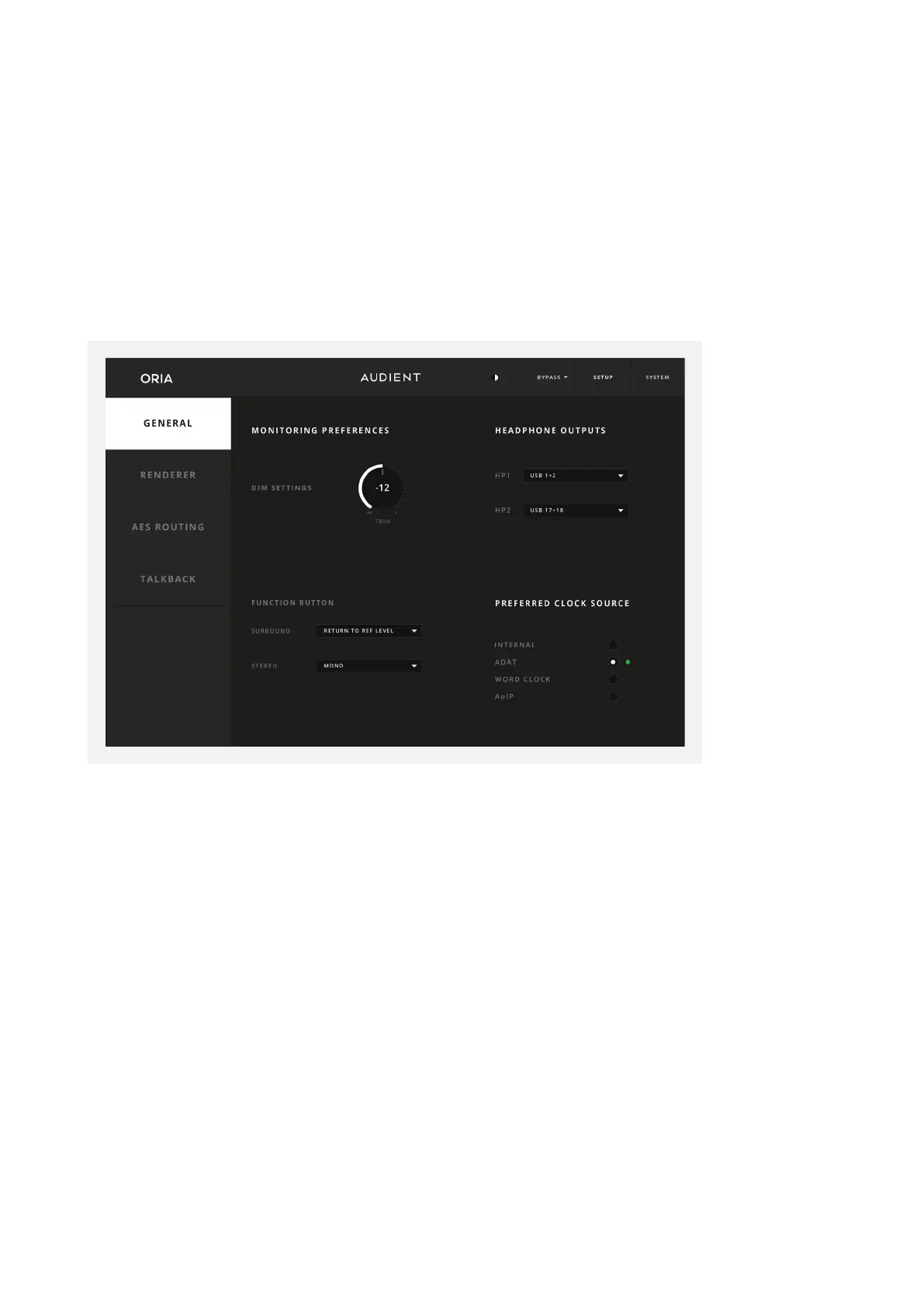
System Panel
The System Panel at the top of the ORIA Desktop App lets us look under the hood at the
more advanced settings for connectivity and control. The System Panel is split into 4
dierent Pages which are selectable using the tabs on the left-hand side
General
DIM Trim
Here you adjust how much the level is reduced by when the DIM function is enabled.
Function Button
Select what the ‘F’ Button on the front panel of ORIA does from the following options:
• DIM (default)
• Talkback
• Return to Reference Level
• Mono
• Polarity Reverse
NOTE: Monitoring functions assigned to the hardware Function Button are not stored
as part of a profile. They are system wide.



 To Next Page