Output Controls
In this section you can control various options for each individual output:
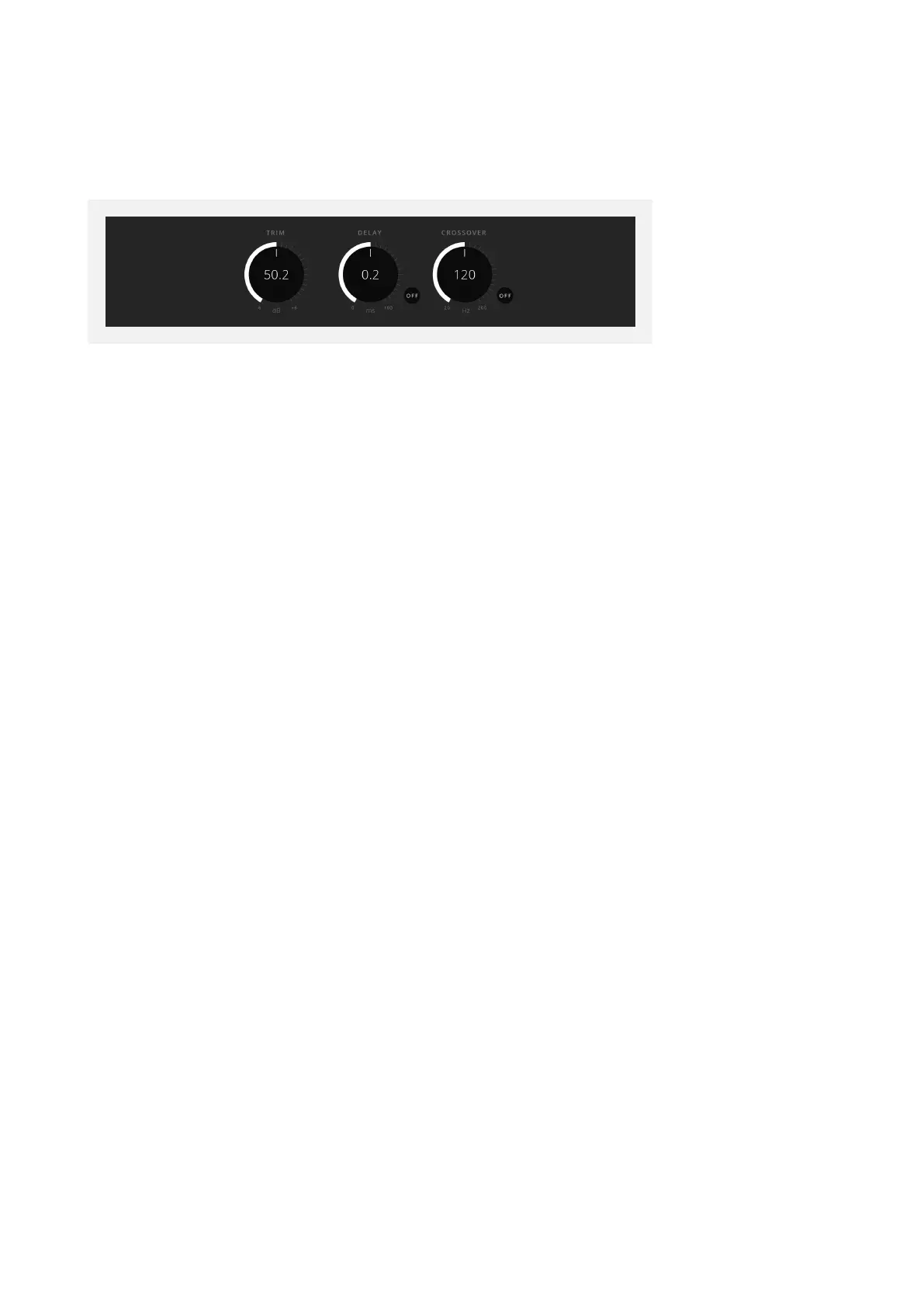
At the bottom of the Setup Panel, there are three further controls for speaker calibration.
Trim
The first control is Trim, which raises or lowers the level of this speaker by up to 12 decibels,
in increments of 0.1 decibels. Click and drag this control to either add or remove Trim from
this speaker, alternatively double click on the control to input a numeric value manually.
Delay
The second control is Delay, which delays the signal from this speaker by the defined
amount of time. This is useful in time aligning speaker signals to arrive at the listener from
each speaker at the same time for optimal immersive imaging.
The Delay control has a range from 0 milliseconds to 75 milliseconds, in increments of 0.01
millisecond. Click and drag this control to add Delay to this speaker signal, alternatively
double click the control to manually enter a numeric value. The Delay control also has a
separate ‘On’ button to toggle the delay on and o.
Bass Management/Crossover
The third control is Crossover, and this is for configuring Bass Management. When engaged
by clicking the ‘On/O’ button, Bass Management is now enabled for this speaker. This
means that audio frequencies that had been sent to this speaker channel below the
defined frequency value seen in the control will be removed from this signal path, and
instead redirected to the subwoofer channel.
This is important in audio systems where the individual speakers may not be able to
faithfully recreate lower bass frequencies, and so redirecting these lower frequencies
to the subwoofer may provide a more optimal experience. Click and drag this control
to define the crossover frequency, below which audio will be sent to the subwoofer and
above which the audio will be sent to the defined speaker channel. Alternatively, double
click on the control to manually enter a frequency value.



 To Next Page