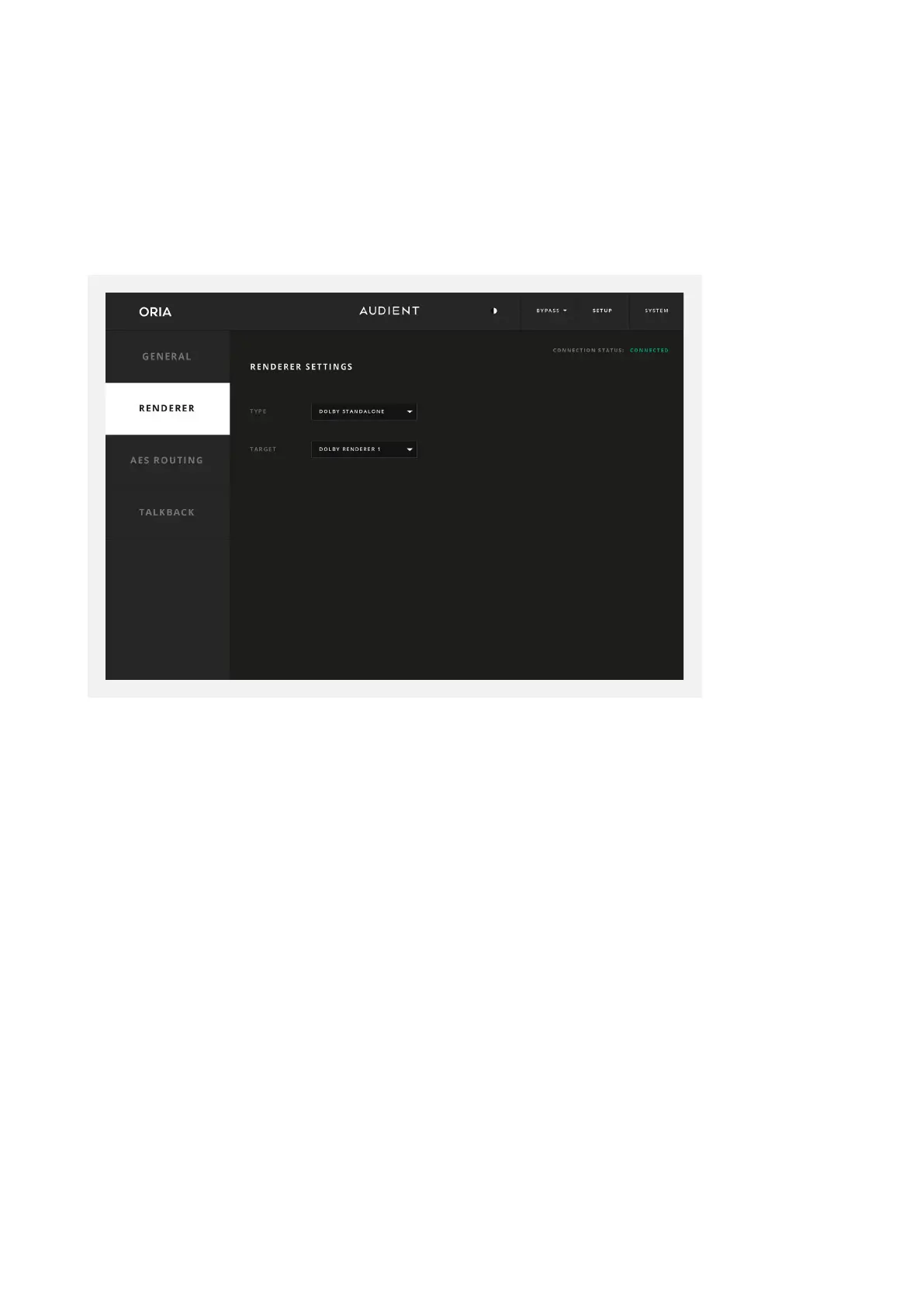
The Renderer Page is for connecting ORIA directly to the Dolby Atmos Renderer, both to
use the Down Mix Button on the ORIA hardware to cycle through dierent down mixing
format options, but also so that the Dolby Atmos Renderer can feed back information
to ORIA about which Down Mix format is in use.
Renderer
Type
Make sure the Dolby Renderer is open on your system then Select the Dolby Atmos
Renderer.
Target
Choose from the list of renderers available on your system under the type selected.
If the Dolby Atmos Renderer is open and running on the same computer, the computer’s
name will appear in the Target drop down list. Select the local target and the Connection
Status at the top right of the panel should change from ‘Unavailable’ to ‘Connected’.
Manual Address
If you have selected ‘Manual Address’ from the ‘Target’ list here you can enter the IP
address of a specific renderer if you wish to control a renderer on a network, rather than
the local machine.



 To Next Page