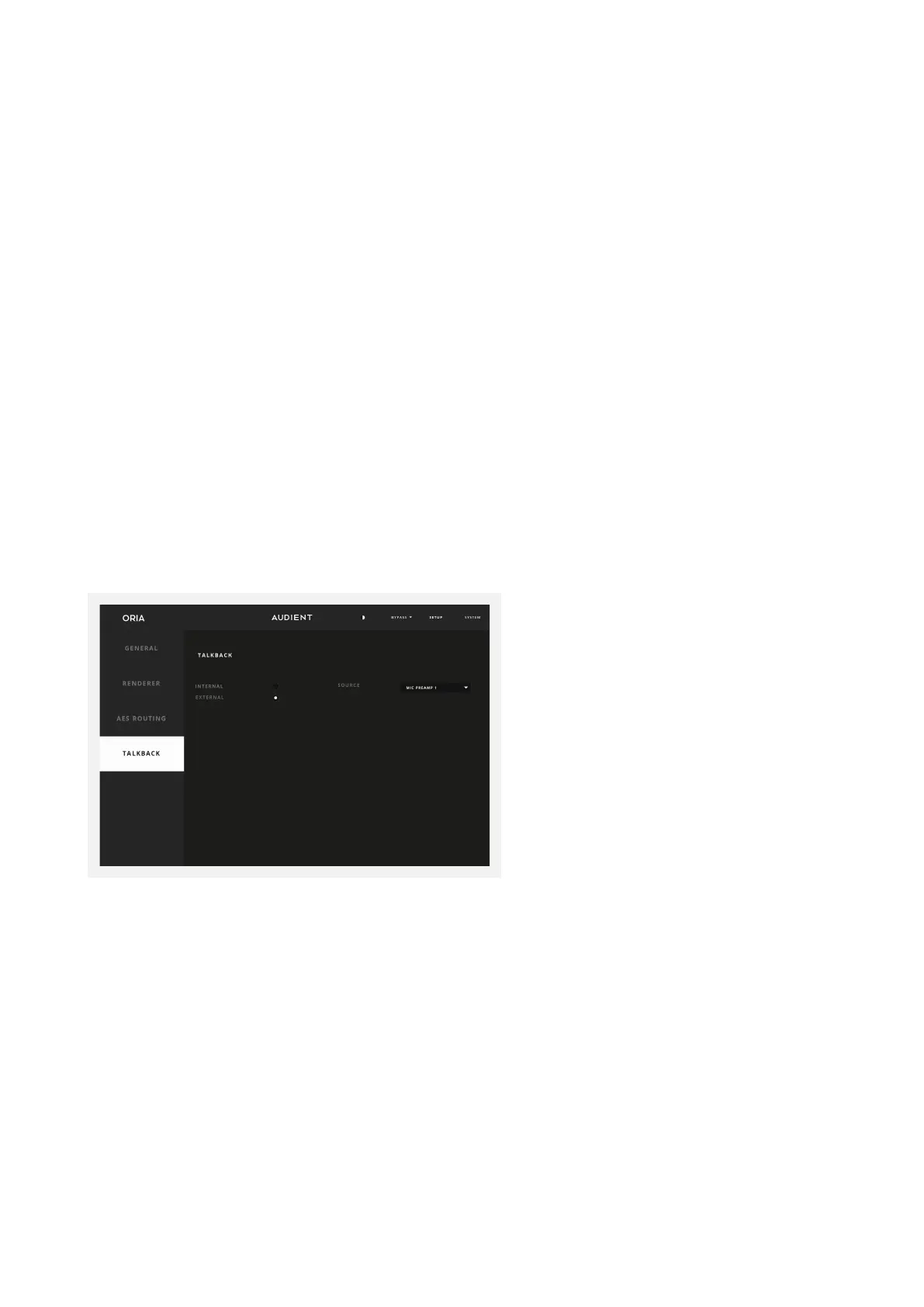
If tracking with an artist, ORIA provides talkback functionality that allows you to
communicate with the artist via their headphones.
You can select either an Internal Source or External Talkback Source. The Internal
Source uses one of the 2 Audient Console Mic Preamps found on ORIA or one of the 16
ADAT channels, whereas the Internal Source allows you to select another audio device
connected to your computer, such as the built-in microphone, USB microphone or
another audio interface.
Once you have selected Internal or External, use the Source drop-down to choose
either your Internal Channel or External Device.
Talkback
The Front Left speaker is already set to AES 1 in this instance, but we would need
to change the routing of the Left Wide speaker, which is set to use AES 9 by
default. Click the dropdown menu next to the Left Wide speaker, and here we can
choose to change the routing to AES 2. As a result of this routing, we can also see
that the Front Right channel, which was previously assigned to AES 2, has now
deselected its output because only a single speaker can use an AES assignment
at one time. ORIA handles routing the calibration and volume features internally.
Make sure to test channel routing assignments after changing these settings.
Use the drop-down menus to select which channel is assigned to a particular speaker
output. Please note that each output can only be assigned to one speaker channel. If a
speaker channel is not being used then ‘NONE’ should be selected.



 To Next Page