Windows
Due to software limitations, at this moment in time, Sonarworks Sound ID Reference Profiles
cannot be loaded into the ORIA Desktop App on Windows. This functionality will be added
via a driver/firmware update imminently.
Adjusting a Profile
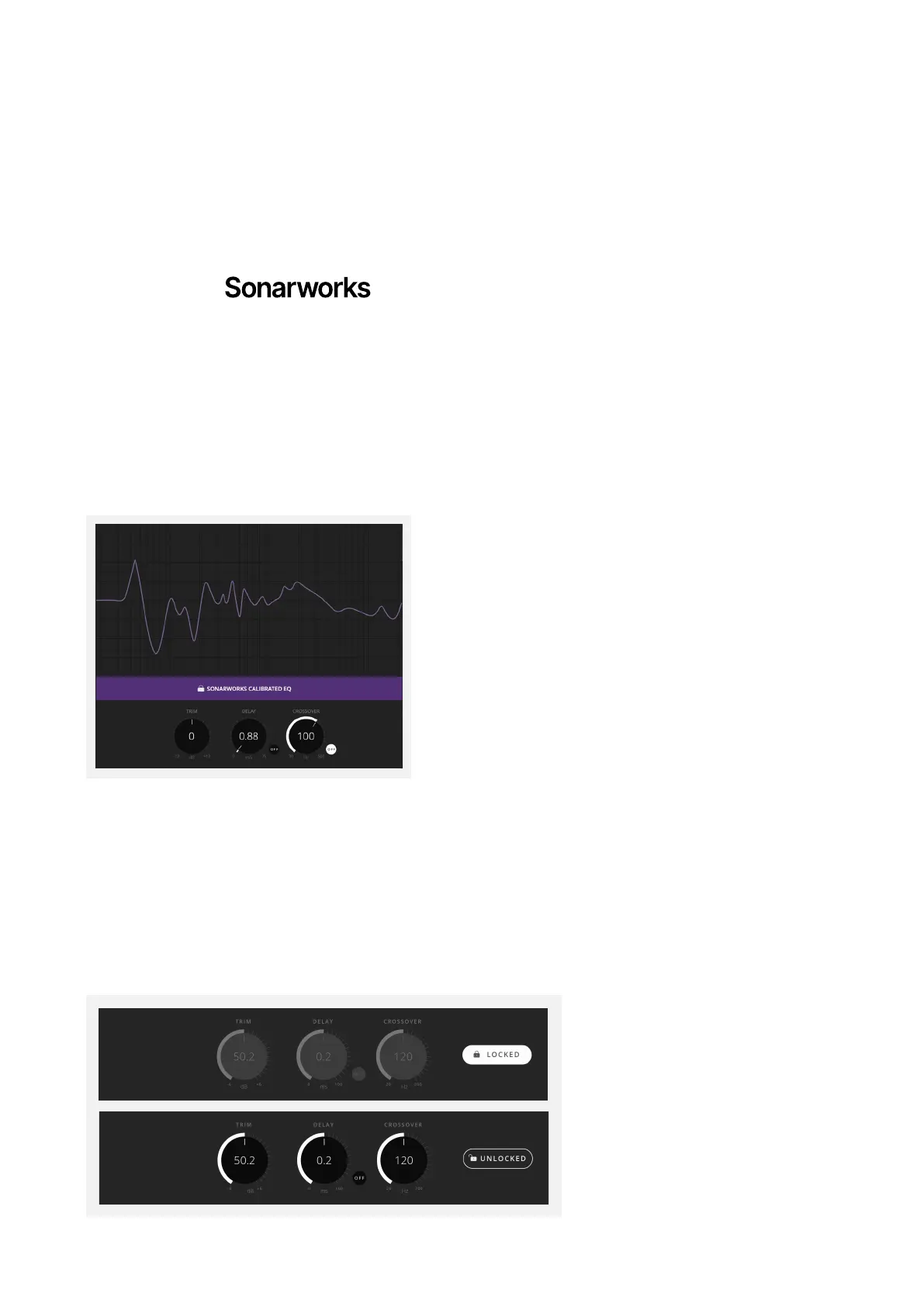
Please note that if you are using a Profile based on Sonarworks(™) measurements, the EQ
in the Setup Mode section will automatically be locked to prevent alterations.
The Trim, Delay and Crossover controls are also locked by default, but it is possible to make
adjustments to these. Click the ‘Locked’ button to unlock these settings, you can now make
adjustments.
Please note that if you are using a Profile based on Sonarworks(™) measurements then
the EQ in the Setup Mode section will automatically be locked to prevent alterations.
The Trim, Delay and Crossover controls are also locked by default but it is possible to make
adjustments to these. Click the ‘Locked’ button to unlock these settings, you can now make
adjustments.



 To Next Page