1110
. Switching the MULTISTREAMER PRO ON and OFF . Pairing the MULTISTREAMER PRO
.. Pairing hearing aids with the MULTISTREAMER PRO
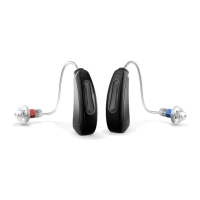
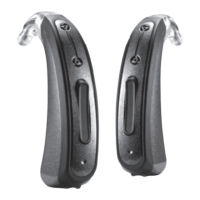
Make sure the green power light on the MULTISREAMER PRO is ON and then
switch ON your hearing aids. Pairing must be done within a 180 seconds window
and configured as a pair of hearing aids.
During pairing, the LED display on the MULTISTREAMER PRO will start flashing in
blue and stabilise once pairing is completed.
If pairing is not successful, please refer to additional notes on Chapter 3.3.3.
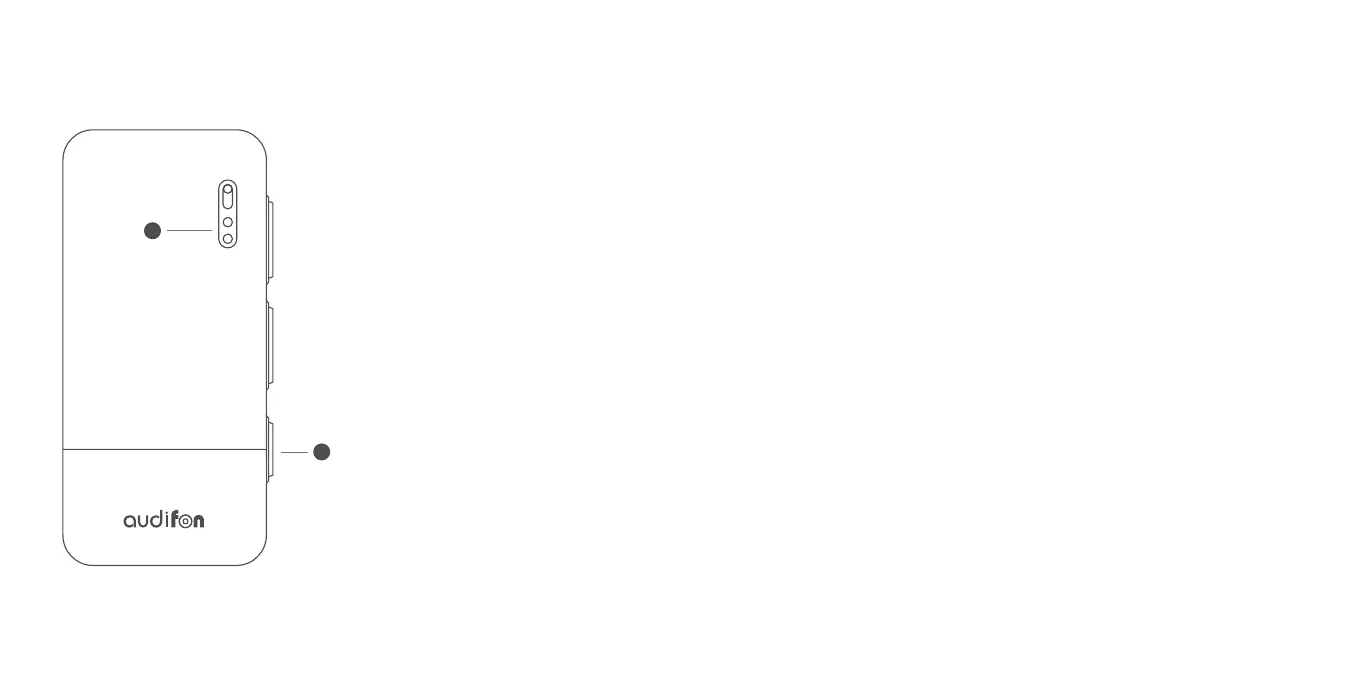
Please press the multi-function
button for about 3 seconds to switch
ON the MULTISTREAMER PRO. If the
LED flashes green 5 times, you have
successfully switched ON your device.
When the MULTISTREAMER PRO is
switched ON, please press the
multi-function button for about 2
seconds to switch it OFF.
If the LED flashes red once, you have
successfully switched OFF your device.
Multi-function
button
LED
display
1
7


 To Next Page