1312
.. Deleting stored pairings resetting the MULTISTREAMER PRO
If your MULTISTREAMER PRO can no longer be paired automatically, it may
be necessary to reset all connection settings. To delete previously stored
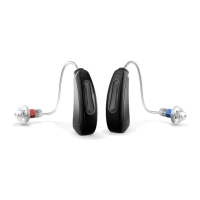
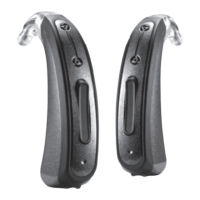
pairing between your MULTISTREAMER PRO and your hearing aids or your
smartphone, proceed as follows:
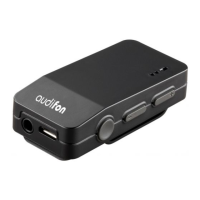
Switch ON the MULTISTREAMER PRO. Then press the multi-function button
for 10 seconds. A continuous blue LED light indicates that you have deleted all
previous connection.
To pair your MULTISTREAMER PRO with your hearing aids and smartphone,
see Chapter 3.3.1 and 3.3.2.
.. Pairing your smartphone with the MULTISTREAMER PRO
Make sure the green power light on the MULTISTREAMER PRO is ON and
Bluetooth mode is enabled on smartphone. Press and hold the multi-function
button for approx. 5 seconds, until LED indicator flashes blue.
Select “MULTISTREAMER PRO” on the list of Bluetooth devices on
smartphone.
The LED indicator will switch to steady blue to indicate successful pairing.


 To Next Page