5
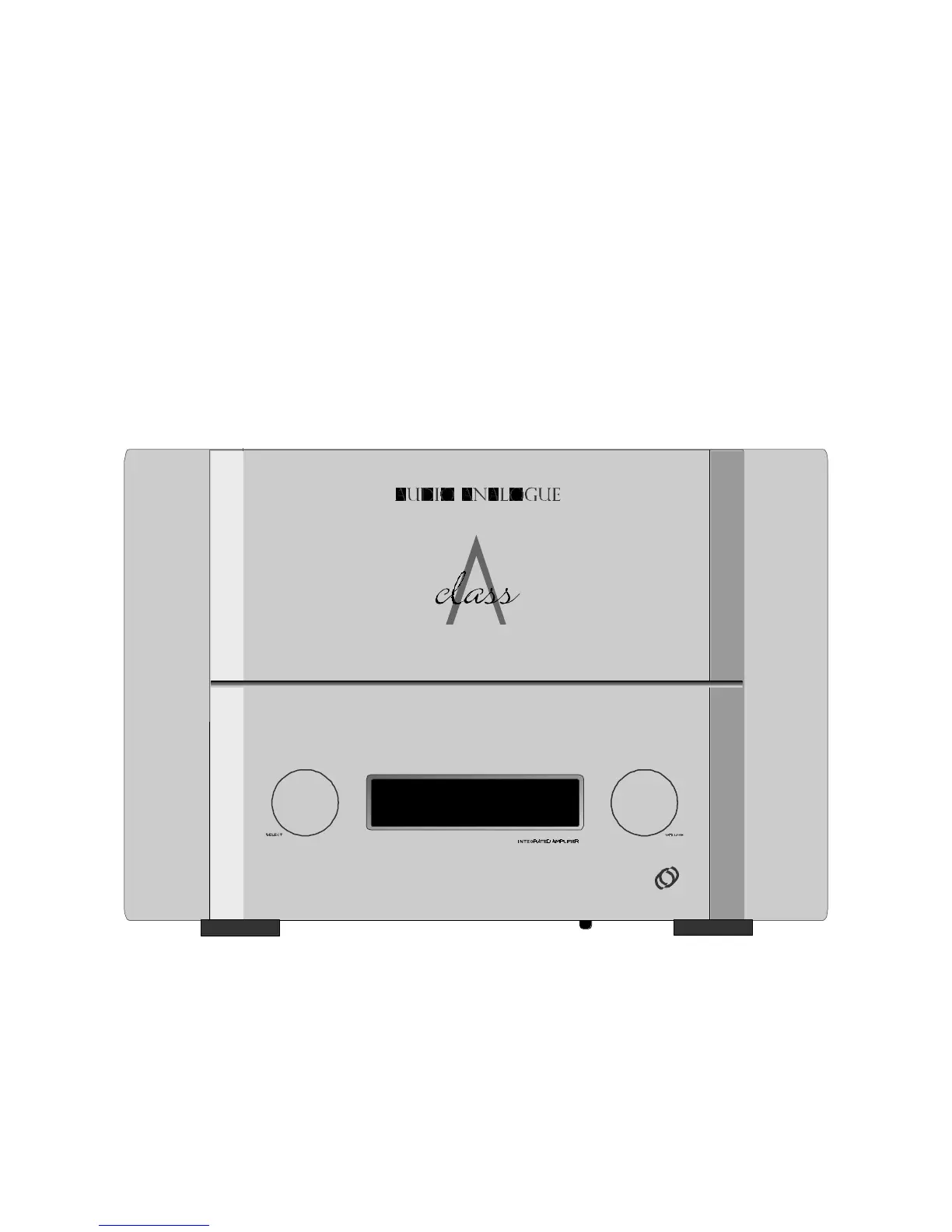
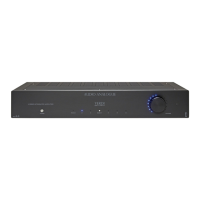
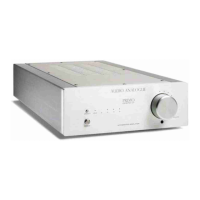
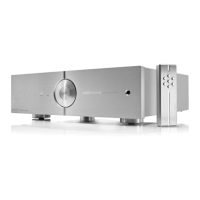
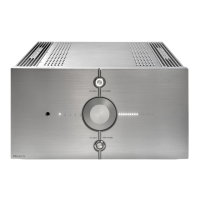
Front panel
• SELECT ( 1 ). Inputs selector. It allows selecting the desired source. The selected input is shown in the central display.
• VOLUME ( 2 ). Volume control. Rotate it clockwise to increase the volume; counterclockwise to decrease it. The volume
level is shown in the central display. The maximum level is 48.
• STAND-BY BUTTON ( 3 ). It’s located under the front panel. Pushed for 3 seconds turns on the amplifier. Pushed again
shut it off immediately.
• IR RECEIVER ( 4 ). It’s located into the central display.
Pannello frontale
• SELECT ( 1 ). Selettore degli ingressi. Consente di selezionare la sorgente desiderata che viene mostrata sul display
centrale.
• VOLUME ( 2 ). Controllo di volume. Ruotando in senso orario il volume aumenta, viceversa diminuisce. Il livello del volume
è mostrato sul display centrale. Il massimo volume si ha con livello 48.
• STAND-BY BUTTON ( 3 ). E’ posizionato sotto lo chassis frontale. L’amplificatore si accende tenendolo premuto per circa 3
secondi. Premendolo nuovamente l’amplificatore si spegne.
• IR RECEIVER ( 4 ). E’ posto all’interno del display centrale.
audio analogue
12
3
4





 To Next Page