15
Operation
Settings Menu
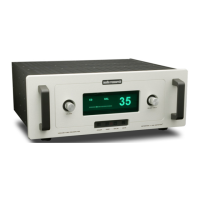
The LS28 has been designed with a simple,
intuitive menu to allow adjustment of
the various features of the preamplier.
To adjust the settings, press the ‘MENU’
button on the remote or front panel.
If no further action is taken with the
preamplier or remote for ve seconds,
the LS28 reverts back to its normal
operation screen. Continuing to press
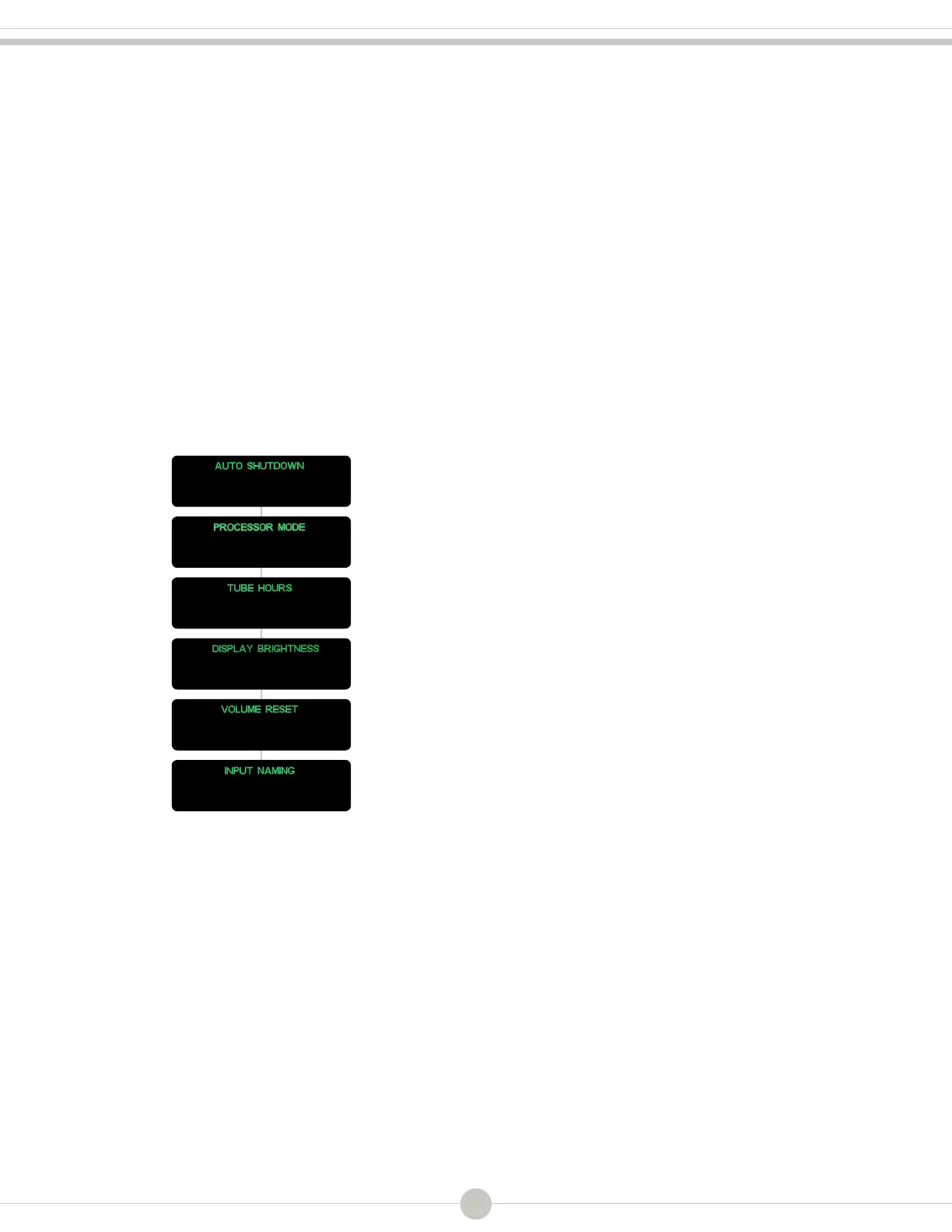
the ‘Menu’ button will toggle you
through the dierent setting options:
While a menu item is displayed, press
‘ENTER’, followed by rotating the
volume knob on the front panel, or
using the volume up/down buttons on
the remote to adjust the settings of
that particular selecton. After making
the appropriate change, pressing the
‘ENTER’ button will conrm the new
setting, and the display will show ‘OKAY’
for ve seconds before reverting back
to the normal operation screen.
Note
For the following menu settings, please refer
to the menu tree on page 14 for examples
of the front panel display.
Both the ‘MENU’ and ‘ENTER’ buttons (found
on the front panel and remote), as well as
the volume knob (or the up/down volume
buttons on the remote) are used to make
changes to the menu settings. Note that
the ‘MENU’ button can also be used to
back out of a menu selection, returning to
the main settings options.
Auto Shutdown
The LS28 is equipped with an auto
shut o feature, designed to turn the
preamplier o after a period of time
during which it is not used. The auto shut
o feature senses any interaction with
the preamplier, such as button presses,
changing the volume, remote usage, etc.
To change/disengage the auto shutdown
feature, press the ‘MENU’ button
until the ‘AUTO SHUTDOWN’ screen
is displayed. Using the volume knob
on the front panel, or the volume up/
down buttons on the remote, you have
the option for ‘o’ (no auto shutdown)
or 1-8 hours. Once you have made a
selection, press ‘ENTER’ to conrm. The
display will show ‘OKAY’ before reverting
back to the normal operation screen.
Note
The auto shutdown feature is not in the
signal path of the preamplier and has no
deleterious sonic eect on music playback.



 To Next Page