Page 5 of 17
AudioCodes™ MP-100/104 Gateway Quick Start Installation Guide
March 2004
6. Copy the following files that you just unzipped and paste them into the BootP server
folder (under C:\Program Files\AudioCodes).
NOTE: The file names may be different depending on the version and date that the
files are created.
• BOOT file (e.g., ramMP10XFXO.cmp) — Contains a compressed, downloadable
software image file.
• INI file (e.g., MP1XXFXP_IT.ini) — Contains the default settings for the MP-
104.
• Coefficient file (e.g., MP1XX12-1-12khz-fxo.dat) — Contains a set of
parameters for the signal processor of the loop interface devices.
• Call Progress Tone file (e.g., call_progress_usa/uk.dat) — Contains the
definitions of the call progress tones that the MP-104 will detect/generate.
NOTE: The _usa files are for US systems, and the_uk files are for European sys-
tems.
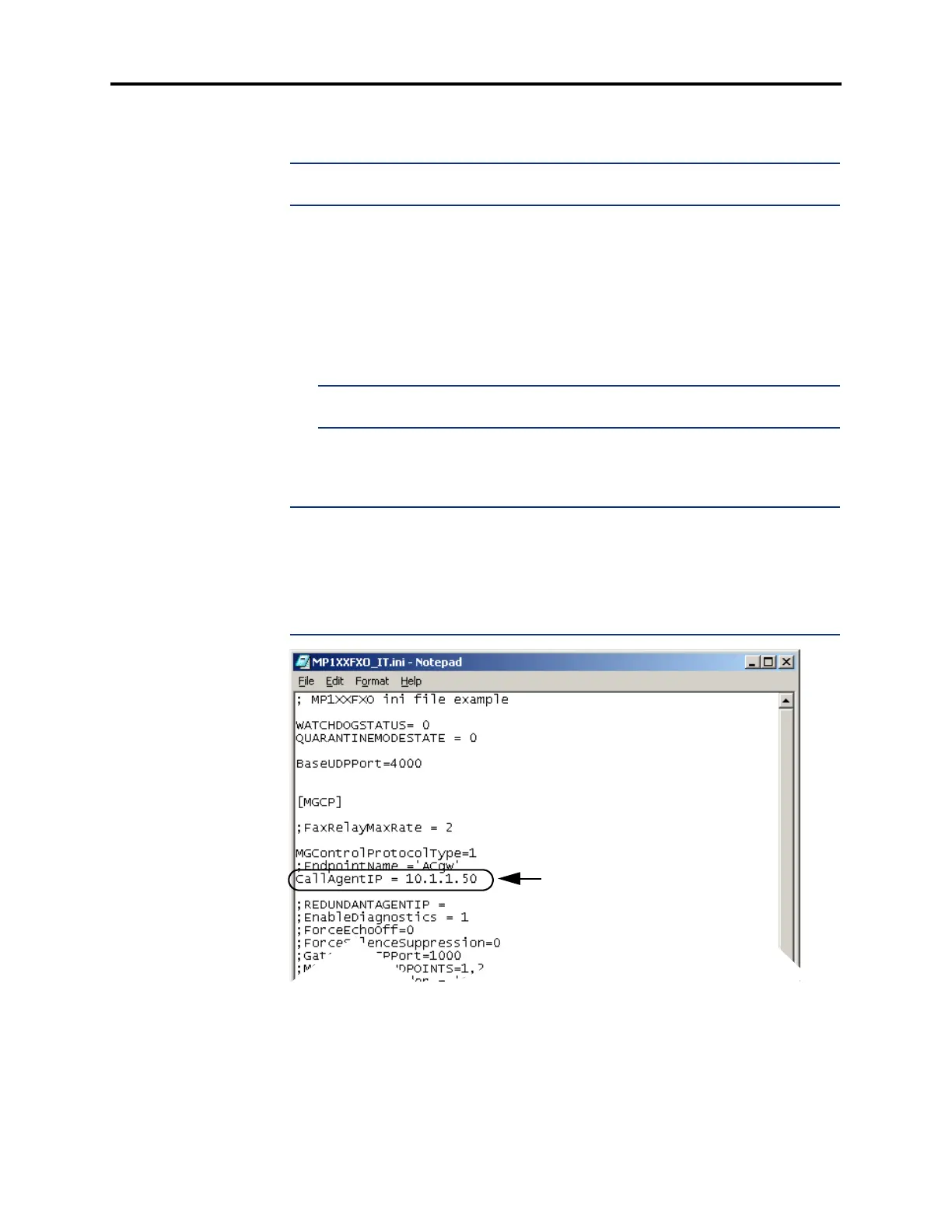
7. Open the MP1XXFXO_IT.ini file by using a word processor, such as Notepad,
Microsoft
®
Word, etc. Add the IPRC IP address in the CallAgentIP field, as shown
below, and save and close the file as .ini file.
NOTE: Programming the IPRC IP address in the .ini file provides a more reliable
Call Agent ID setting for the MP-104, when files are loaded via the TFTP server. If not
modified in the .ini file, this value is overwritten every time the MP-104 files are
reloaded during a reset, using the value in this file. This .ini file is “read only” by
default, therefore, you must modify this characteristic to allow updating. To change the
attributes, right-click the file name in the Windows Explorer and open Properties.
Uncheck Read-only in the Attributes field and click OK.
Call Agent IP













 To Next Page