EasyManua.ls Logo

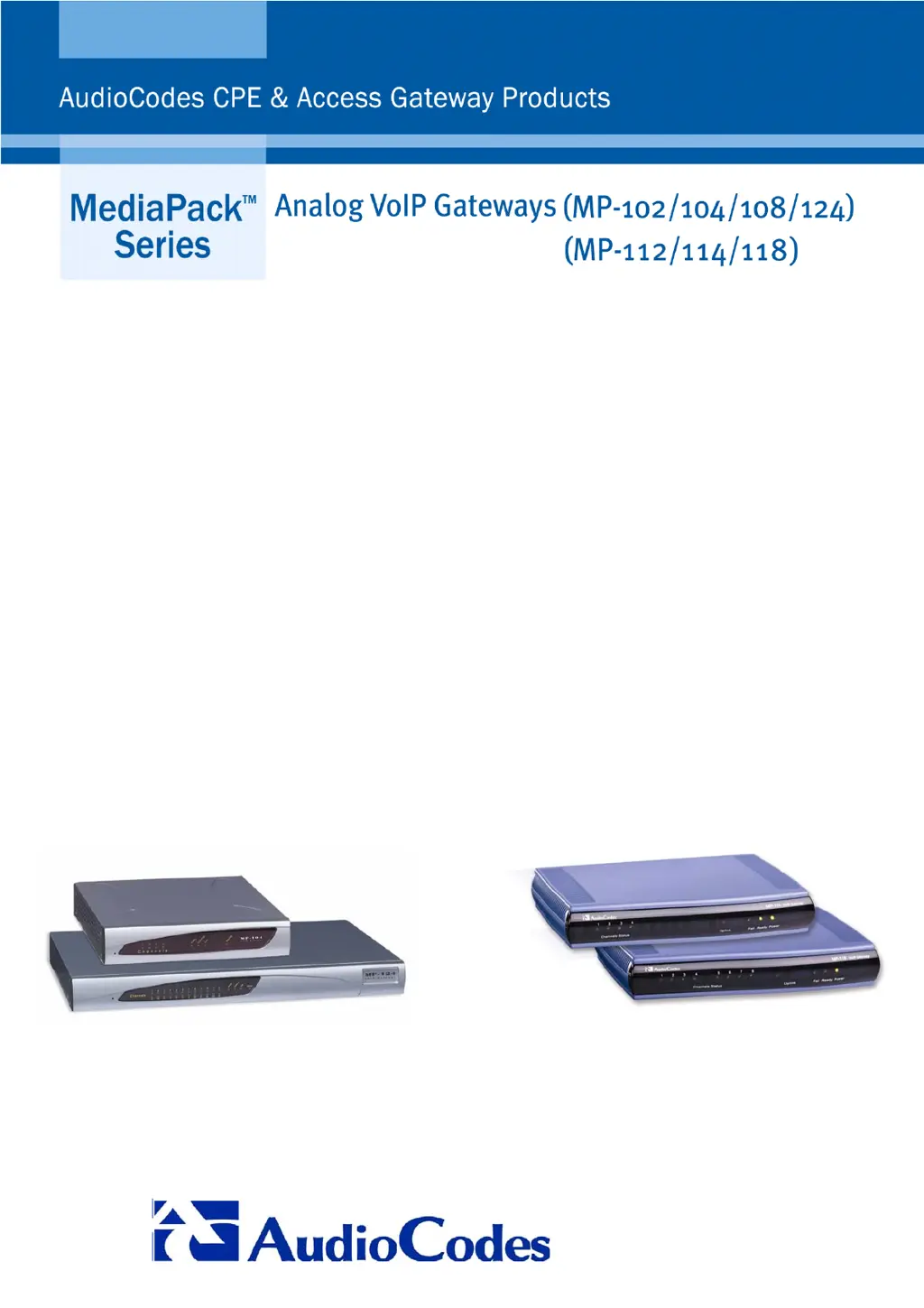
AudioCodes MediaPack MP-114 - User Manual

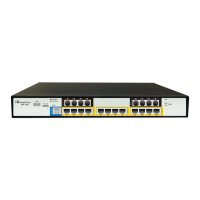
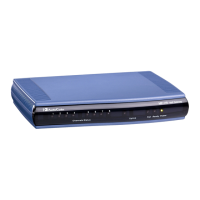
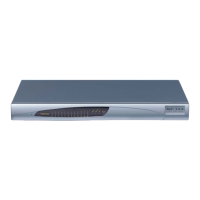
AudioCodes MediaPack MP-114
120 pages
Print Icon
To Next Page IconTo Next Page
Loading...
MediaPack SIP User’s Manual
Version 4.6
Document #: LTRT-65405

Table of Contents

Other manuals for AudioCodes MediaPack MP-114

Questions and Answers

  • J
    Jennifer RussellJul 25, 2025
    What to do if I can't access the AudioCodes Gateway Embedded Web Server?
    • W
      William KleinJul 25, 2025
      If you're unable to access the Embedded Web Server on your AudioCodes Gateway, first ensure that the Ethernet cable is securely plugged into the Ethernet port. If the issue persists, verify that the IP address, subnet mask, and default gateway are correctly configured. You can do this by connecting directly to the gateway using CLI (serial) or HTTP (local Ethernet connection).
  • R
    robertgrossAug 2, 2025
    What to do if I am unable to access the AudioCodes Gateway Embedded Web Server because of a forgotten password?
    • E
      Elizabeth HallAug 2, 2025
      If you're unable to access the Embedded Web Server on your AudioCodes Gateway due to a forgotten or lost login password, restore the gateway's default configuration settings.
  • R
    Renee AllenAug 10, 2025
    What to do if configuration settings have been lost on AudioCodes Gateway?
    • K
      Kayla GonzalezAug 10, 2025
      If the configuration settings on your AudioCodes Gateway have been lost due to hardware failure, restore the gateway's configuration settings by uploading the backup ini file.
  • R
    Rebecca SmithAug 17, 2025
    What does it mean if the Ready LED is lit red on my AudioCodes Gateway?
    • A
      Alexa RojasAug 17, 2025
      If the Ready LED on your AudioCodes Gateway is lit red, it indicates a hardware component failure. Contact AudioCodes' Customer Support representative for assistance.

Summary

Overview of MediaPack SIP Gateway

MediaPack Physical Description

Installing the MediaPack Gateway

MP-1 xx Installation Steps

Covers unpacking, checking package contents, mounting, and cabling the MP-1xx gateway.

MP-1 xx Cabling Procedures

Provides detailed instructions for cabling the MP-1xx using Ethernet, RJ-11, RS-232, and power cables.

MP-11 x Installation and Cabling

Covers unpacking, package contents, mounting, and cabling procedures for the MP-11x gateways.

Getting Started with MediaPack

Assigning MediaPack IP Address

Details methods for assigning an IP address to the MediaPack, including HTTP and BootP.

Configuring the MediaPack Gateway

Protection and Security Mechanisms

Details security features like dual access levels, read-only mode, and disabling the web server.

Accessing the Embedded Web Server

Provides steps to access the gateway's web interface using a browser and login credentials.

Protocol Management Configuration

Covers configuration of SIP parameters, including protocol definition and advanced settings.

Protocol Management: Protocol Definition

Proxy and Registration Parameters

Configures proxy server settings, registration, and redundancy options for SIP calls.

Protocol Management: Advanced Parameters

Protocol Management: Routing Tables

Tel to IP Routing Table Configuration

Routes incoming Tel calls to IP addresses based on dialed number prefixes.

Protocol Management: Profile Definitions

Endpoint Settings Configuration

Authentication Table Setup

Defines username and password combinations for authentication for each MediaPack port.

FXO and Voice Mail Parameters

Configuring FXO Parameters

Sets specific FXO parameters like dialing mode, waiting for dial tone, and ring detection.

Advanced Configuration: Network Settings

Configuring IP Settings

Sets up IP networking mode, IP address, subnet mask, and gateway address.

AudioCodes MediaPack MP-114 Specifications

General IconGeneral
ModelMP-114
CategoryGateway
Analog Ports4 FXS
Network Interfaces2 x 10/100Base-T Ethernet
Voice CodecsG.711, G.726, G.723.1, G.729A/B
Fax SupportT.38
ManagementWeb-based management, CLI, SNMP
SecuritySRTP, TLS, HTTPS
Ports4 RJ-11, 2 RJ-45
ProtocolsSIP, H.323
Operating Temperature0°C to 40°C
Storage Temperature-20°C to 70°C
Humidity10% to 90%, non-condensing

Related product manuals