Page 4 of 17
AudioCodes™ MP-100/104 Gateway Quick Start Installation Guide
March 2004
Setting Up the MP-104
Follow the instructions below to set up the MP-104.
To set up the MP-104:
1. Attach the Ethernet cable to the ETH-1 RJ-45 connector to connect to your LAN. To
determine the configuration of the MP-104, connect the DC power supply and observe
the front panel light-emitting diodes (LEDs). For details on LED indicators, refer to the
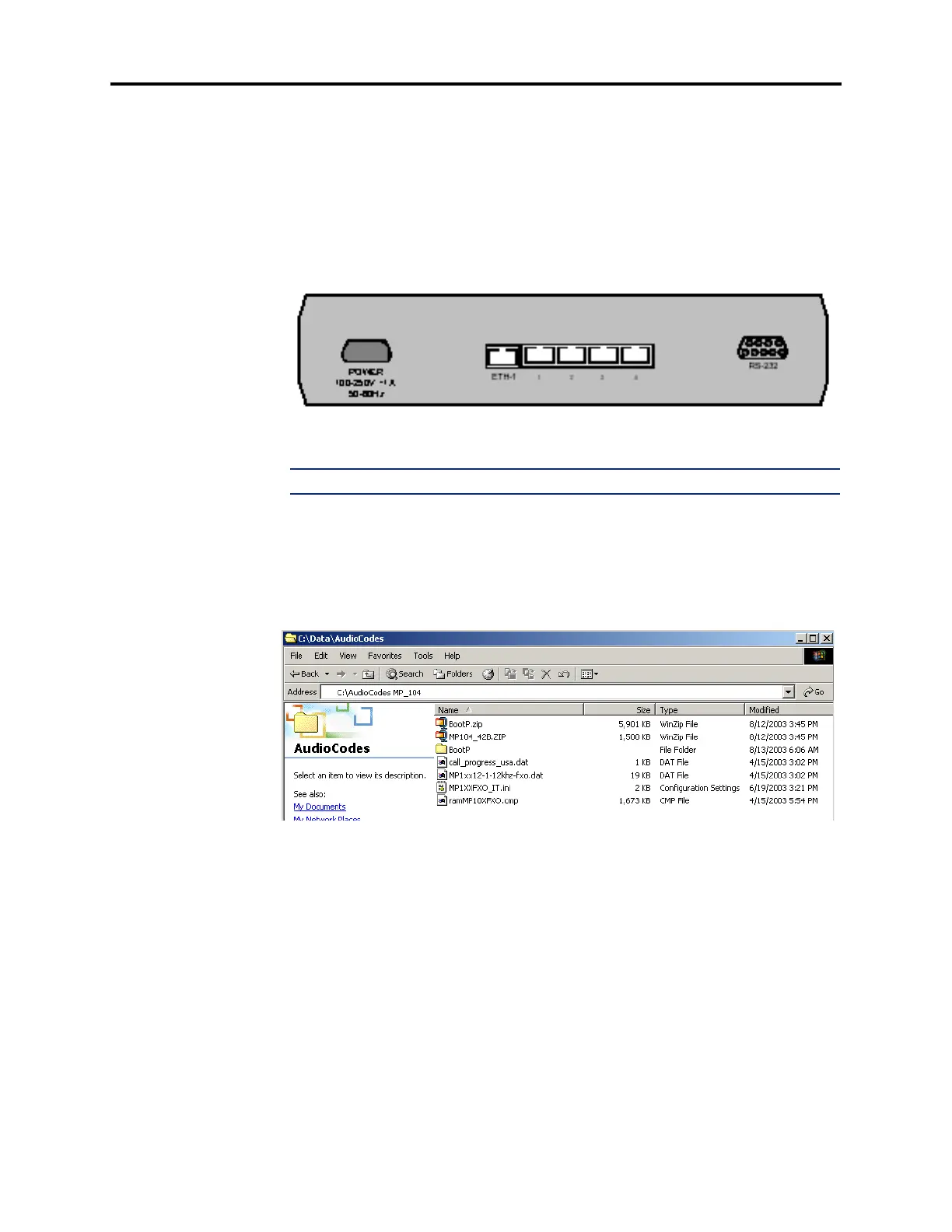
MP-104 User’s Manual & Installation Guide that is on the CD-ROM. The back view of
an MP-104 is shown below.
2. Attach up to four phone lines (e.g., loop start lines) to the RJ-11 connectors.
NOTE: Up to 200 m (660 ft) of 24AWG twisted pair cable can be used for phone lines.
3. Create a new directory (e.g., Audiocodes MP_104) in the Windows Explorer on your
PC.
4. Detach and unzip the BootP and MP_104 zip files that are provided in the Inter-Tel
AudioCodes CD (part no. 827.9920) into this folder. You may want to create a sub-
folder for the BootP zip file within the same folder. The folder should look like the one
shown below.
5. Double-click Setup.exe (in the BootP folder) to install the AudioCodes BootP
server.













 To Next Page