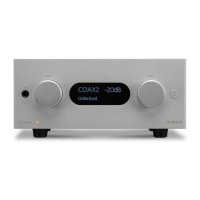
Placement
2: Getting Started
Welcome to Audiolab 6000 Series.
We hope you will enjoy its performance for many years to come.
Please read through this manual to obtain the very best performance from 6000CDT.
Inputs:
• CD disc playback.
Outputs:
• Optical and coaxial SPDIF digital output.
Features:
• Automatic equipment activation via 12V trigger output .
• Display on/off options.
• Auto standby function with function on/off options.
Unpacking
Unpack the product fully. The carton should contain:
• The Audiolab 6000CDT
• One IEC power cord suitable for your area.
• One Remote handset with two AAA batteries
• This instruction manual.
Page 2
lf an item is missing or damaged , report this to your dealer as soon as possible. Retain the
packing for safe transport of your unit. If you dispose of the packing, do so with regarding
to any recycling regulation in your area.
Note:
The 6000CDT should be used with the DIGl or OPT outputs connected directly to a
preamplifier with inbuilt DAC.
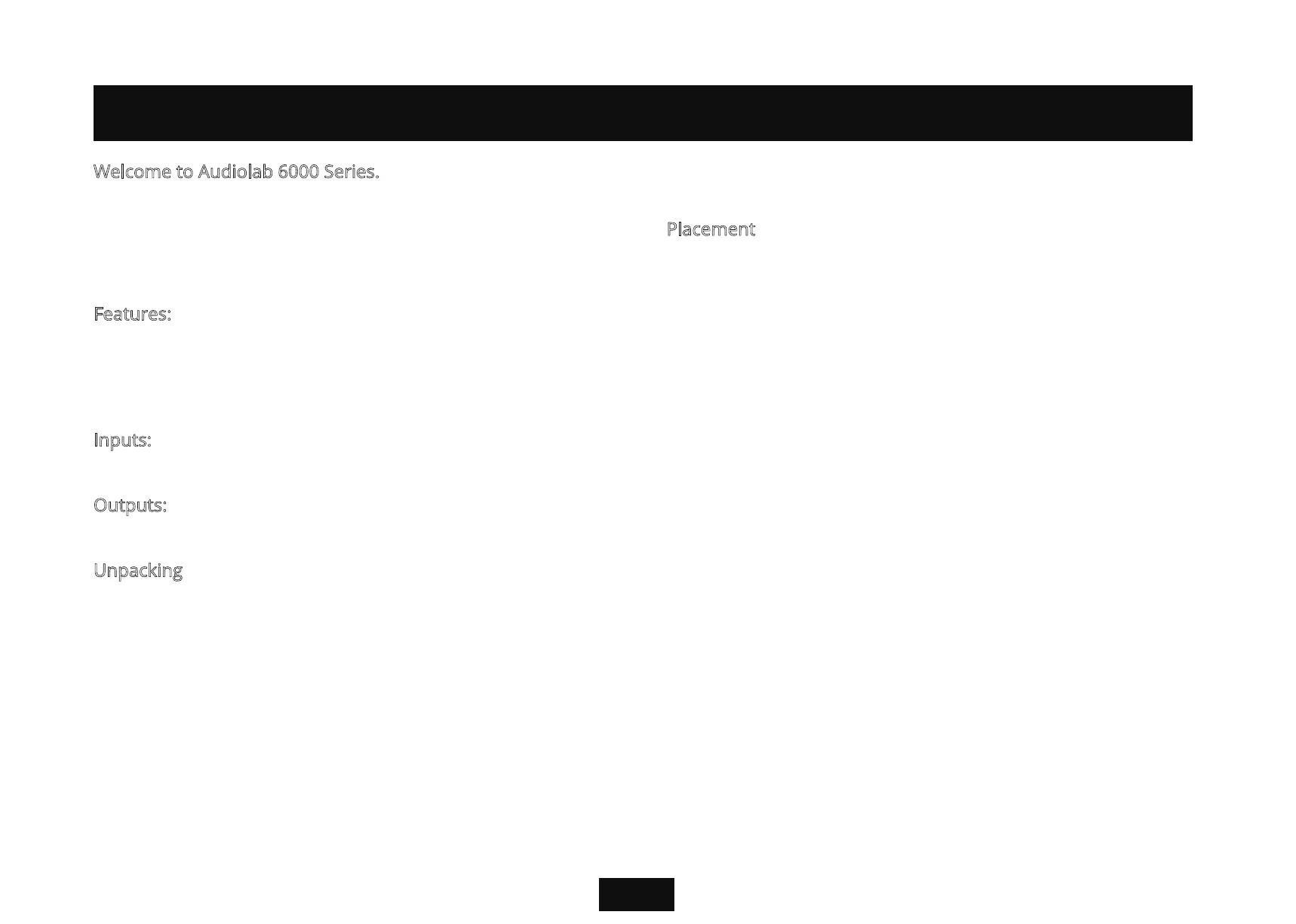
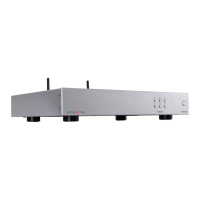
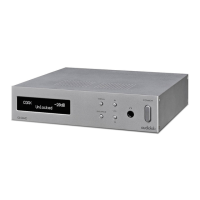
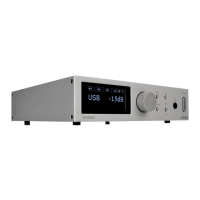
6000CDT is a high performance CD transport that is the perfect partner for other
Audiolab components such as 6000A.
The unit is designed to run warm during normal operation but ensure you do not block
any ventilation openings.Place the unit on a sturdy shelf or table. If you use an equipment rack,
ensure the unit has adequate ventilation and is on its own shelf. To minimize any interference,
place the power supply in a stable location as far from sensitive analogue input as
possible.Ensure your mains voltage corresponds to the rating plate on the rear of the
product’s power supply. If in doubt, consult your dealer. If you move to an area with a different
mains voltage,seek advice from an Audiolab appointed dealer or a competent service
technician.



 To Next Page