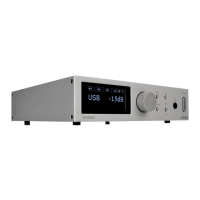
Preparing the Handset
• Unpack the handset
• Invert the handset
• Remove the battery cover
• Place a new battery as shown
• Close the battery cover
Battery Caution
• There is a risk of fire and burns if the battery is handled
improperly
• Do not disassemble, crush, puncture, short external
contacts or dispose in fire or water.
• Do not attempt to open or service the battery. Replace
only with a CR2025 battery.
• Discard used batteries in accordance with recycling
regulations in force in your area
4: Remote Handset
Page 4
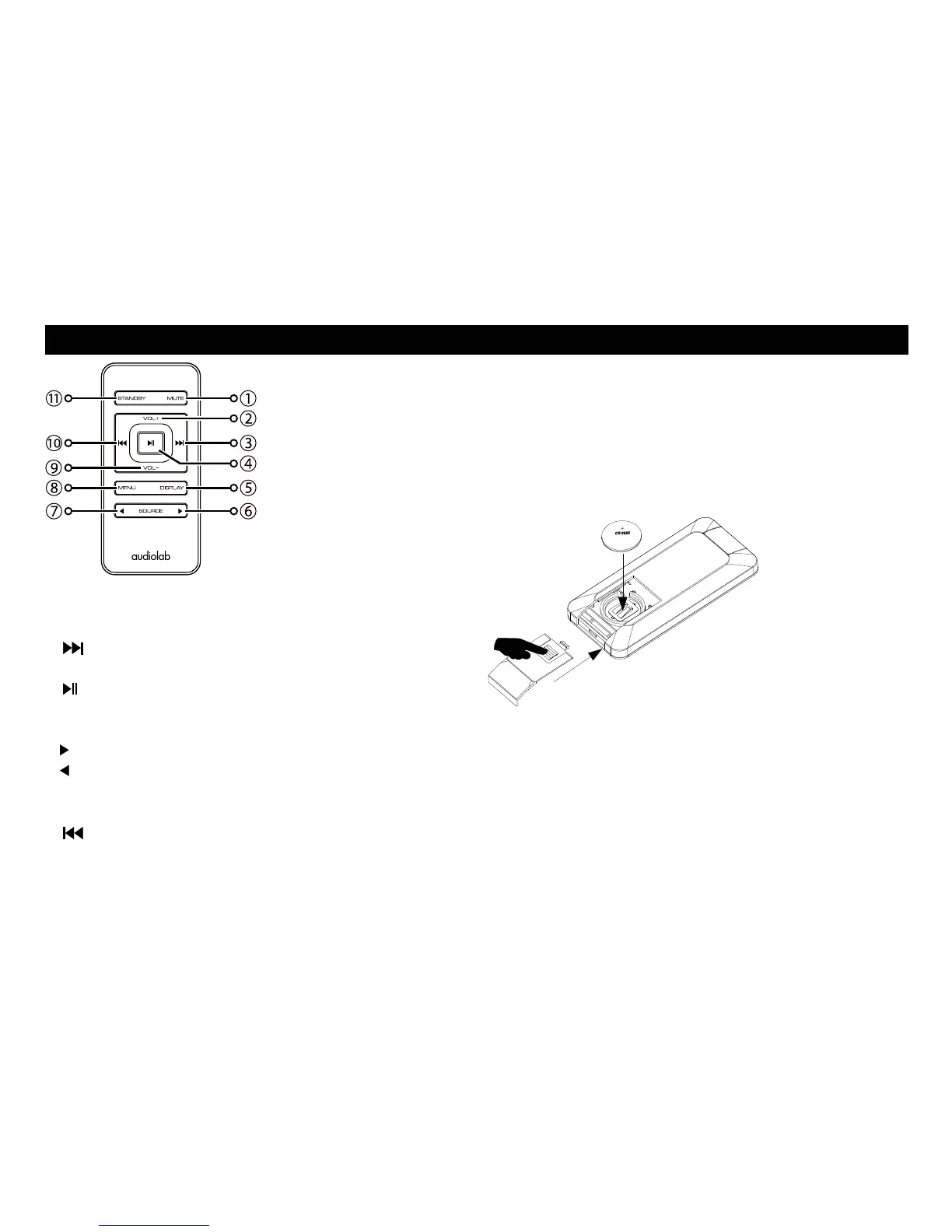
1 MUTE Press to mute and unmute the sound
2 VOL+ Increase Volume
3 Move to the next track of CD/USB
Move to next page or setting in menu
4 Press to start/pause CD/USB
Press to confirm page or setting selected in menu
5 DISPLAY Press to cycle through display options
6 Press to select next source
7 Press to select previous source
8 MENU Press to enter or exit menu
9 VOL– Decrease Volume
10 Press once to replay the current track of CD/USB
Press again to move to the previous track of CD/USB
11 STANDBY Press to bring the unit in/out of Standby


 To Next Page