OWNER’S MANUAL
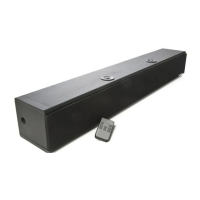
S325 High Definition Soundbar
AudioSource®
13970 SW 72nd Ave.
Portland, OR 97223
877.715.5439
ww
w.audiosource.net
S325 Owner’s Manual 8100.325A
BASS
MUTE
VOL
ST-BY
INPUT
TREB
2
4
3
6
1
5
1 2 3 4
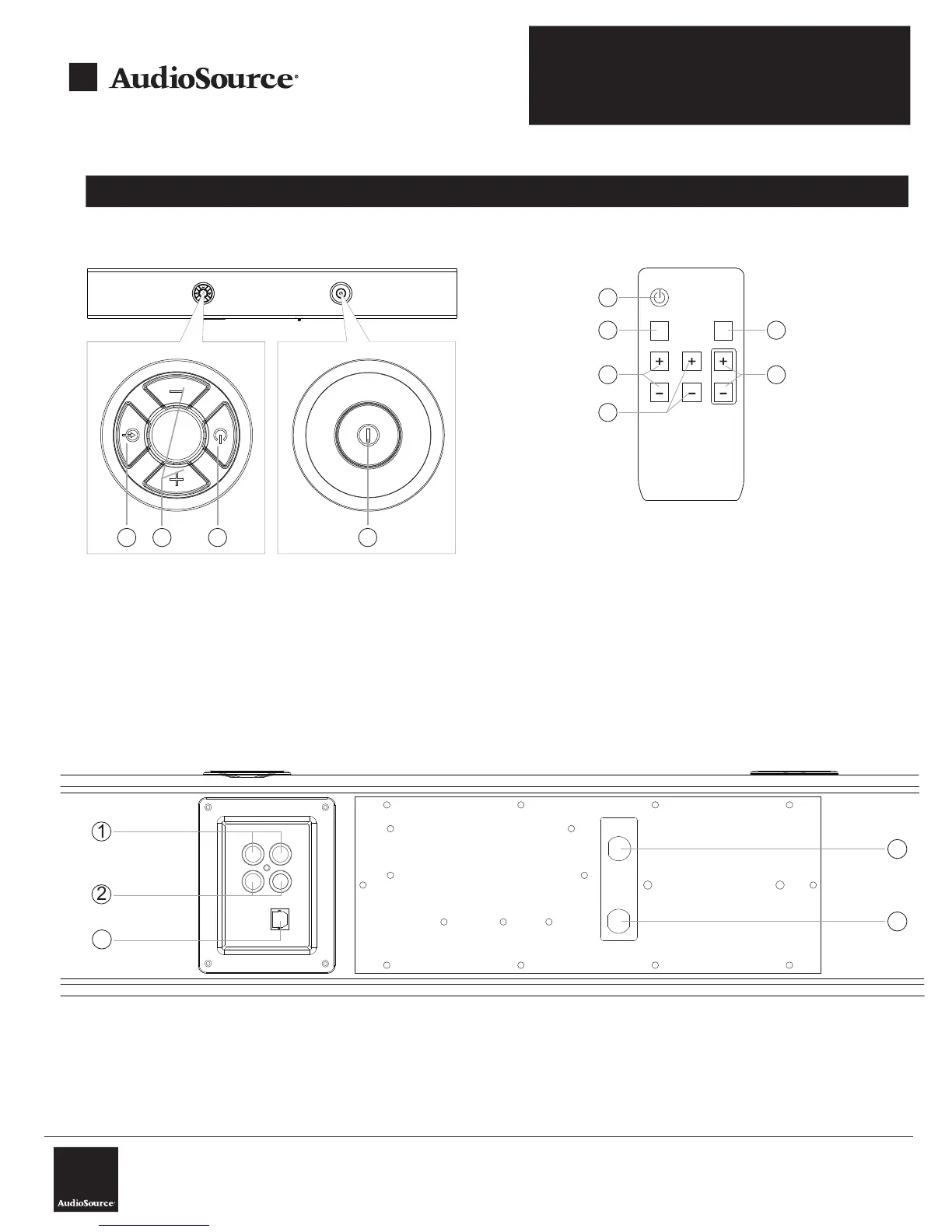
Functions
S325 Top View
S325 Remote Control
1. Input Mode: Select Input mode
2. Volume +/-: Adjust the Soundbar’s
volume to the desired level
3. Standby: Press to activate/deactivate system
standby
4. Main Power Switch: Press to turn unit on or off
1. ST-BY: Standby
2. INPUT: Select input mode
3. MUTE: Press the key to mute the system
4. TREB +/-: Adjusts the systems treble
frequencies
5. BASS +/-: Adjusts the systems bass
frequencies
6. VOL +/-: Adjusts the overall system
volume level
S325 Back View
1. Input 1: Connect to audio source 1 (TV, etc.)
2. Input 2: Connect to audio source 2 (DVD, etc.)
3. Fuse
4. Power cord
5. Optical Input: Connect to PCM 2-Channel
digital outputs. Please refer to your audio
sources manual to configure the digital out
to PCM 2-Channel and for compatibility.
5


 To Next Page