18
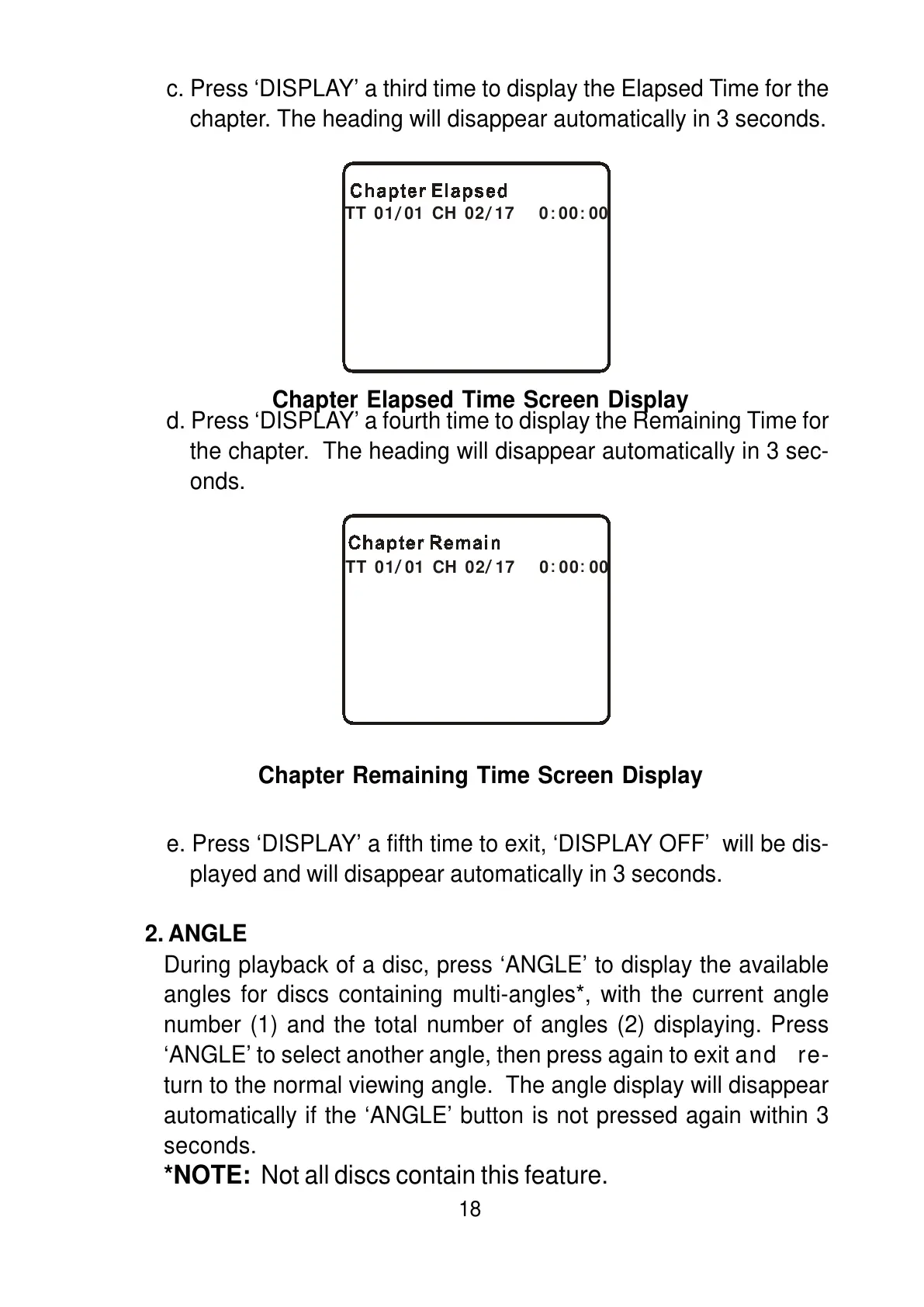
c. Press ‘DISPLAY’ a third time to display the Elapsed Time for the
chapter. The heading will disappear automatically in 3 seconds.
d. Press ‘DISPLAY’ a fourth time to display the Remaining Time for
the chapter. The heading will disappear automatically in 3 sec-
onds.
e. Press ‘DISPLAY’ a fifth time to exit, ‘DISPLAY OFF’ will be dis-
played and will disappear automatically in 3 seconds.
2. ANGLE
During playback of a disc, press ‘ANGLE’ to display the available
angles for discs containing multi-angles*, with the current angle
number (1) and the total number of angles (2) displaying. Press
‘ANGLE’ to select another angle, then press again to exit and re-
turn to the normal viewing angle. The angle display will disappear
automatically if the ‘ANGLE’ button is not pressed again within 3
seconds.
*NOTE: Not all discs contain this feature.
Chapter Elapsed Time Screen Display
Chapter Remaining Time Screen Display
TT 01 01 CH 02 17 0 00 00
/ / ::
TT 01 01 CH 02 17 0 00 00
/ / ::



 To Next Page