19
3. SUBTITLE
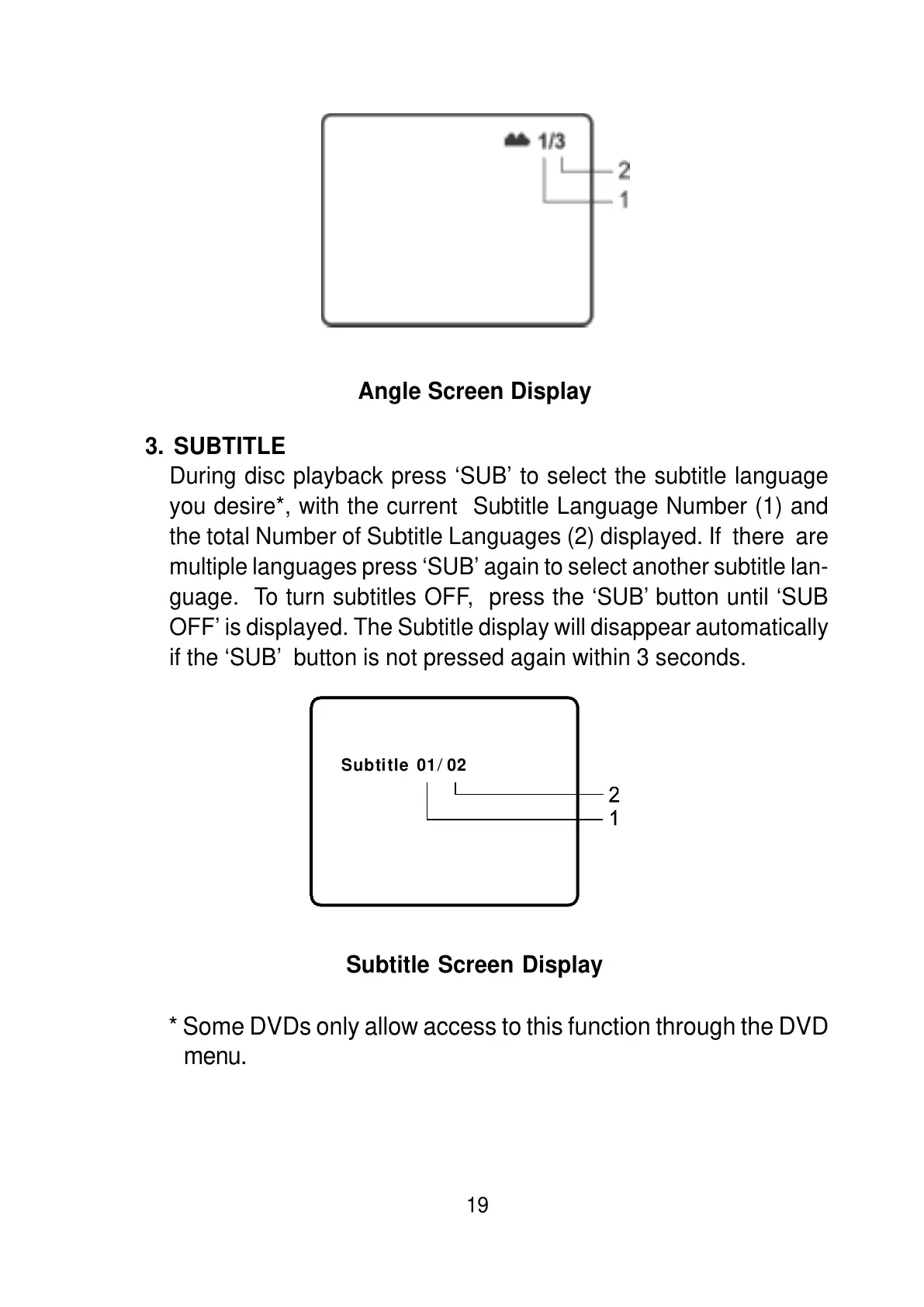
During disc playback press ‘SUB’ to select the subtitle language
you desire*, with the current Subtitle Language Number (1) and
the total Number of Subtitle Languages (2) displayed. If there are
multiple languages press ‘SUB’ again to select another subtitle lan-
guage. To turn subtitles OFF, press the ‘SUB’ button until ‘SUB
OFF’ is displayed. The Subtitle display will disappear automatically
if the ‘SUB’ button is not pressed again within 3 seconds.
Angle Screen Display
Subtitle Screen Display
* Some DVDs only allow access to this function through the DVD
menu.
Subtitle 01 02
/



 To Next Page