INCOMING CALLS
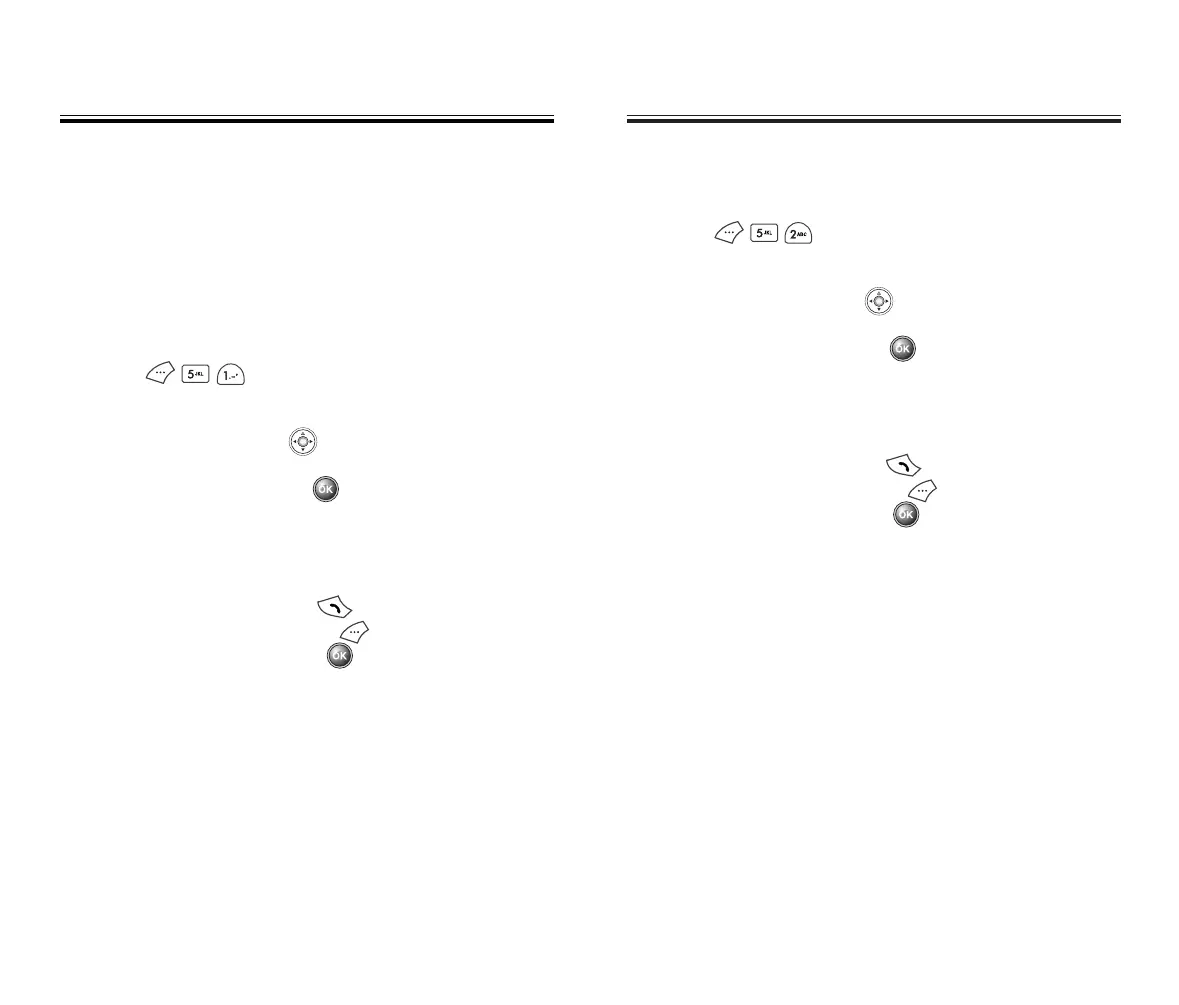
1. To view the 10 most recently answered calls,
press .
The 4 most recent calls will be listed first.
2. Use the navigation key to scroll through the list
of answered calls, then select the desired number.
To view call details, press .
●
Detail information includes the phone number, its
log number, time and date of the call.
3. To dial the number, press .
To delete the number, press .
To save the number, press .
You can add a prefix or simply store the number as is.
CALL LOGS
CALL LOGS
OUTGOING CALLS
1. To view the 10 most recently dialed numbers,
press .
The 4 most recent calls will be listed first.
2. Use the navigation key to scroll through the list of
dialed calls, then select the desired number.
To view call details, press .
●
Detail information includes the phone number, its
log number, time and date of the call.
3. To dial the number, press .
To delete the number, press .
To save the number, press .
You can add a prefix or simply store the number as is.
Chapter 3 - Page 41
CALL LOGS
CALL LOGS
The CDM-8500 keeps a log of the 10 most recently
missed, answered (incoming) and dialed (outgoing) calls.
Log information includes the phone number and the date
and time of the call.
Page 40 - Chapter 3
50C-verginmobile3/21ºˆ¡§ 2003.3.21 10:29 AM Page 42



 To Next Page