CHECKING MESSAGES
CHECKING MESSAGES
CHECKING RECEIVED VOICEMAIL MESSAGES
1. Press , then press to access your
voice mailbox.
CHECKING RECEIVED TEXT MESSAGES
1. Press , then press “Text Inbox”.
2. Highlight the message you want to view and press
. The text message is displayed.
3. To view the Text Inbox message menu, press
then you can Reply, Erase, Forward, Save, Save
Address, Lock or Unlock the message.
Chapter 6 - Page 99
RECEIVED MESSAGE NOTIFICATION
When your phone receives a message, the screen dis-
plays the number of new text messages and voicemail
messages.
1. To display the received message, or to check the
received voicemail message, press .
TWO-W
TWO-W
A
A
Y TEXT MESSAGING
Y TEXT MESSAGING
Your CDM-8500 features Two-Way Short Message
Service (SMS). This feature sends and receives text
messages through your phone. Voicemail notification is
also supported.
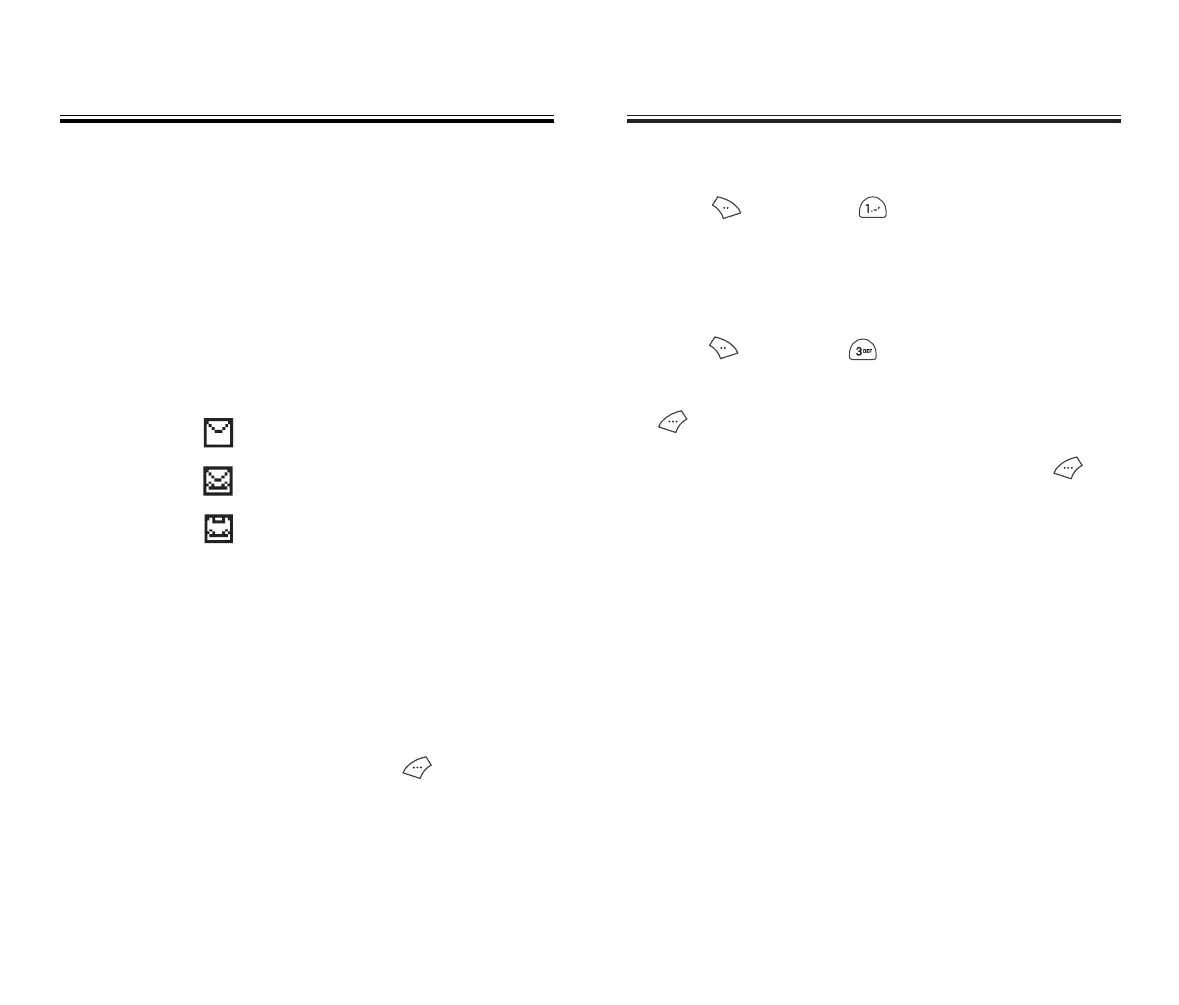
: Text Message
: Voice + Text Mail Message
: Voicemail Message
MESSAGE INDICATORS
The following symbols indicate the status of a message
received by your phone. These symbols appear for voice-
mail and text messages.
Page 98 - Chapter 6
50C-verginmobile3/21ºˆ¡§ 2003.3.21 10:30 AM Page 100



 To Next Page