Page 46 - Chapter 3
USING YOUR CONT
USING YOUR CONT
ACTS
ACTS
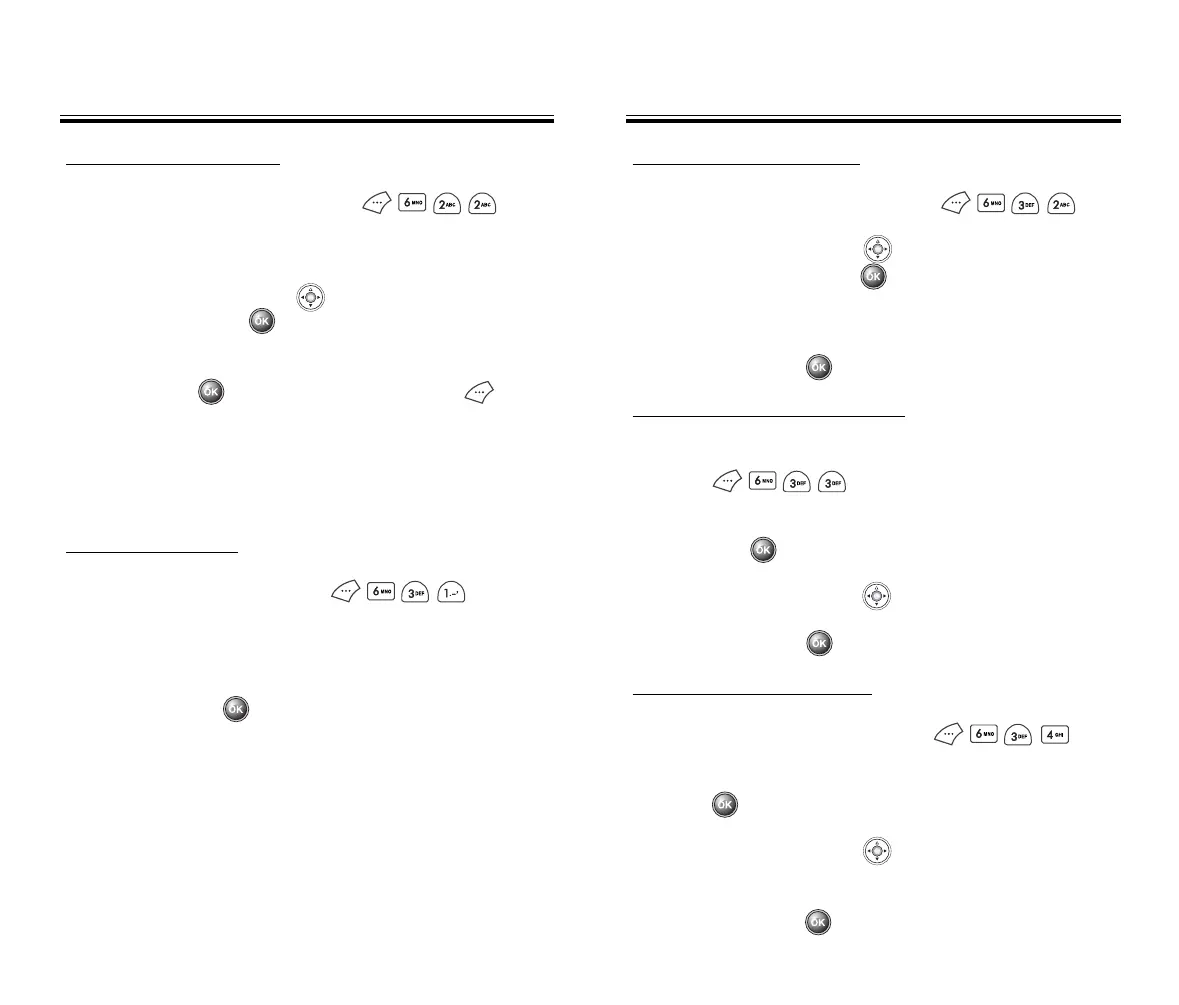
CHANGE GROUP RINGTONE
1. To change the Ringtone for a group,
press .
2. Select the group whose Ringtone is to be changed
and press .
3. Use the navigation key to select a Ringtone.
4. To save it, press .
CHANGE GROUP COLOR
1. To change a group color, press .
2. Select the group whose color is to be changed and
press .
3. Use the navigation key to select one of the
group colors.
4. To save it, press .
CHANGE GROUP NAME
1. To change a group name, press .
2. Use the navigation key to select an existing
group name and press .
3. Input a new name.
4. To save it, press .
EDIT GROUP
Adds, changes or deletes a group.
USING YOUR CONT
USING YOUR CONT
ACTS
ACTS
ADD NEW GROUP
1. To add a new group, press .
A maximum of 7 groups is allowed.
2. Input a new group name.
3. To save, press .
EDIT EXISTING ENTRY
1. To edit an existing entry, press .
The 5 entry groups appear – Family, Friends, Work,
Etc., All.
2. Use the navigation key to select one of the
groups and press .
3. Select an entry under the group. To view or edit the
entry, press . To delete the entry, press .
Chapter 3 - Page 47
50C-verginmobile3/21ºˆ¡§ 2003.3.21 10:29 AM Page 48



 To Next Page